
AI Create style
Yapay zekâ manga görsel oluşturucu
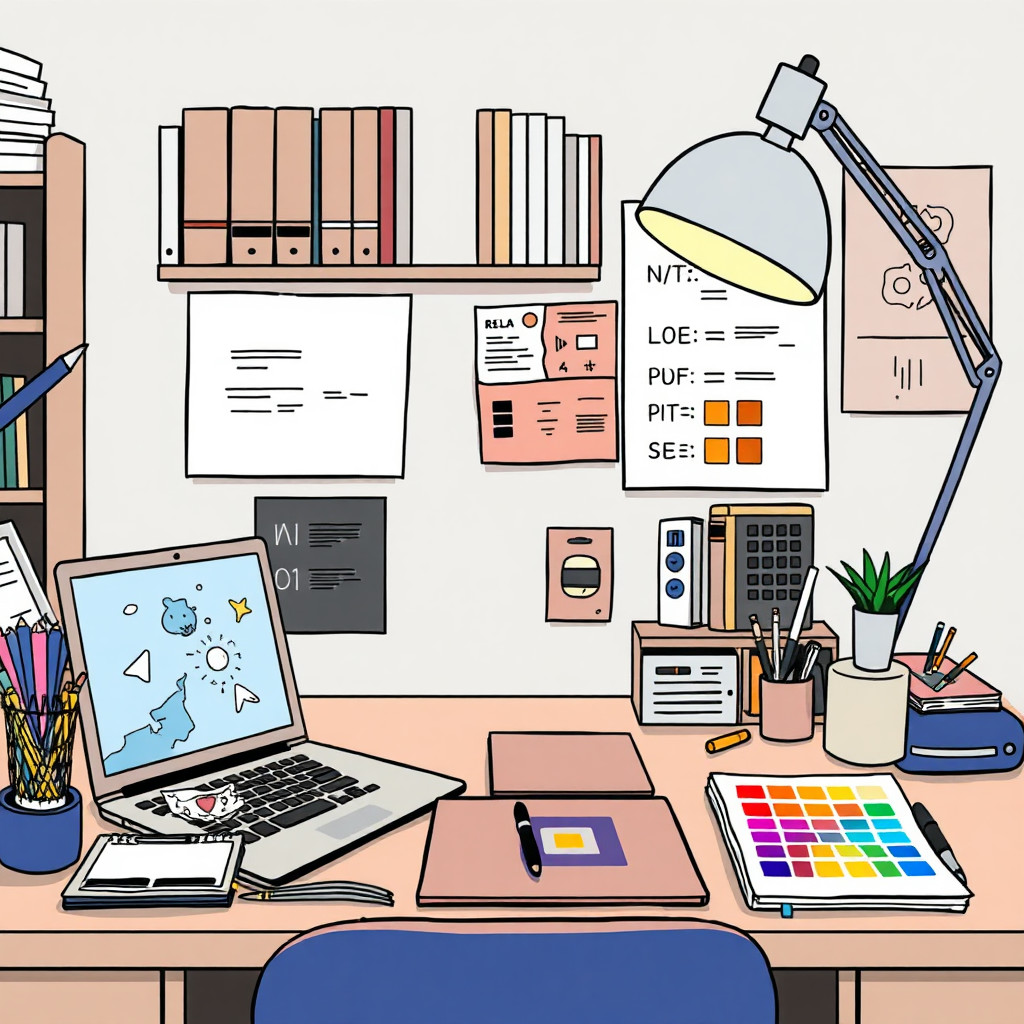
Özgün karakterler, çizgi roman panelleri, avatarlar, küçük resimler ve hikâye sahneleri için metinden manga esintili görseller oluşturun. Pozu, duyguyu, kamera açısını, ışığı ve kompozisyonu belirtin. Sonuç yaratıcı bir yorumdur; kullanmadan önce yüzleri, elleri ve ayrıntıları inceleyin.
Use case
İçerik üreticisi avatarları, kanal grafikleri ve stilize portreler.
Use case
Hikâye taslakları, çizgi roman küçük resimleri ve karakter ya da sahne fikirleri.
Use case
Güçlü çizgiler ve etkileyici yüzler kullanan ürün fikirleri.
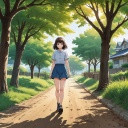
Visual direction preview
Use the style thumbnail as the creative target
The preview gives users a concrete reference for color, texture, edge detail, and mood before they open the generator. Pair it with the prompt starters below to keep the page useful instead of only decorative.
Generated examples
See the manga style in real outputs
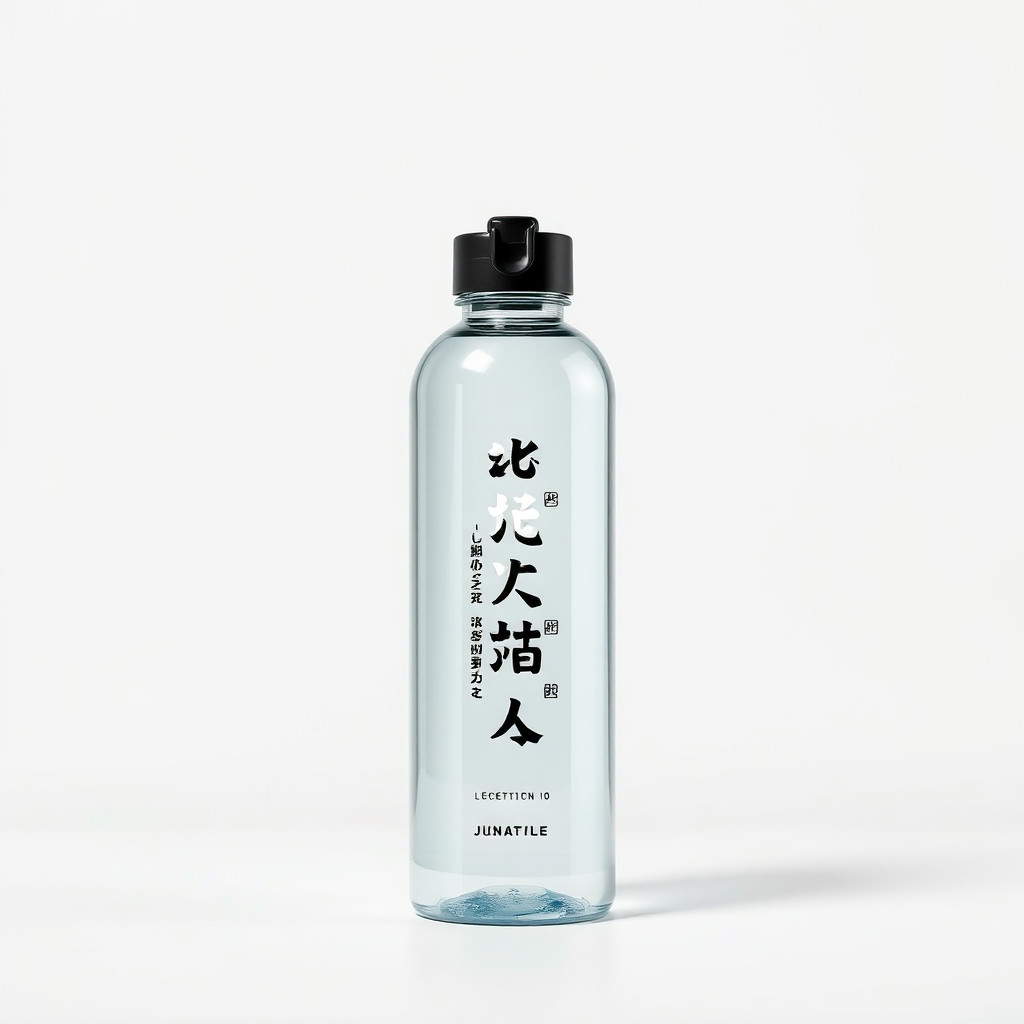
These examples were generated through the Magic Eraser AI Create API with the manga style selected.
Prompt workflow
How to get a stronger manga result
Konuyu, pozu, ifadeyi, kıyafeti ve arka planı açıklayın.
Çizgi türünü, ışığı ve kamera açısını ekleyip birkaç seçenek üretin.
En okunaklı kompozisyonu seçin, kırpıp hataları düzeltin ve kesin metni ayrıca ekleyin.
Prompt starters
- “Özgün manga kahramanı portresi, kararlı ifade, temiz mürekkep çizgileri, dramatik kenar ışığı”
- “Kafe penceresinde kitap okuyan özgün karakter, yumuşak tram gölgesi”
- “Şehir merdivenlerinden atlayan kaykaycının manga aksiyon paneli, hareket çizgileri, güçlü siyah-beyaz kontrast”
Style tips
- Telifli karakter adları yerine özgün karakter özellikleri yazın.
- Küçük görseller için temiz kompozisyon isteyin.
- Aksiyon sahnelerinde hareket çizgilerini, açıyı ve ön–arka plan ayrımını belirtin.
Output planning checklist
- Decide the final placement before prompting: square post, vertical story, product insert, poster, thumbnail, or wide banner.
- Keep one primary subject and one visual mood so the manga style has a clear job.
- Describe the background as simple, detailed, bright, dark, studio, outdoor, or textured instead of leaving it open-ended.
- Generate variations first, then edit the selected image for crop, cleanup, and export size.
When to choose this style
Choose manga when the image needs a clear creative direction before production: an ad concept, a social visual, a character idea, a packaging mood, or a fast design draft. Choose another style if the final asset must look like a camera photo, preserve exact product color, or include precise typography.
For commercial work, treat the generated image as a starting point. Review details, remove distracting artifacts, add exact text separately, and export the final size from the editor.
FAQ
Can I edit the generated image?
Yes. Generate the image, then continue with cleanup, crop, background, and export tools in Magic Eraser.
Should I include exact text?
Use AI Create for the visual direction. Add exact text later with editable design tools for cleaner spelling and layout.
Is this style selected automatically?
The CTA opens AI Create with the manga style parameter, and the app falls back safely if the option changes.