
AI Create style
Yapay zekâ grafiti görsel oluşturucu
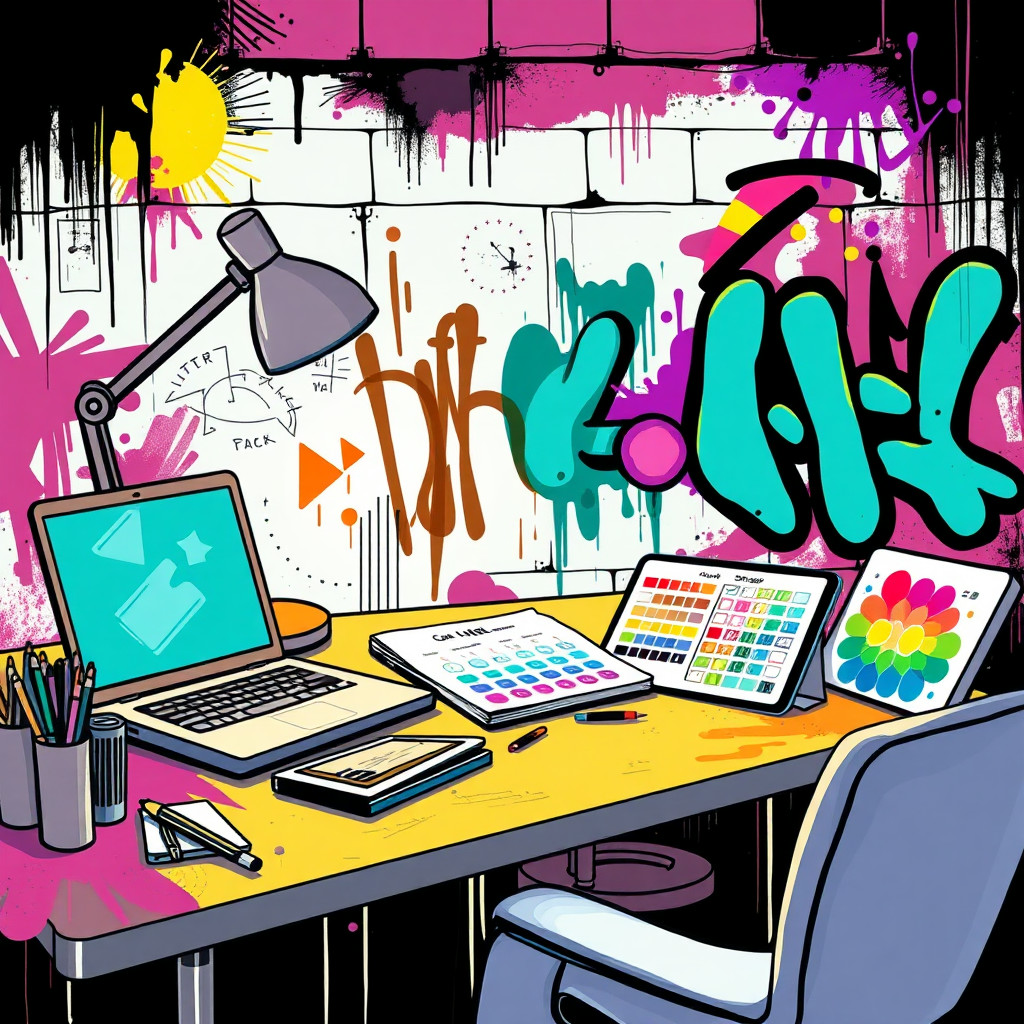
Kent posterleri, albüm fikirleri, etkinlik grafikleri ve cesur sosyal içerikler için grafitiden ilham alan görseller üretin. Gerçek bir sanatçıyı veya korunan logoyu kopyalamak yerine özgün harf biçimlerini, duvar dokusunu, boya sıçramalarını, paleti ve atmosferi tarif edin.
Use case
Müzik, sokak modası, spor ve gençlik kültürü kampanya fikirleri.
Use case
Sprey boya enerjili kent arka planları, etkinlik posterleri ve sosyal görseller.
Use case
Sokak duvarı sahnesine yerleştirilmiş özgün maskot veya nesneler.
Visual direction preview
Use the style thumbnail as the creative target
The preview gives users a concrete reference for color, texture, edge detail, and mood before they open the generator. Pair it with the prompt starters below to keep the page useful instead of only decorative.
Generated examples
See the grafiti style in real outputs
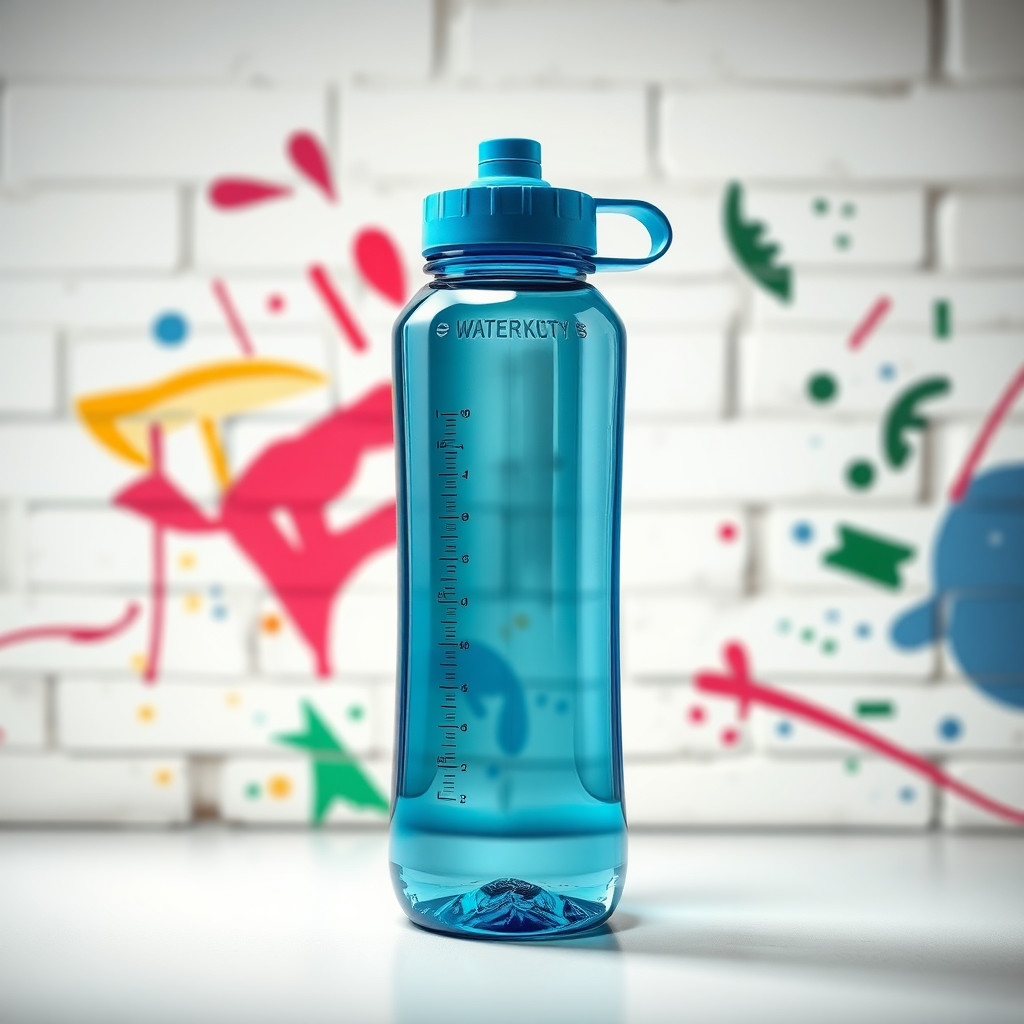
These examples were generated through the Magic Eraser AI Create API with the grafiti style selected.
Prompt workflow
How to get a stronger grafiti result
Hareket veya ışık eklemeden önce duvarı, boya dokusunu, paleti ve konuyu belirleyin.
Harf biçimi ve arka plan yoğunluğu değişebileceği için birkaç sürüm üretin.
Dağınık izleri temizleyin veya en güçlü boyalı alana kırpın.
Prompt starters
- “Tuğla duvarda özgün grafiti poster arka planı, kırmızı ve camgöbeği sprey boya, ürün için temiz orta alan”
- “Grafitiden ilham alan spor ayakkabı kampanyası, boya sıçramaları, kent gece ışığı, güçlü siluet”
- “Özgün fotoğrafçı robot sokak sanatı duvar resmi, renkli sprey boya, pürüzlü duvar”
Style tips
- Harfler tam olmalıysa özgün sözcükler kullanın ya da metin eklemeyin.
- Telif hakkıyla korunan logolardan ve gerçek sanatçı adlarından kaçının.
- Reklam veya poster için okunaklı bir kompozisyon isteyin.
Output planning checklist
- Decide the final placement before prompting: square post, vertical story, product insert, poster, thumbnail, or wide banner.
- Keep one primary subject and one visual mood so the grafiti style has a clear job.
- Describe the background as simple, detailed, bright, dark, studio, outdoor, or textured instead of leaving it open-ended.
- Generate variations first, then edit the selected image for crop, cleanup, and export size.
When to choose this style
Choose grafiti when the image needs a clear creative direction before production: an ad concept, a social visual, a character idea, a packaging mood, or a fast design draft. Choose another style if the final asset must look like a camera photo, preserve exact product color, or include precise typography.
For commercial work, treat the generated image as a starting point. Review details, remove distracting artifacts, add exact text separately, and export the final size from the editor.
FAQ
Can I edit the generated image?
Yes. Generate the image, then continue with cleanup, crop, background, and export tools in Magic Eraser.
Should I include exact text?
Use AI Create for the visual direction. Add exact text later with editable design tools for cleaner spelling and layout.
Is this style selected automatically?
The CTA opens AI Create with the grafiti style parameter, and the app falls back safely if the option changes.