
AI Filter style
ฟิลเตอร์ภาพ AI ราตรีประดับดาว
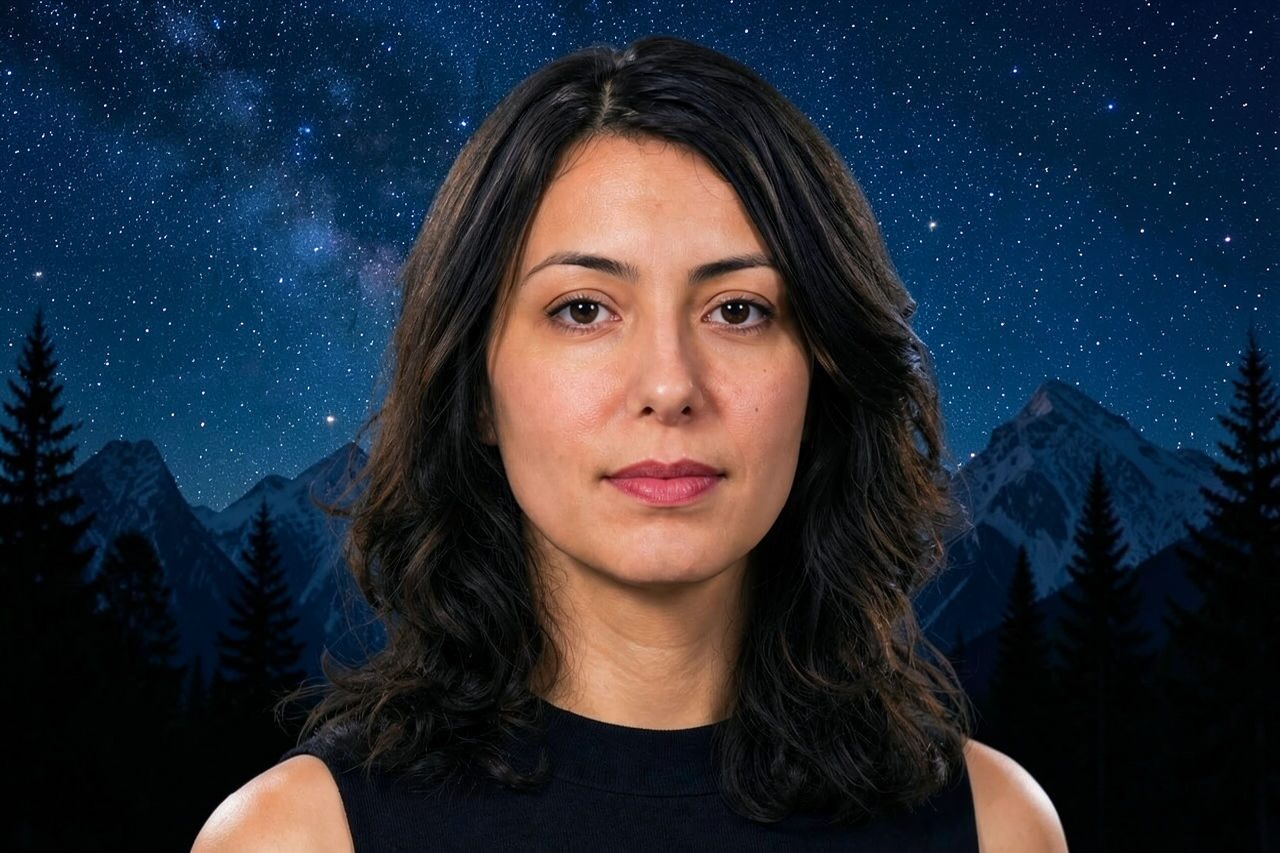
ใช้ฟิลเตอร์ภาพ AI ราตรีประดับดาวกับภาพบุคคล สัตว์เลี้ยง ผลิตภัณฑ์ และฉากท่องเที่ยว เพื่อสร้างบรรยากาศท้องฟ้ายามค่ำที่โดดเด่นด้วยสีน้ำเงินเข้ม แสงสว่างคล้ายดวงดาว และพื้นผิวที่เปี่ยมอารมณ์ ดูตัวอย่าง ตรวจสอบรายละเอียดสำคัญ แล้วครอปหรือลบสิ่งรบกวนก่อนส่งออก

Use case
ภาพบุคคลและภาพโปรไฟล์ที่มีบรรยากาศ รวมถึงโพสต์ของครีเอเตอร์
Use case
ภาพท่องเที่ยว สัตว์เลี้ยง ผลิตภัณฑ์ และอีเวนต์ในธีมกลางคืน
Use case
ร่างแคมเปญและกราฟิกโซเชียลที่ต้องการอารมณ์สีน้ำเงินและทองโดดเด่น
Filter preview
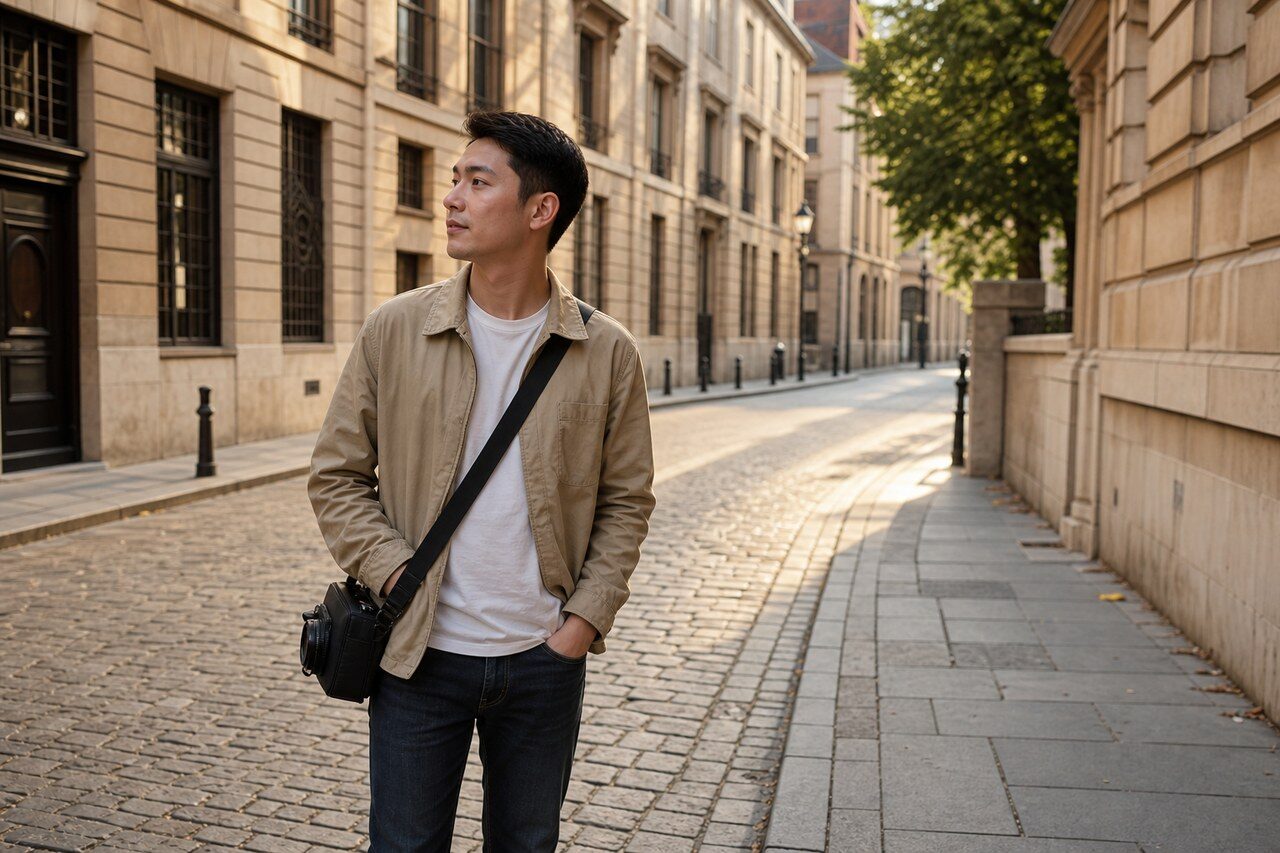
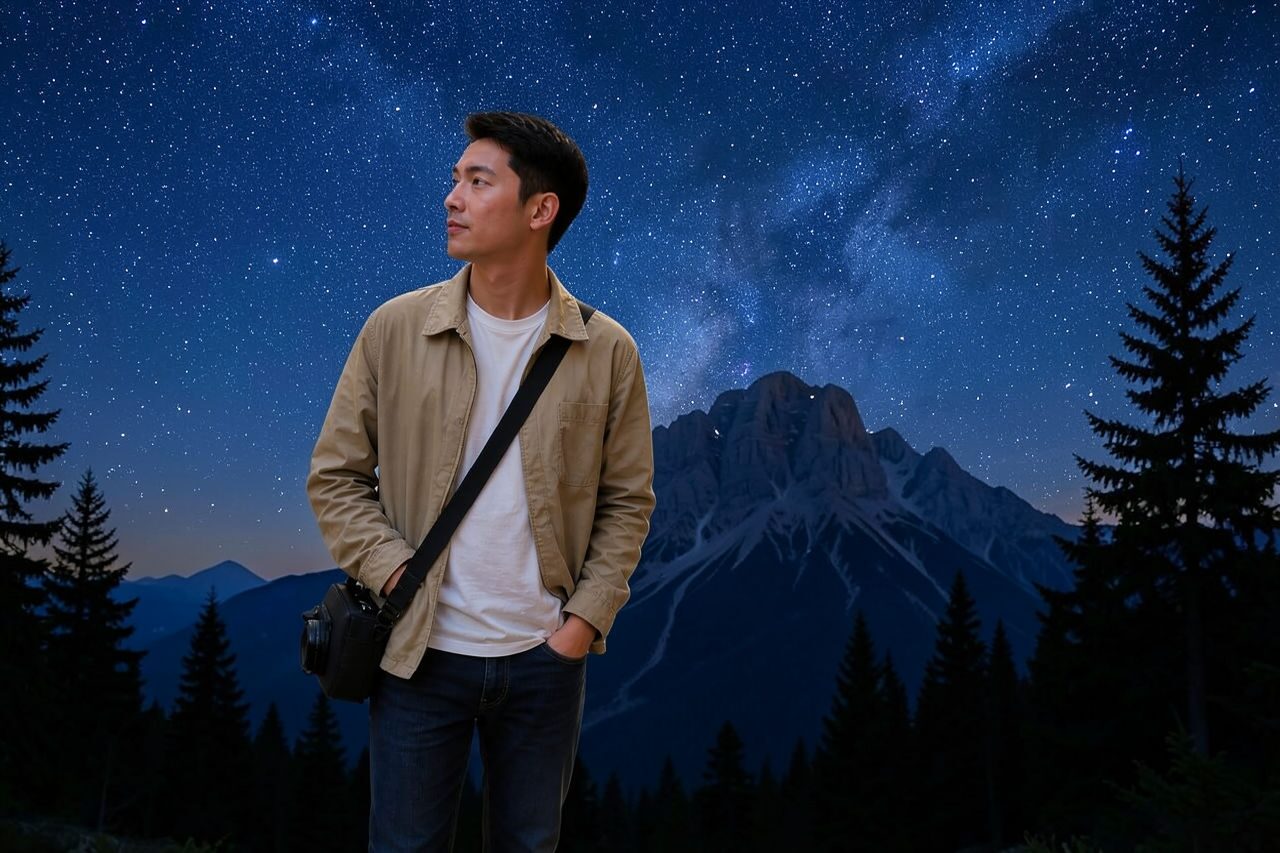
Compare the original photo with the starry night result
The example uses a generated source photo and the same filter API path as the app, so users can judge the visual treatment before uploading their own image.
More examples
Test the starry night filter on different photo types
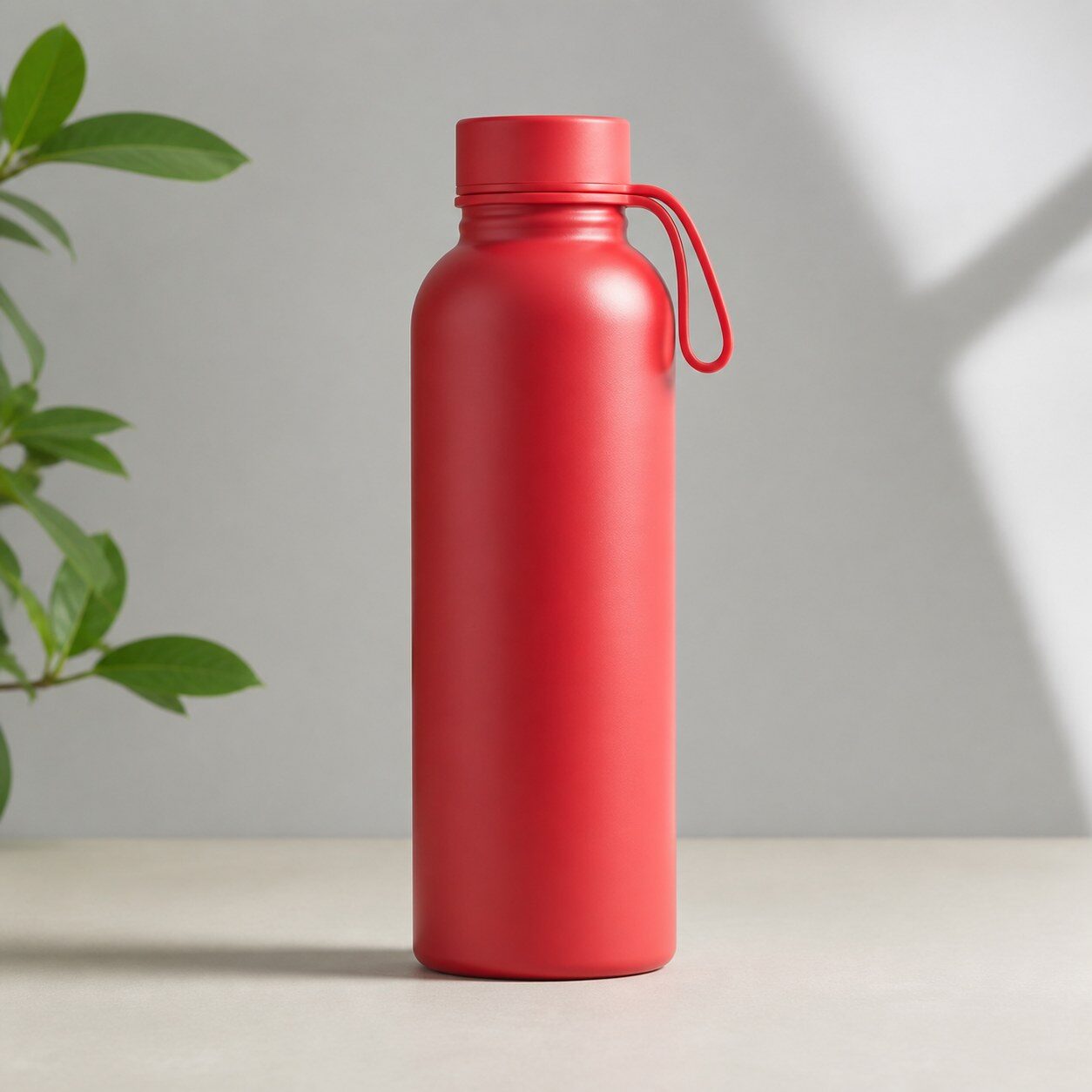
Compare portrait, product, and pet examples before opening the filter. Each result uses the same filter API path as the Magic Eraser app.


Portrait
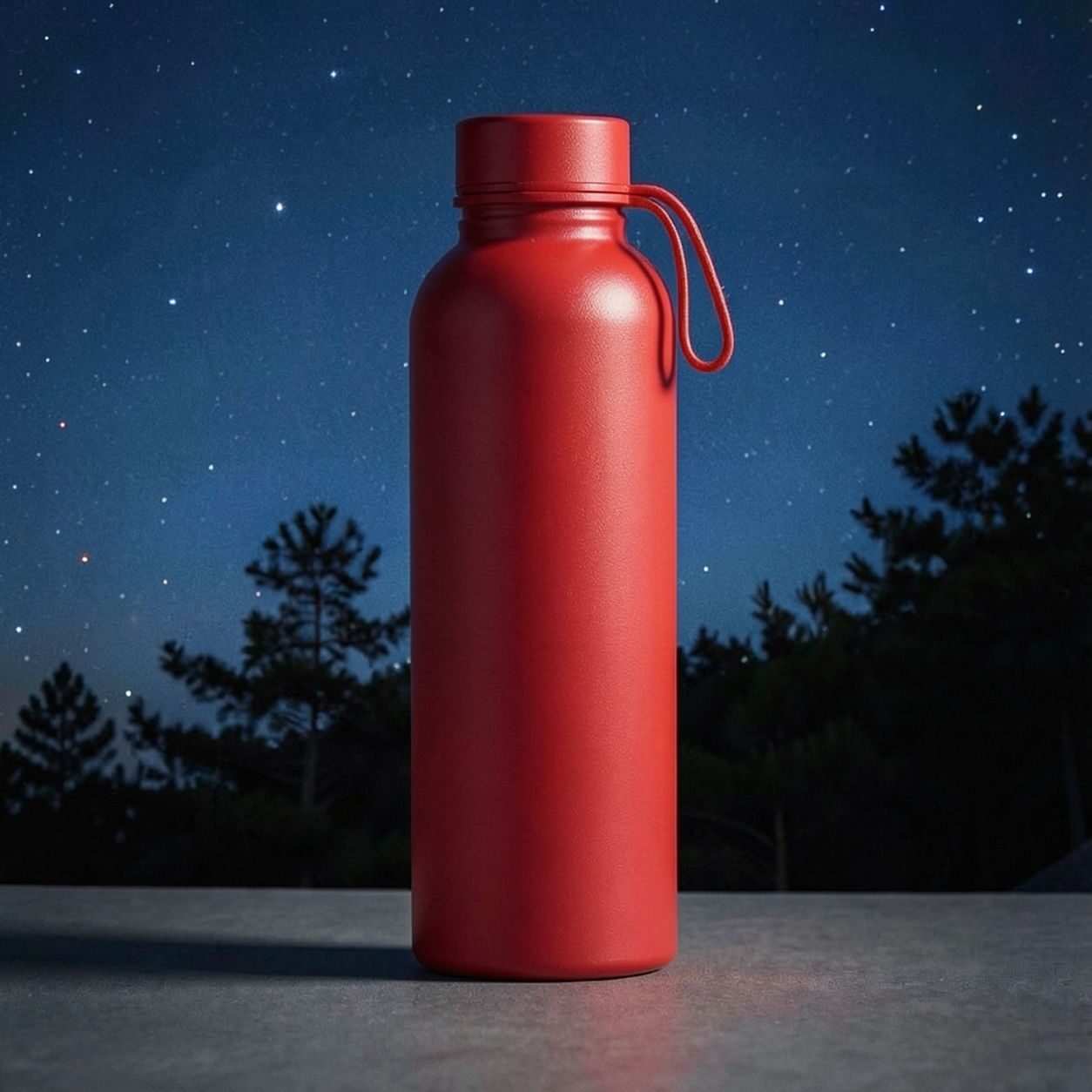
Product
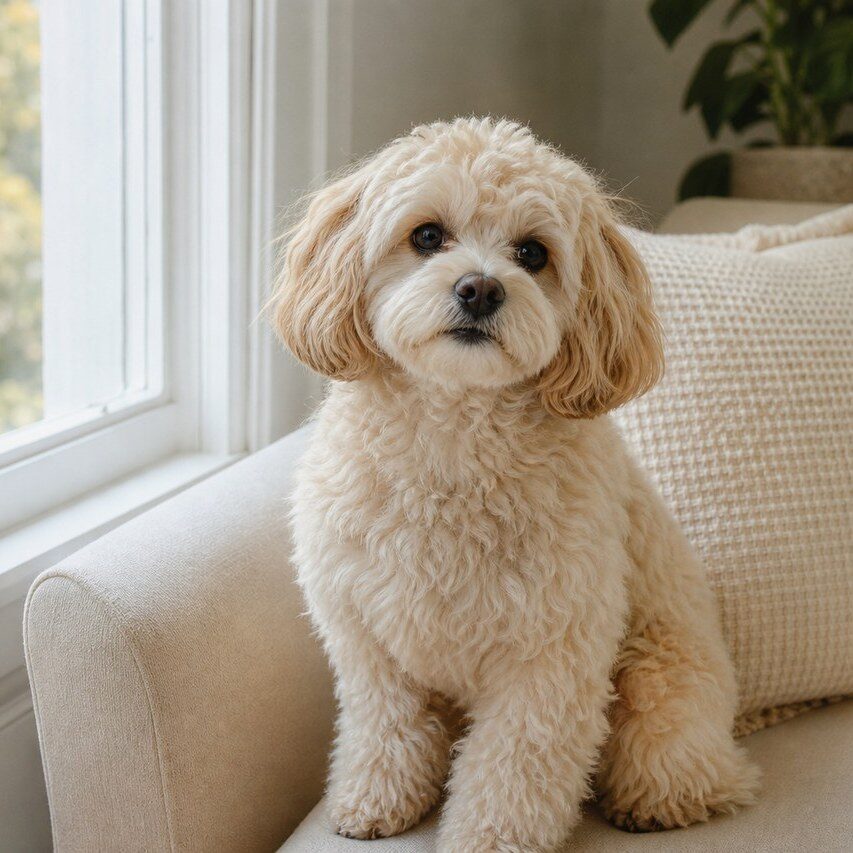
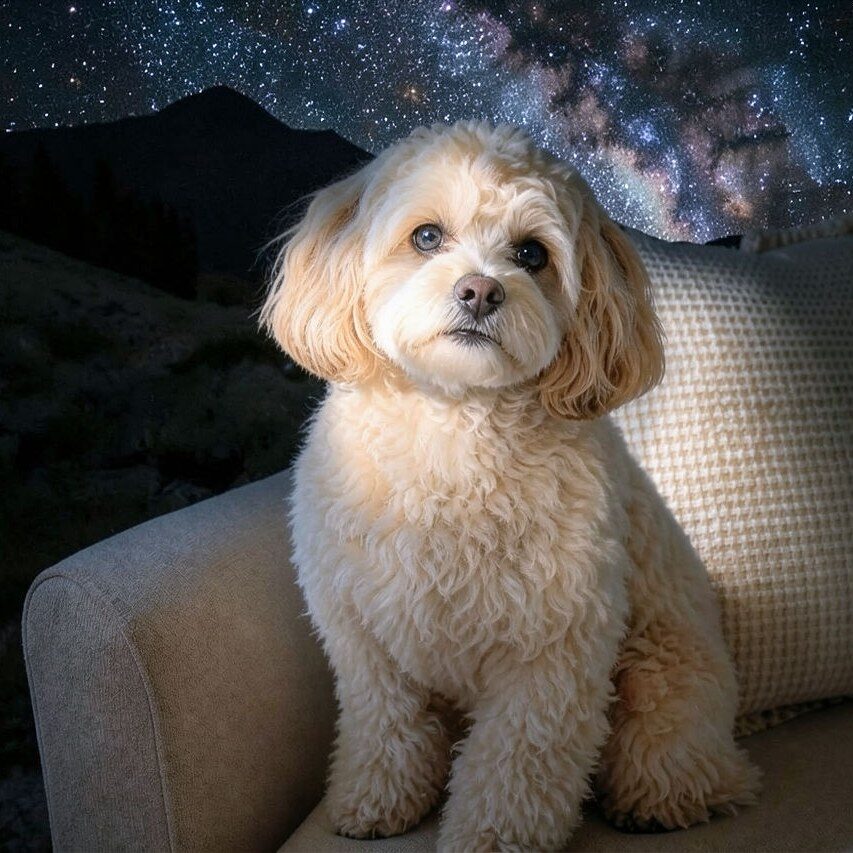
Pet
Photo workflow
How to get a cleaner starry night filter result
เลือกภาพที่ชัดและมีแสงเพียงพอ โดยมีตัวแบบหลักหนึ่งอย่างและขอบที่มองเห็นได้
เปิดฟิลเตอร์ราตรีประดับดาว อัปโหลดภาพ แล้วเปรียบเทียบตัวอย่างกับภาพต้นฉบับ
ตรวจสอบใบหน้า ฉลาก และรายละเอียดเล็ก ๆ จากนั้นครอปหรือลบสิ่งรบกวนก่อนส่งออก
Best source photos
- ภาพบุคคล เซลฟี สัตว์เลี้ยง และภาพโปรไฟล์ครีเอเตอร์
- ฉากท่องเที่ยว อาคาร ผลิตภัณฑ์ และภาพอีเวนต์
- ภาพที่เหมาะกับบรรยากาศท้องฟ้ายามค่ำสีน้ำเงินและทองอันโดดเด่น
Filter tips
- พื้นหลังเรียบช่วยให้พื้นผิวท้องฟ้ายามค่ำที่เปี่ยมอารมณ์เด่นขึ้น
- การแยกตัวแบบจากพื้นหลังอย่างชัดเจนช่วยให้ภาพบุคคลและผลิตภัณฑ์ยังจดจำได้
- ใช้ขั้นตอนอื่นเมื่อต้องการสีผลิตภัณฑ์ที่แม่นยำหรือความถูกต้องเชิงสารคดี
Before upload checklist
- Use the largest clean version of the photo, not a compressed screenshot or reposted image.
- Crop loosely before filtering so the AI has enough room around the subject.
- Remove obvious distractions first if they sit directly on the face, product, or main subject.
- Check the result at the size where it will be used: profile image, feed post, story, thumbnail, or banner.
When this filter is a good fit
Choose the starry night filter when the original photo already has a clear subject and the goal is a recognizable stylized version, not a fully new generated scene. It is strongest for social, creator, profile, event, and campaign images where mood matters more than documentary accuracy.
Use a different workflow when the image needs exact product color, legal documentation, medical accuracy, or unmodified identity details. In those cases, use cleanup, crop, enhancement, or background tools instead of a heavy creative filter.
Free browser tools after filtering
FAQ
What should I upload?
Use a clear photo with one main subject. Strong lighting and simple backgrounds usually make the AI filter easier to control.
Can I keep editing after the filter?
Yes. After applying the filter, use Magic Eraser to crop, clean distractions, refine backgrounds, and export the final image.
Is this filter selected automatically?
The CTA opens AI Filter with the starry night style parameter, and the app falls back safely if the filter changes.