
AI Filter style
ฟิลเตอร์ภาพมังงะด้วย AI
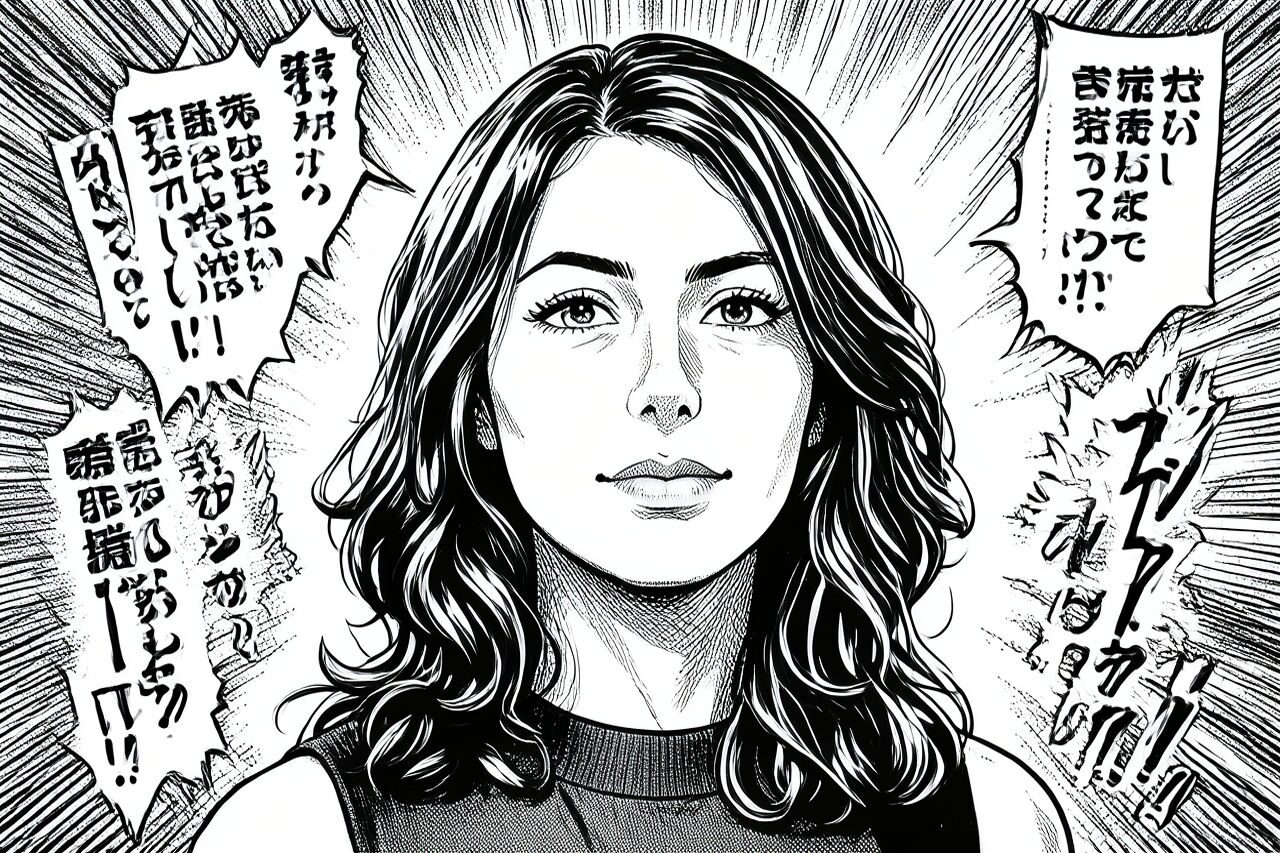
เปลี่ยนภาพบุคคล สัตว์เลี้ยง หรือสินค้าให้เป็นภาพวาดมังงะที่มีเส้นหมึกคมชัด เงาตัดกัน และองค์ประกอบสื่ออารมณ์ ผลลัพธ์เป็นการตีความเชิงสร้างสรรค์ ไม่ใช่สำเนาที่แม่นยำ จึงควรตรวจใบหน้า มือ ข้อความ โลโก้ และรายละเอียดสินค้าก่อนใช้

Use case
ภาพโปรไฟล์ ภาพครีเอเตอร์ และโพสต์ตัวละครในสไตล์มังงะ
Use case
ภาพย่อ โปสเตอร์งาน และแนวคิดปกที่มีความเปรียบต่างสูง
Use case
ภาพสัตว์เลี้ยงหรือสินค้าที่ต้องการลายเส้นแบบภาพวาดหมึก
Filter preview
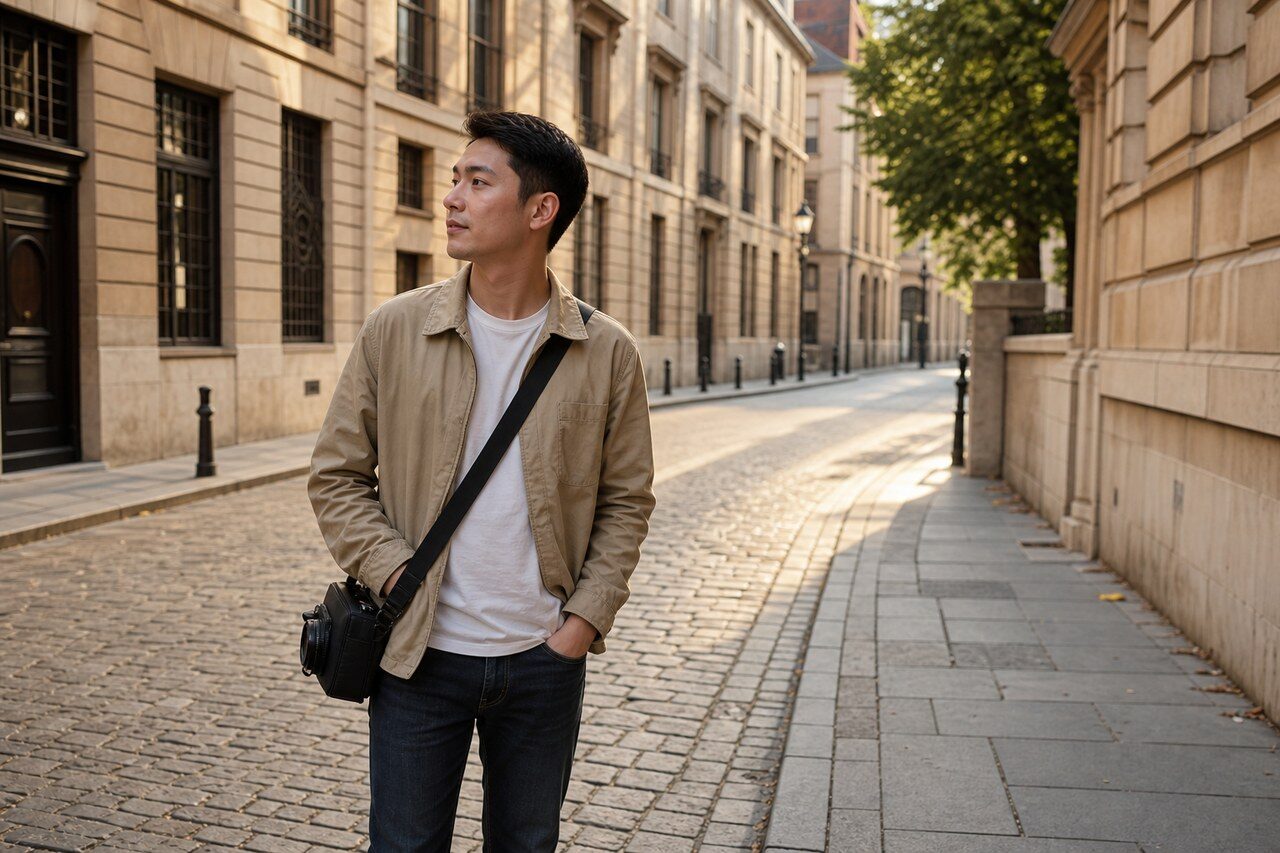
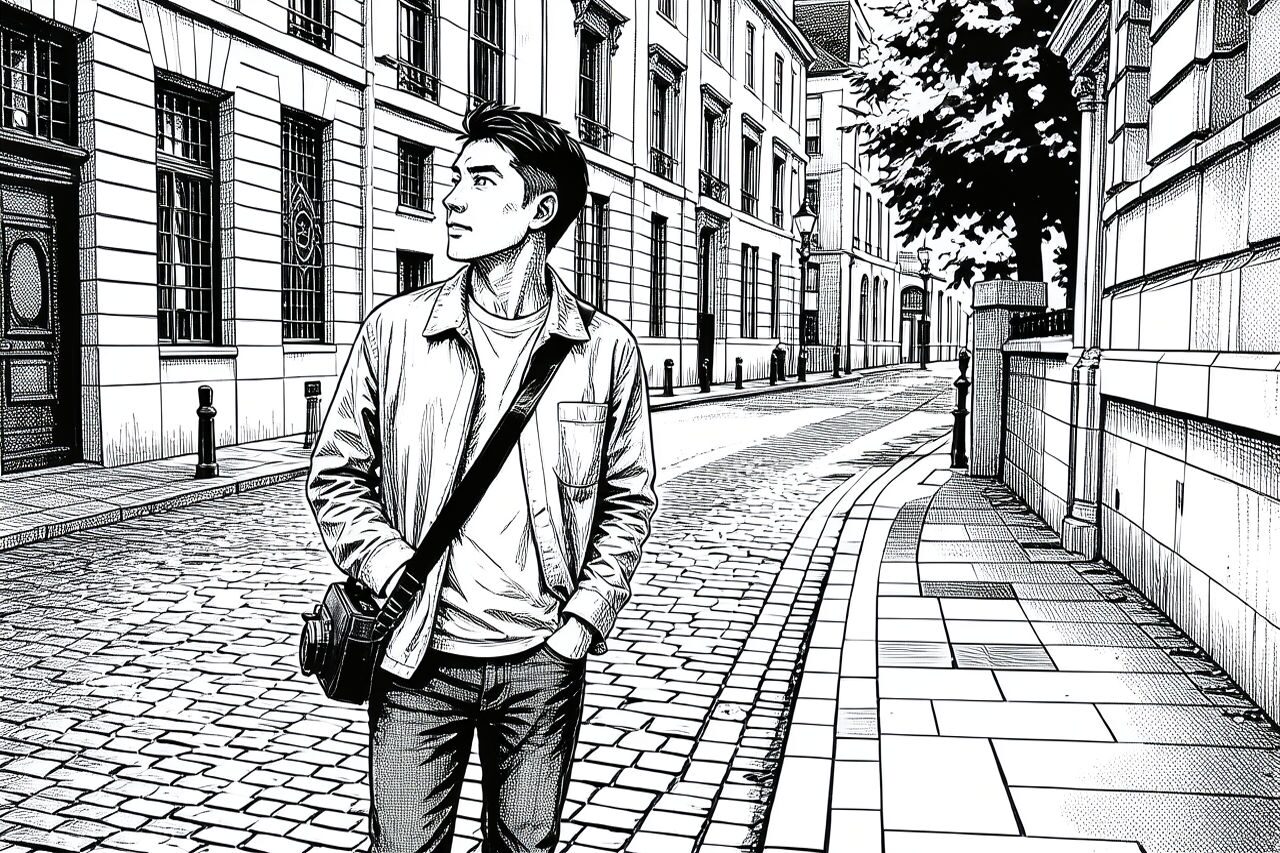
Compare the original photo with the manga result
The example uses a generated source photo and the same filter API path as the app, so users can judge the visual treatment before uploading their own image.
More examples
Test the manga filter on different photo types
Compare portrait, product, and pet examples before opening the filter. Each result uses the same filter API path as the Magic Eraser app.

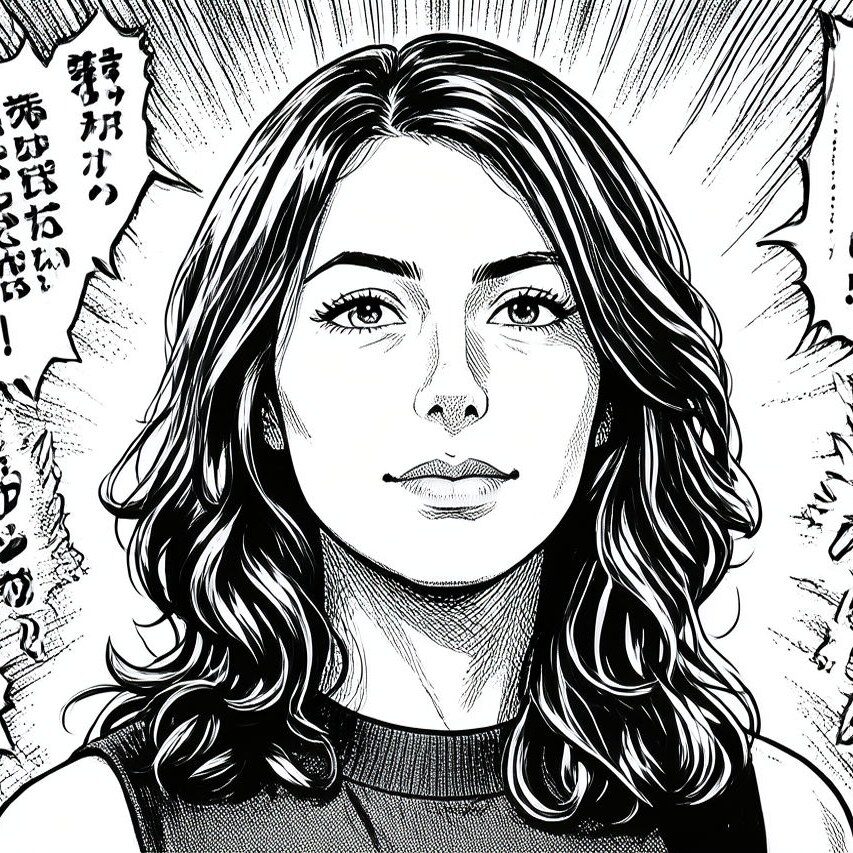
Portrait
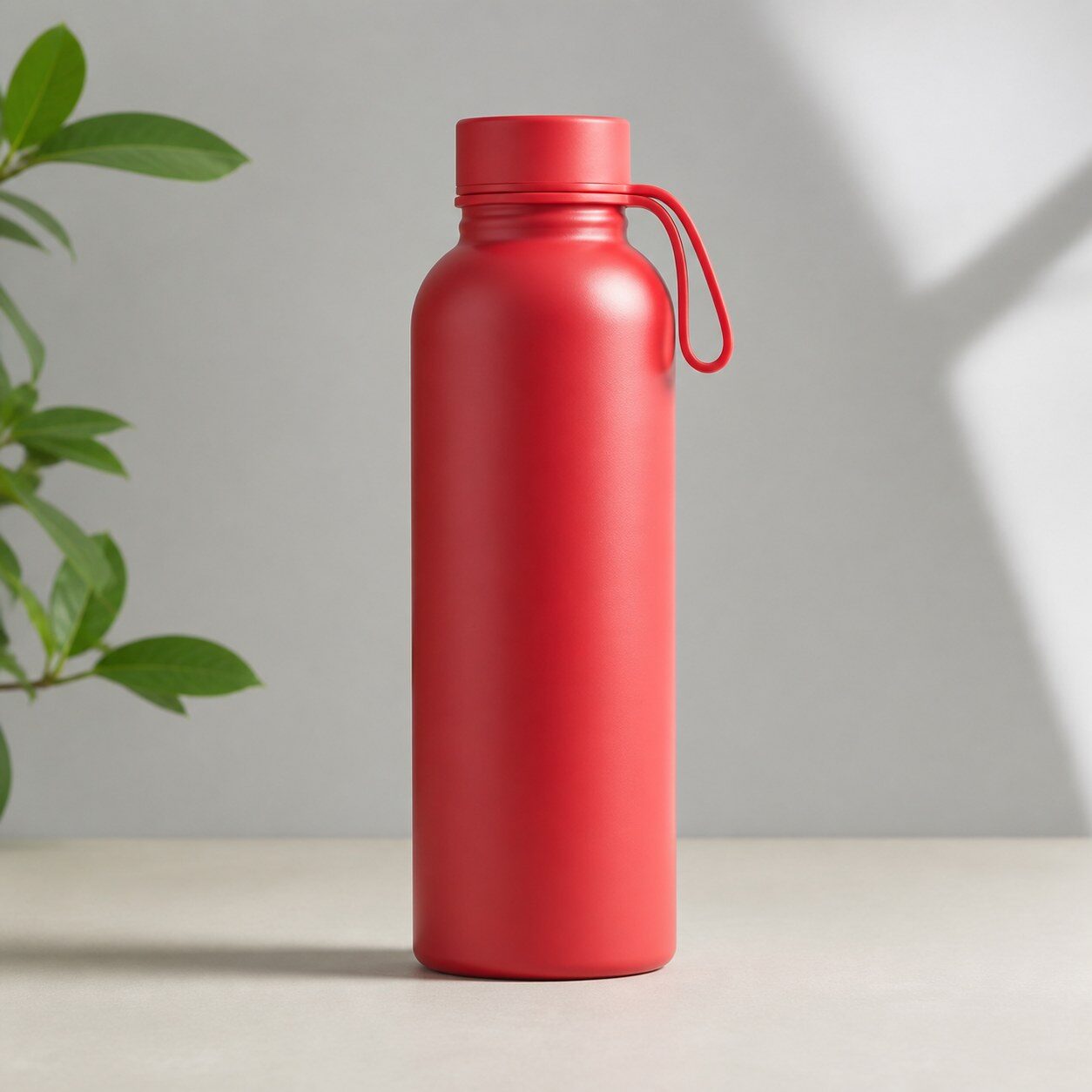
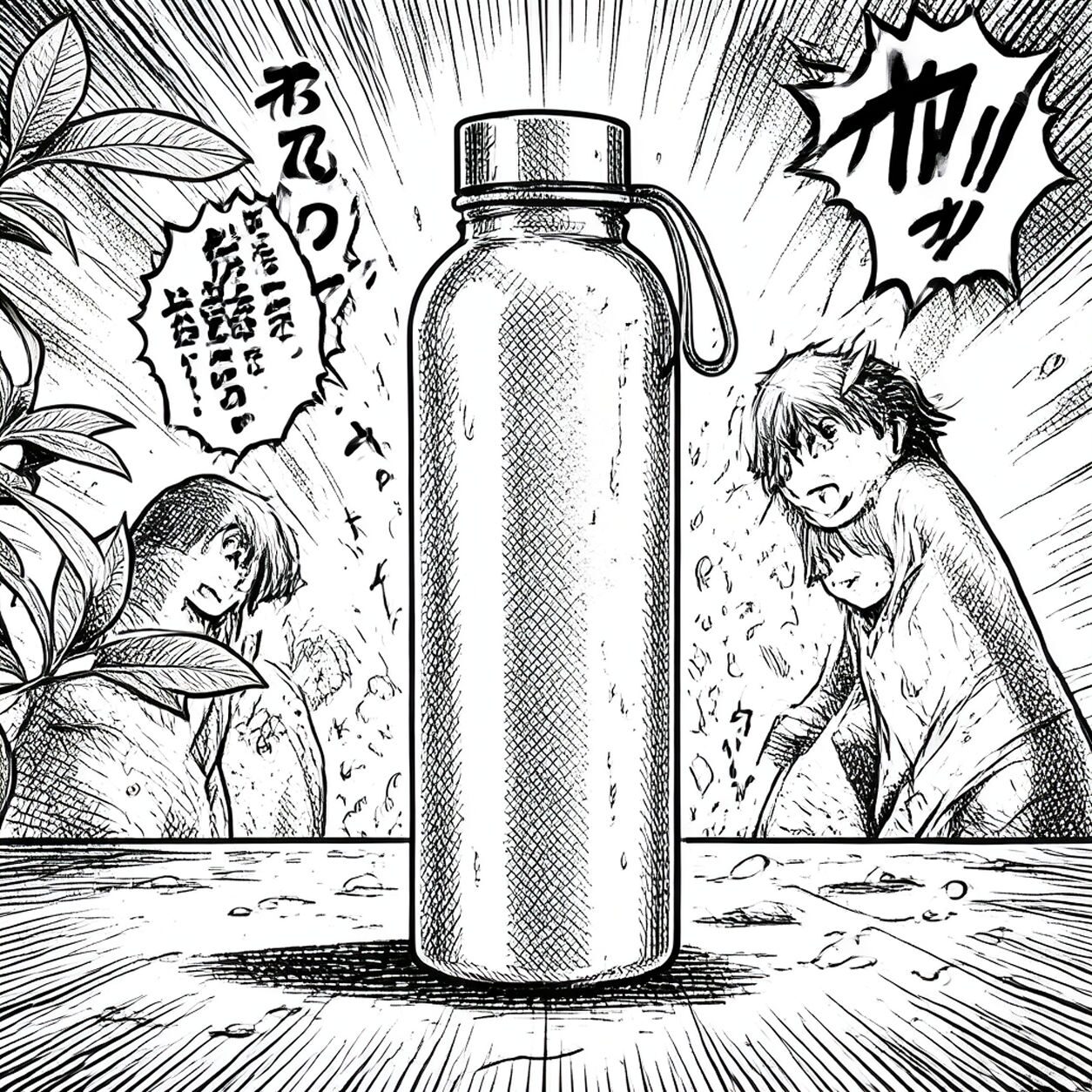
Product

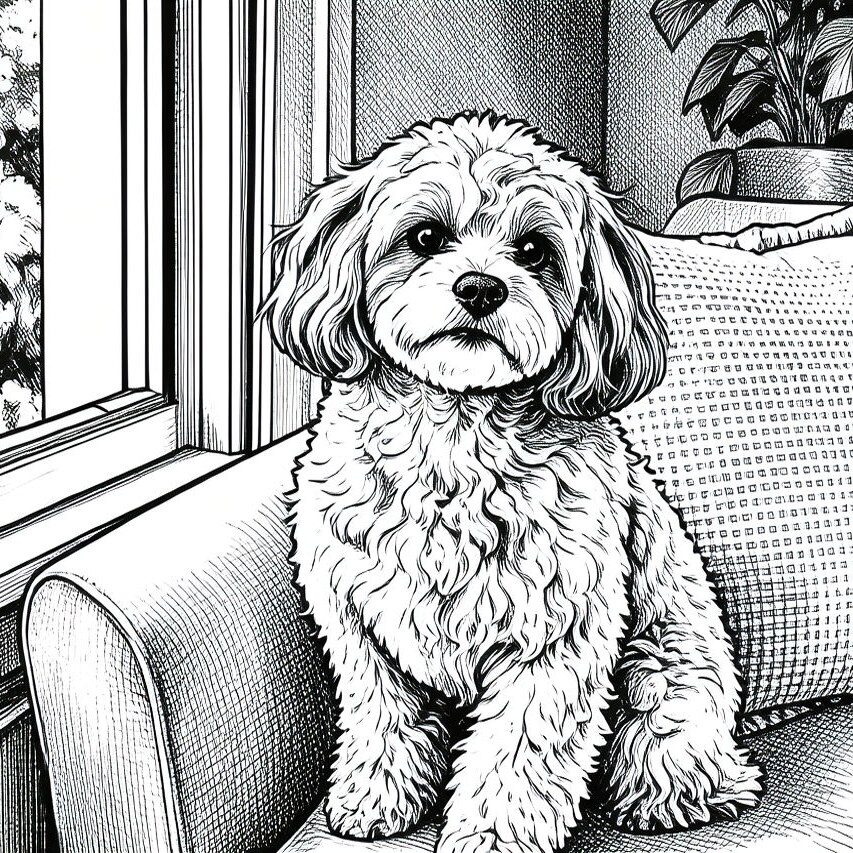
Pet
Photo workflow
How to get a cleaner manga filter result
เลือกภาพสว่างคมชัดที่มีตัวแบบหลักหนึ่งอย่างและพื้นหลังเรียบ
เปิดฟิลเตอร์มังงะ อัปโหลดภาพ แล้วตรวจใบหน้า มือ ขอบ และเงา
ครอปภาพ ลบรายละเอียดผิดพลาด และเพิ่มข้อความหรือโลโก้ที่ถูกต้องแยกต่างหากหลังใช้ฟิลเตอร์
Best source photos
- ภาพบุคคลและภาพครึ่งตัวที่เห็นใบหน้าชัด
- ภาพสัตว์เลี้ยงที่มีท่าทางและเงาร่างชัดเจน
- สินค้าหรือวัตถุที่แยกจากพื้นหลังได้ดี
Filter tips
- แสงสม่ำเสมอและขอบที่ชัดช่วยให้จดจำตัวแบบได้
- หลีกเลี่ยงภาพกลุ่มใหญ่ ใบหน้าที่เล็กมาก และพื้นหลังรก
- อย่าใช้ผลลัพธ์เมื่อจำเป็นต้องรักษาตัวตน สี หรือรายละเอียดสินค้าอย่างแม่นยำ
Before upload checklist
- Use the largest clean version of the photo, not a compressed screenshot or reposted image.
- Crop loosely before filtering so the AI has enough room around the subject.
- Remove obvious distractions first if they sit directly on the face, product, or main subject.
- Check the result at the size where it will be used: profile image, feed post, story, thumbnail, or banner.
When this filter is a good fit
Choose the manga filter when the original photo already has a clear subject and the goal is a recognizable stylized version, not a fully new generated scene. It is strongest for social, creator, profile, event, and campaign images where mood matters more than documentary accuracy.
Use a different workflow when the image needs exact product color, legal documentation, medical accuracy, or unmodified identity details. In those cases, use cleanup, crop, enhancement, or background tools instead of a heavy creative filter.
Free browser tools after filtering
FAQ
What should I upload?
Use a clear photo with one main subject. Strong lighting and simple backgrounds usually make the AI filter easier to control.
Can I keep editing after the filter?
Yes. After applying the filter, use Magic Eraser to crop, clean distractions, refine backgrounds, and export the final image.
Is this filter selected automatically?
The CTA opens AI Filter with the manga style parameter, and the app falls back safely if the filter changes.