
AI Filter style
ฟิลเตอร์ภาพ AI สไตล์อนาคต
ใช้ฟิลเตอร์ภาพ AI สไตล์อนาคตกับภาพบุคคล สินค้า ยานพาหนะ และฉากเมือง เพื่อสร้างลุคไซไฟเรียบหรูพร้อมจุดแสงและรายละเอียดที่ได้แรงบันดาลใจจากเทคโนโลยี ดูตัวอย่าง ตรวจสอบใบหน้า ตัวอักษร และขอบสินค้า แล้วครอปหรือลบสิ่งรบกวนก่อนส่งออก

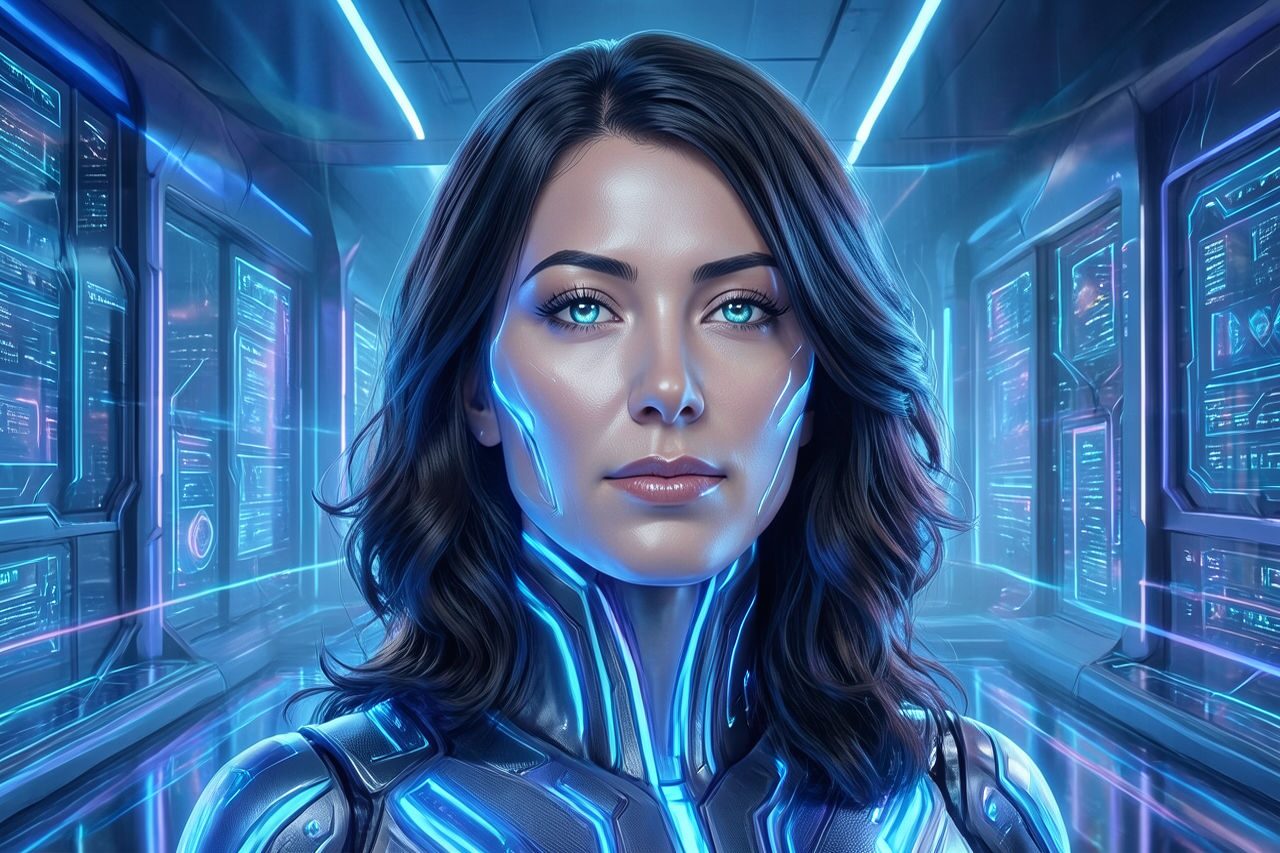
Use case
ภาพบุคคลไซไฟ รูปโปรไฟล์ และงานภาพสำหรับครีเอเตอร์
Use case
แนวคิดแคมเปญด้านเทคโนโลยี ยานพาหนะ แฟชั่น และสินค้า
Use case
ฉากเมือง โปสเตอร์ และกราฟิกโซเชียลที่ต้องการบรรยากาศแห่งอนาคต
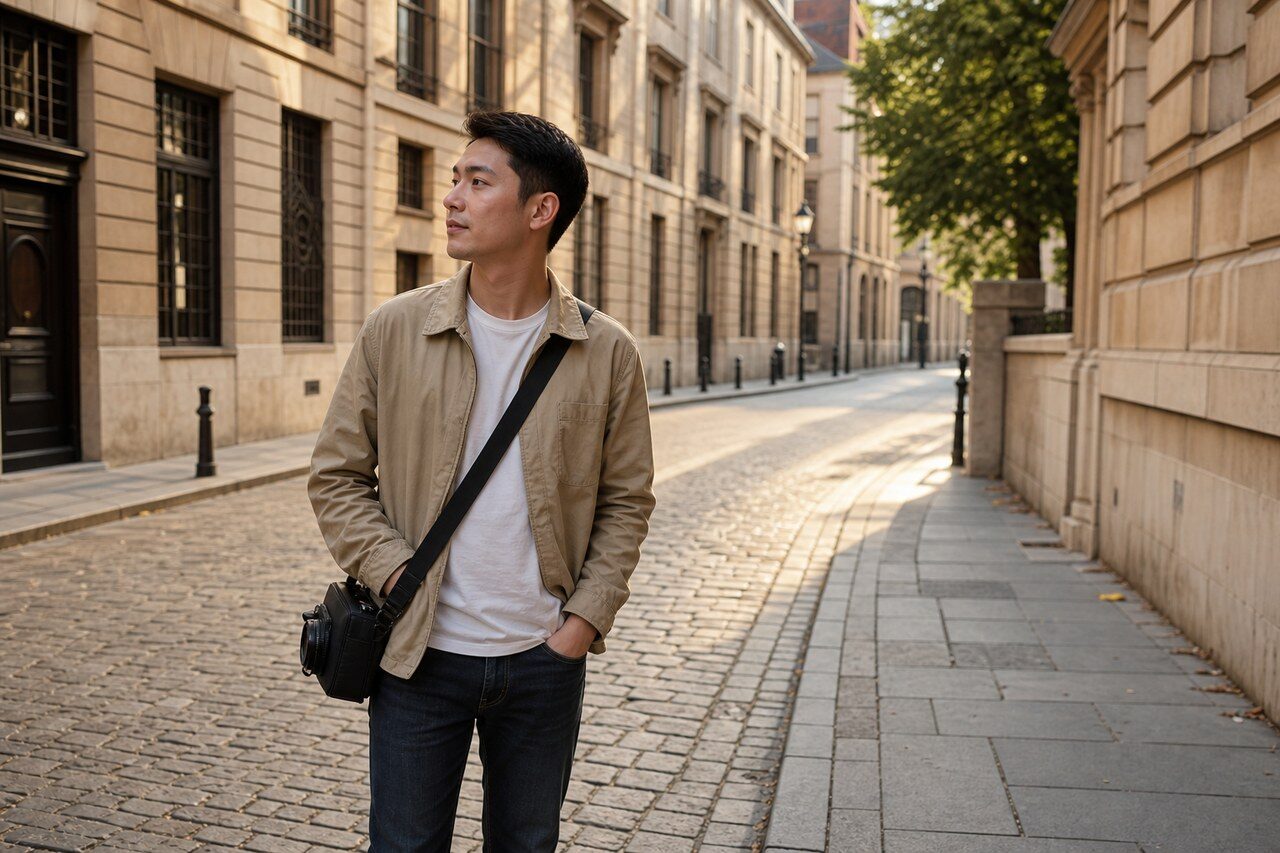
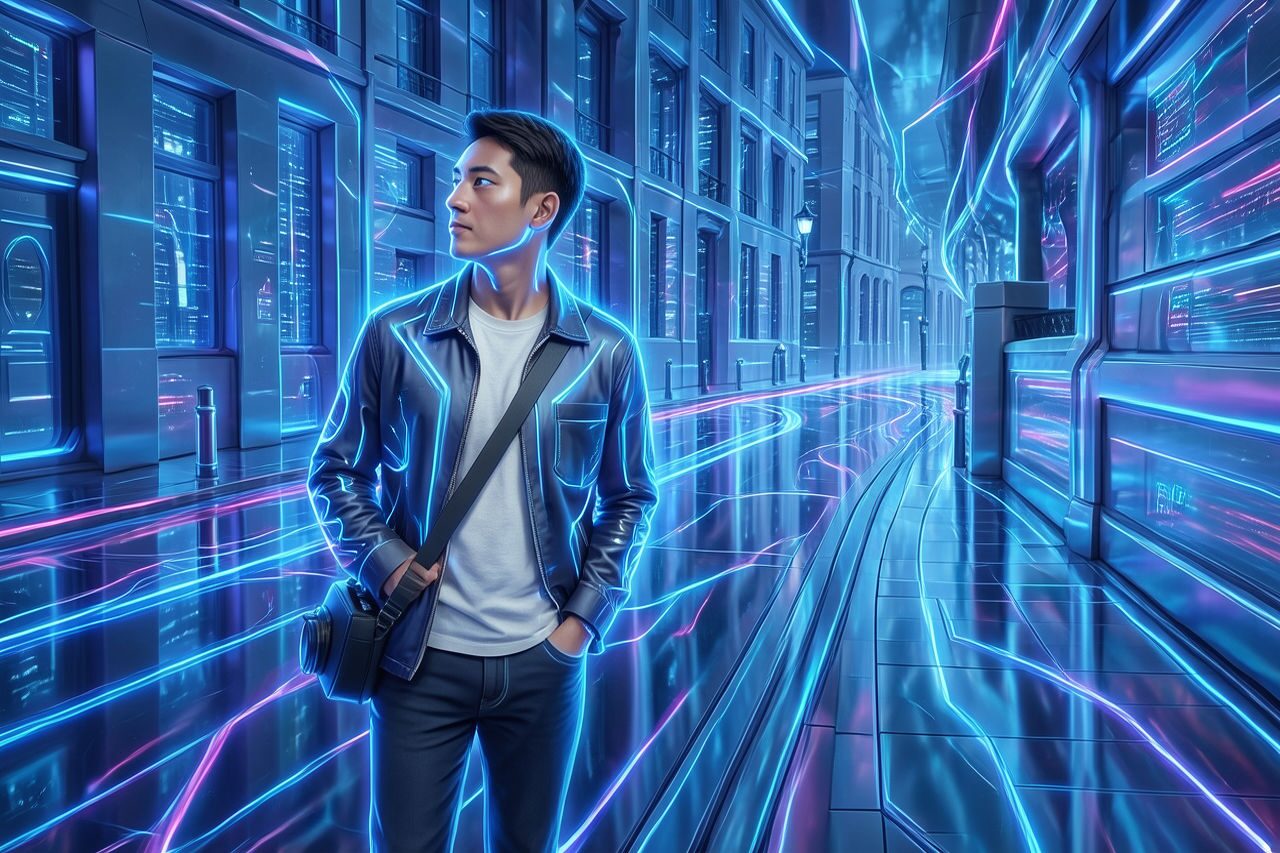
Filter preview
Compare the original photo with the futuristic result
The example uses a generated source photo and the same filter API path as the app, so users can judge the visual treatment before uploading their own image.
More examples
Test the futuristic filter on different photo types
Compare portrait, product, and pet examples before opening the filter. Each result uses the same filter API path as the Magic Eraser app.

Portrait
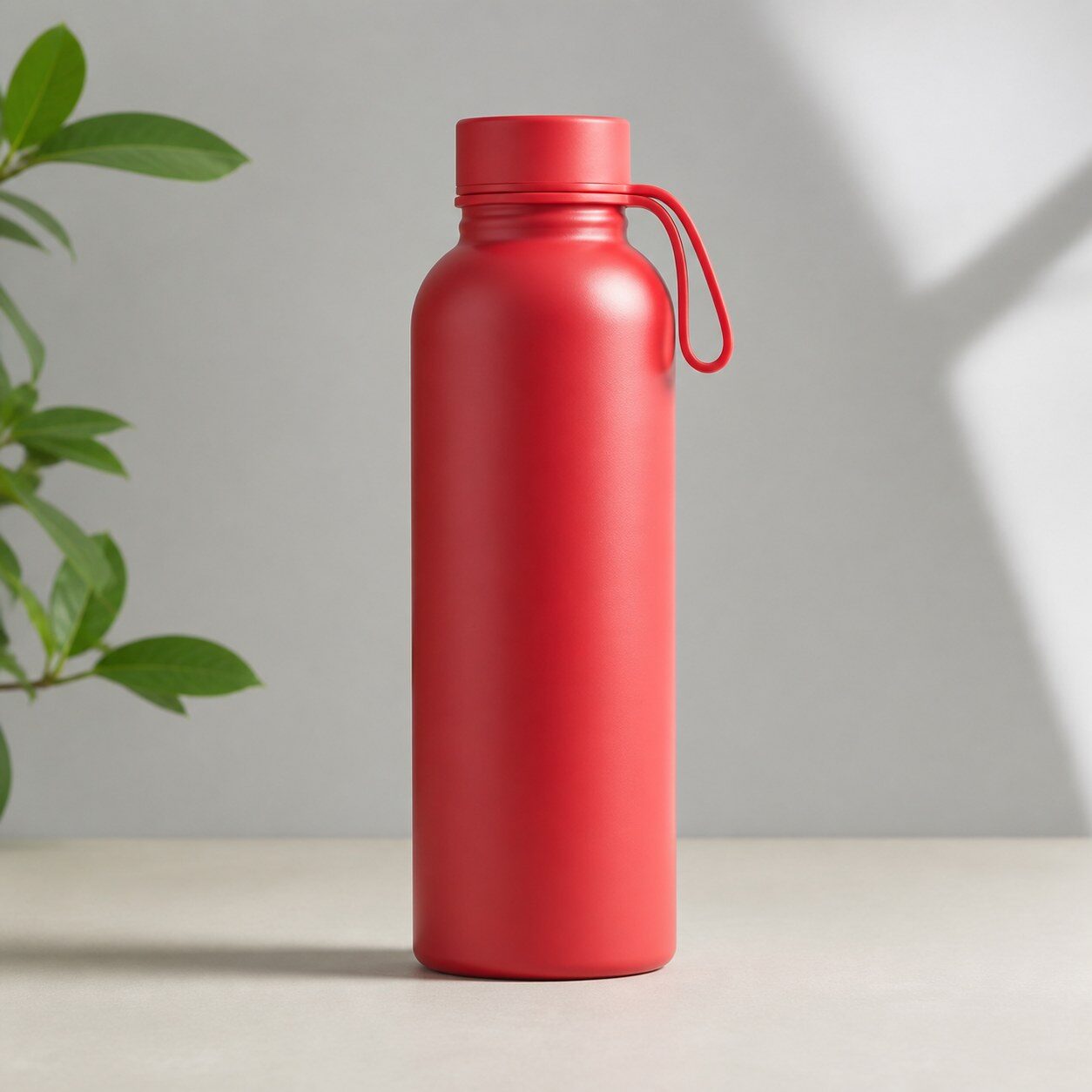
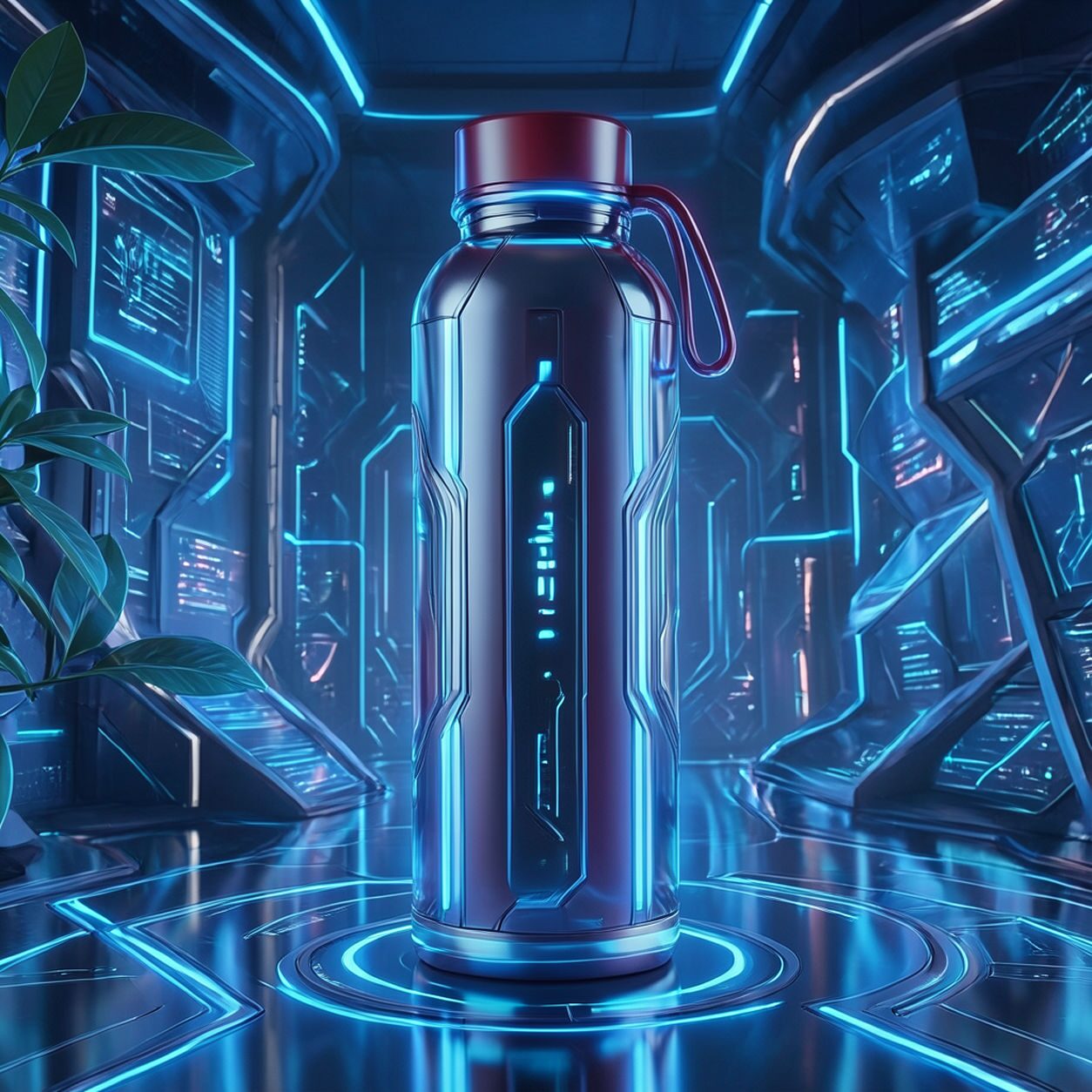
Product

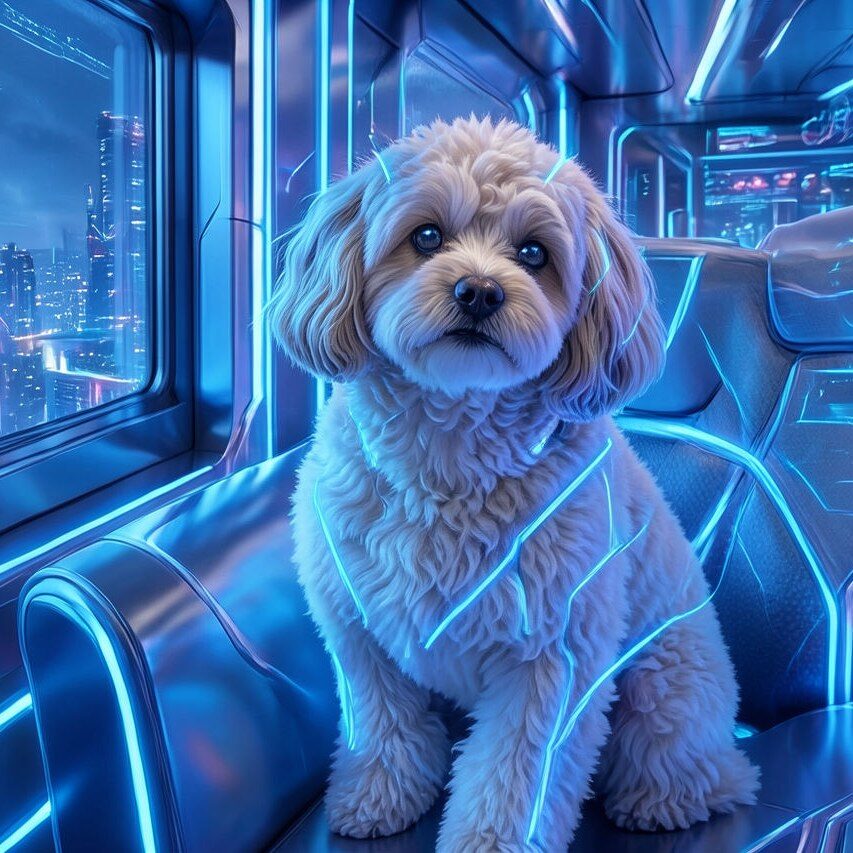
Pet
Photo workflow
How to get a cleaner futuristic filter result
เลือกภาพคมชัดที่มีตัวแบบหลักหนึ่งจุดและเห็นขอบรายละเอียดชัดเจน
เปิดฟิลเตอร์สไตล์อนาคต อัปโหลดภาพ แล้วเปรียบเทียบตัวอย่างกับภาพต้นฉบับ
ตรวจสอบใบหน้า มือ โลโก้ ตัวอักษร และรูปทรงสินค้า แล้วครอปหรือลบสิ่งรบกวน
Best source photos
- ภาพบุคคลและแฟชั่นที่มีแสงชัดเจน
- สินค้า ยานพาหนะ สถาปัตยกรรม และฉากธีมเทคโนโลยี
- ภาพตัวแบบเดียวที่มีเงาร่างชัดและพื้นหลังไม่รก
Filter tips
- พื้นหลังเรียบเปิดพื้นที่ให้จุดแสงและรายละเอียดเทคโนโลยีมากขึ้น
- อย่าคาดหวังว่าฟิลเตอร์จะรักษาตัวอักษร โลโก้ หรือรูปทรงสินค้าได้แม่นยำ
- ใช้ผลลัพธ์เป็นภาพสร้างสรรค์แบบมีสไตล์ ไม่ใช่หลักฐานเชิงสารคดีหรือเทคนิค
Before upload checklist
- Use the largest clean version of the photo, not a compressed screenshot or reposted image.
- Crop loosely before filtering so the AI has enough room around the subject.
- Remove obvious distractions first if they sit directly on the face, product, or main subject.
- Check the result at the size where it will be used: profile image, feed post, story, thumbnail, or banner.
When this filter is a good fit
Choose the futuristic filter when the original photo already has a clear subject and the goal is a recognizable stylized version, not a fully new generated scene. It is strongest for social, creator, profile, event, and campaign images where mood matters more than documentary accuracy.
Use a different workflow when the image needs exact product color, legal documentation, medical accuracy, or unmodified identity details. In those cases, use cleanup, crop, enhancement, or background tools instead of a heavy creative filter.
Free browser tools after filtering
FAQ
What should I upload?
Use a clear photo with one main subject. Strong lighting and simple backgrounds usually make the AI filter easier to control.
Can I keep editing after the filter?
Yes. After applying the filter, use Magic Eraser to crop, clean distractions, refine backgrounds, and export the final image.
Is this filter selected automatically?
The CTA opens AI Filter with the futuristic style parameter, and the app falls back safely if the filter changes.