
AI Filter style
ฟิลเตอร์ภาพอนิเมะด้วย AI
เปลี่ยนภาพบุคคลและภาพทั่วไปให้เป็นภาพที่ได้แรงบันดาลใจจากอนิเมะ พร้อมลักษณะใบหน้าที่สื่ออารมณ์ สีสะอาด และแสงแบบมีสไตล์ เหมาะสำหรับรูปโปรไฟล์ โพสต์ครีเอเตอร์ อวตาร และภาพโซเชียลสนุก ๆ ที่ยังคงท่าทางและองค์ประกอบจากภาพต้นฉบับ


Use case
รูปโปรไฟล์ อวตาร และภาพบุคคลของครีเอเตอร์
Use case
โพสต์โซเชียลและภาพขนาดย่อที่ดูเหมือนภาพวาด
Use case
เนื้อหาก่อนและหลังที่แสดงการเปลี่ยนจากภาพถ่ายเป็นภาพประกอบ
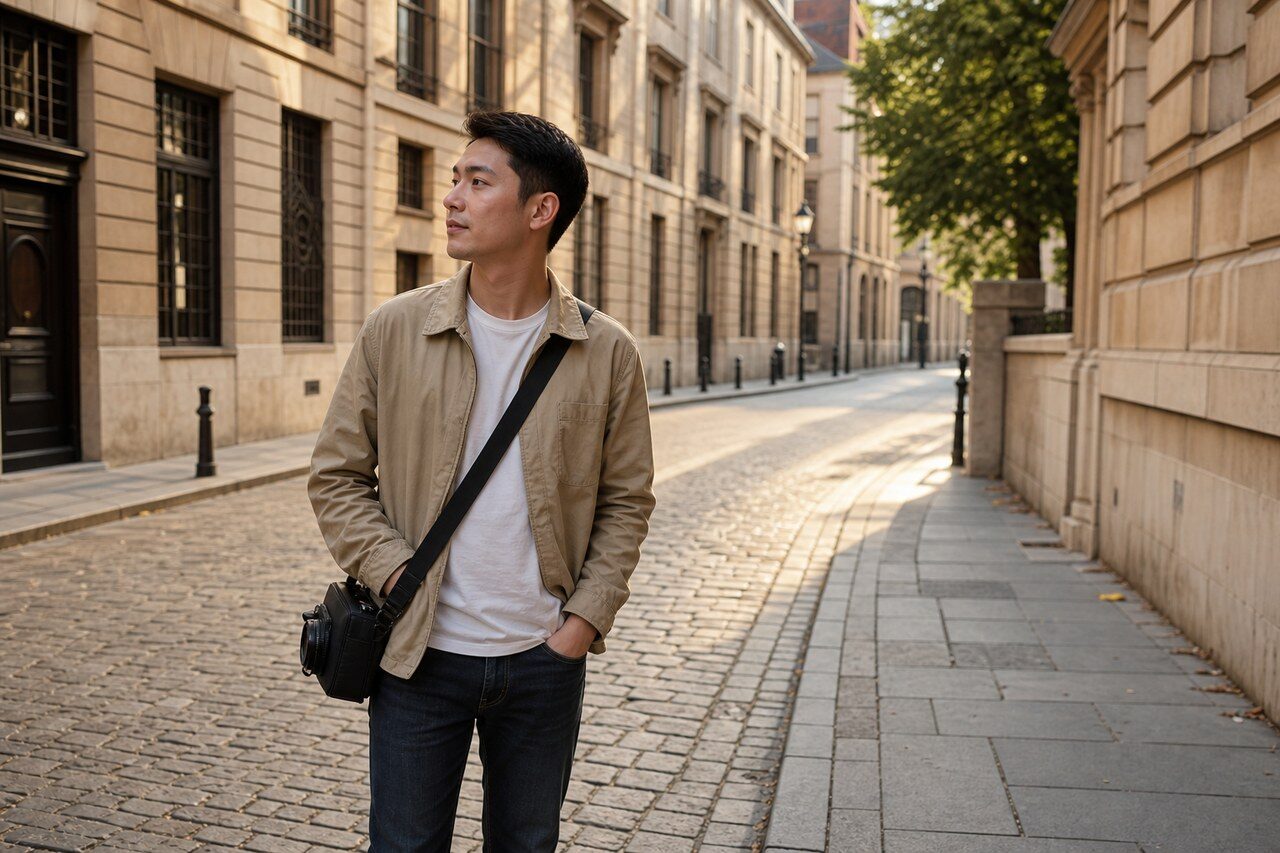
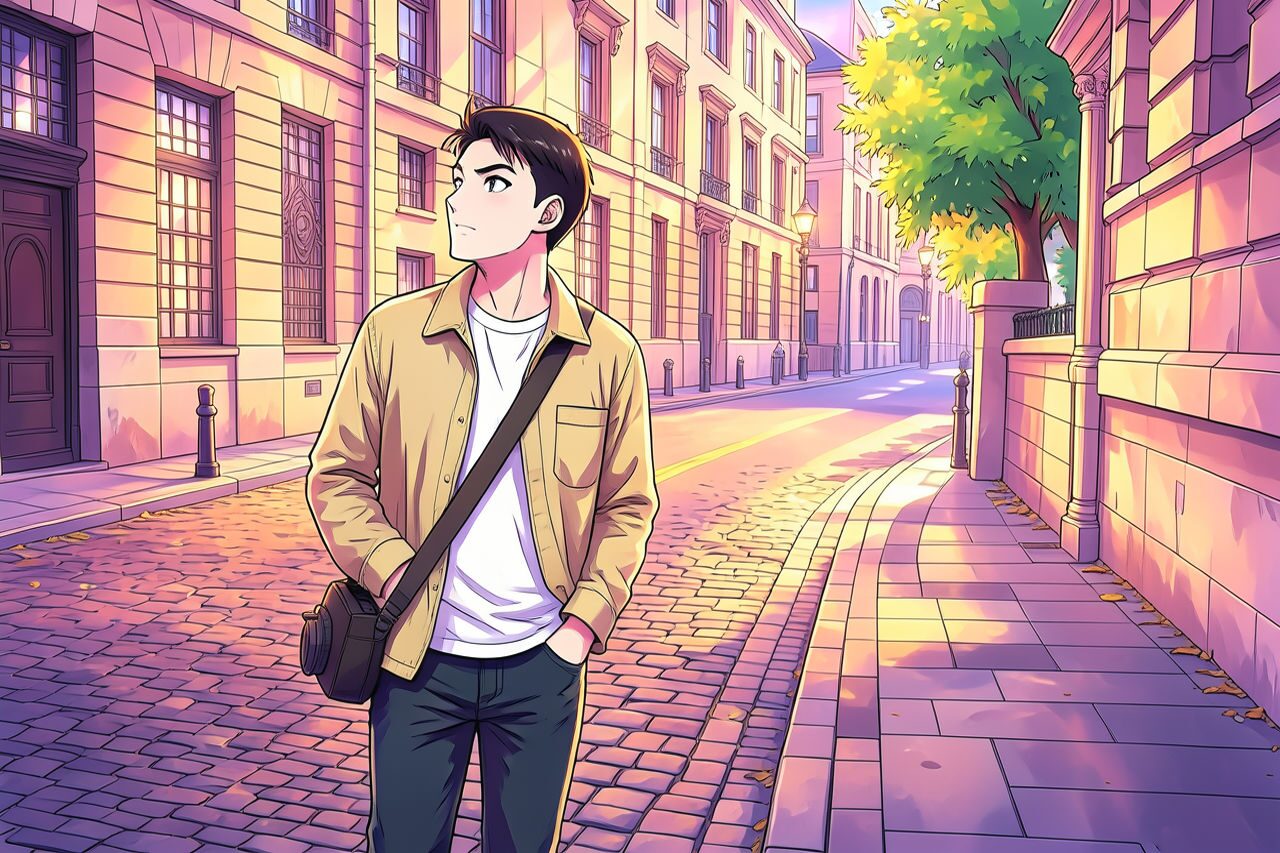
Filter preview
Compare the original photo with the anime result
The example uses a generated source photo and the same filter API path as the app, so users can judge the visual treatment before uploading their own image.
More examples
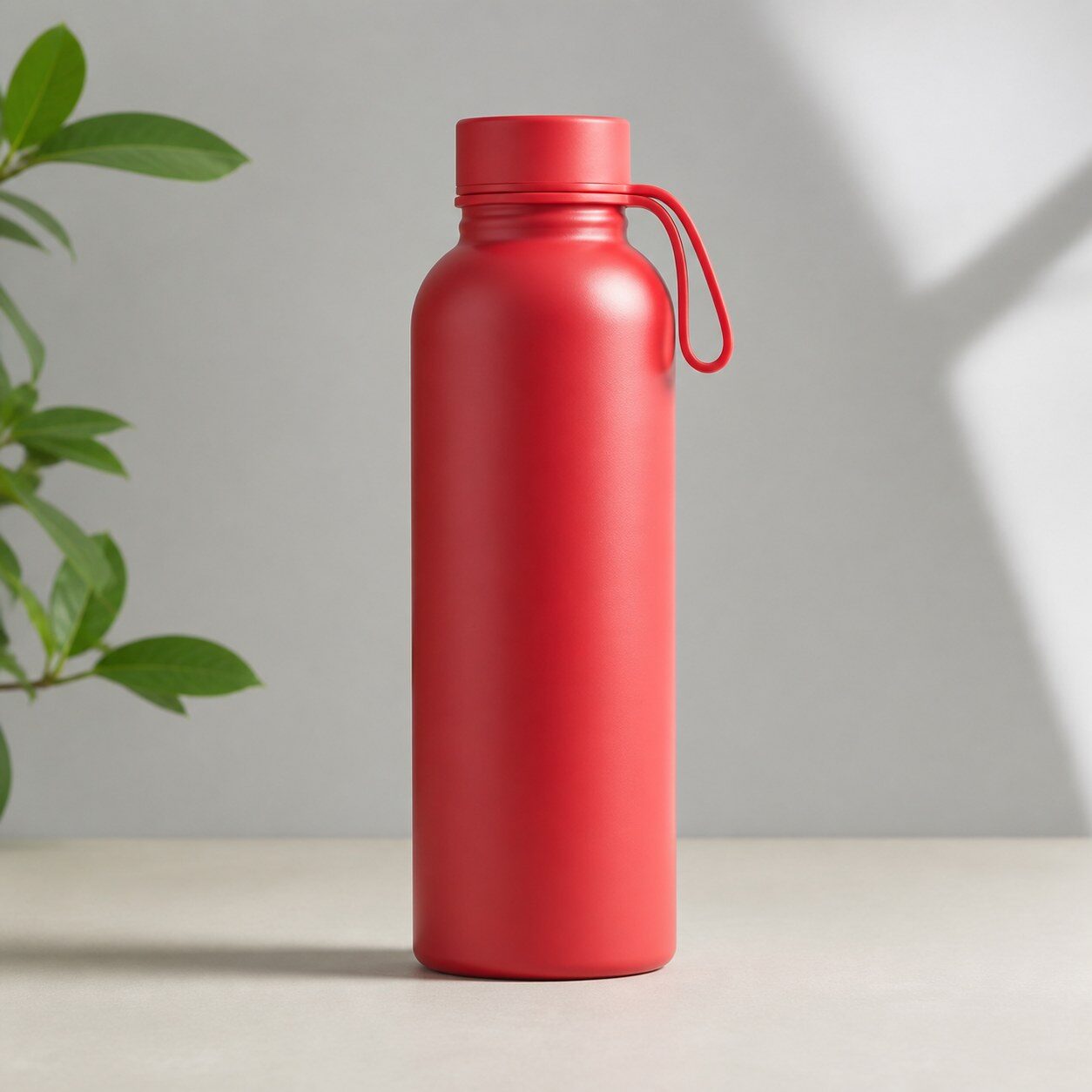
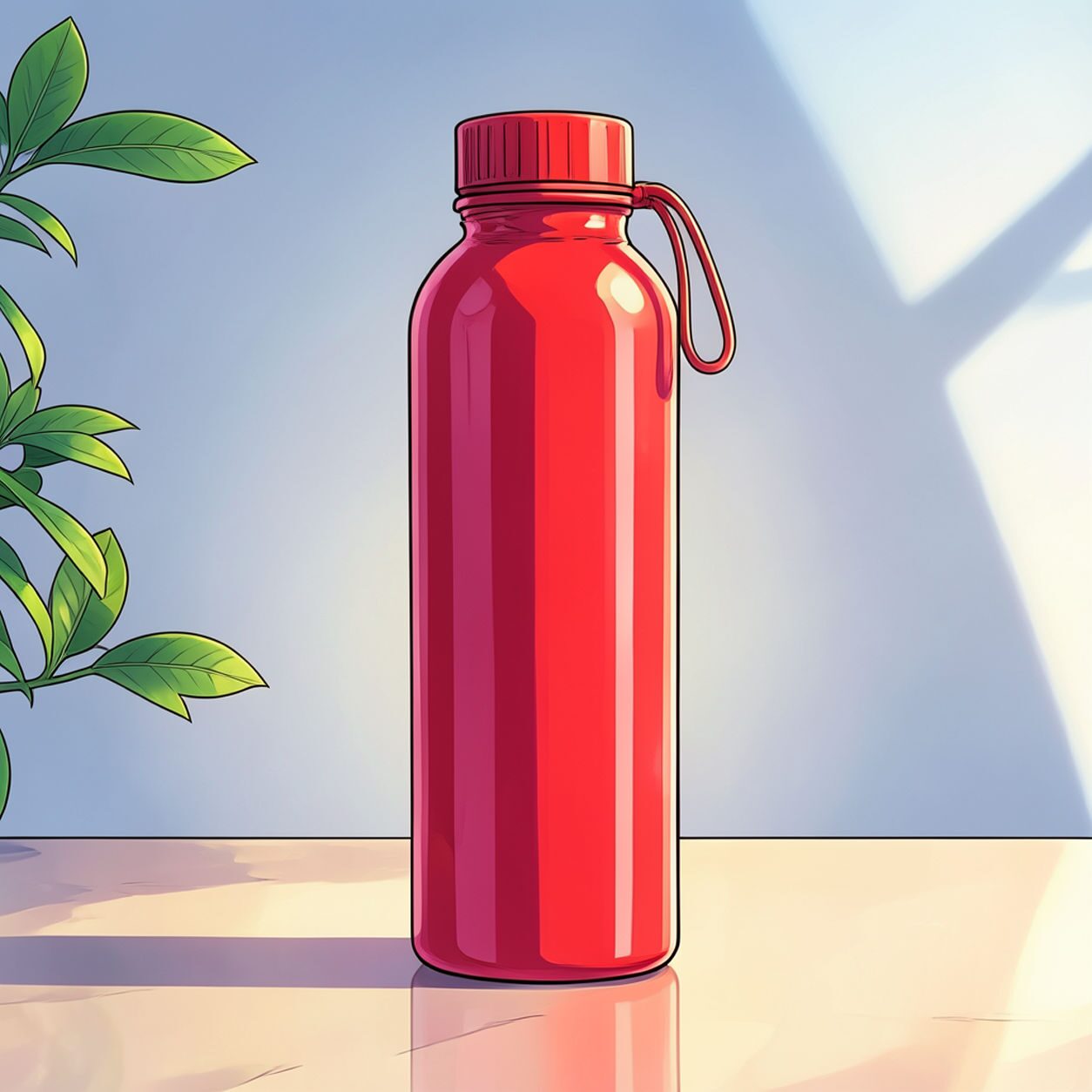
Test the anime filter on different photo types
Compare portrait, product, and pet examples before opening the filter. Each result uses the same filter API path as the Magic Eraser app.


Portrait
Product


Pet
Photo workflow
How to get a cleaner anime filter result
เลือกภาพบุคคลหรือภาพครึ่งตัวที่คมชัดและเห็นใบหน้าชัดเจน
เปิดฟิลเตอร์อนิเมะโดยตรง อัปโหลดภาพ และตรวจสอบตัวอย่างก่อนดาวน์โหลด
ใช้เครื่องมือลบสิ่งรบกวนและครอปภาพ หากพื้นหลังหรือขอบภาพแย่งความสนใจ
Best source photos
- ภาพเซลฟีที่เห็นลักษณะใบหน้าชัดเจน
- ภาพเฮดช็อตและรูปโปรไฟล์ของครีเอเตอร์
- ภาพบุคคลทั่วไปที่มีพื้นหลังเรียบง่าย
Filter tips
- ภาพที่มีแสงดีและพื้นหลังไม่รกมักให้ผลลัพธ์ดีกว่า
- หลีกเลี่ยงใบหน้าที่เล็กมากหรือภาพกลุ่มหากต้องการภาพบุคคลอนิเมะที่ชัดเจน
- ใช้ภาพต้นฉบับของคุณเองและอย่าสื่อว่ามีความเกี่ยวข้องกับแฟรนไชส์ที่ได้รับการคุ้มครอง
Before upload checklist
- Use the largest clean version of the photo, not a compressed screenshot or reposted image.
- Crop loosely before filtering so the AI has enough room around the subject.
- Remove obvious distractions first if they sit directly on the face, product, or main subject.
- Check the result at the size where it will be used: profile image, feed post, story, thumbnail, or banner.
When this filter is a good fit
Choose the anime filter when the original photo already has a clear subject and the goal is a recognizable stylized version, not a fully new generated scene. It is strongest for social, creator, profile, event, and campaign images where mood matters more than documentary accuracy.
Use a different workflow when the image needs exact product color, legal documentation, medical accuracy, or unmodified identity details. In those cases, use cleanup, crop, enhancement, or background tools instead of a heavy creative filter.
Free browser tools after filtering
FAQ
What should I upload?
Use a clear photo with one main subject. Strong lighting and simple backgrounds usually make the AI filter easier to control.
Can I keep editing after the filter?
Yes. After applying the filter, use Magic Eraser to crop, clean distractions, refine backgrounds, and export the final image.
Is this filter selected automatically?
The CTA opens AI Filter with the anime style parameter, and the app falls back safely if the filter changes.