
AI Create style
เครื่องสร้างภาพไทโปกราฟีด้วย AI
สร้างแนวคิดภาพที่ใช้ตัวอักษรเป็นแกนหลัก โดยรูปทรงตัวอักษร จังหวะการจัดวาง และองค์ประกอบกราฟิกเป็นตัวกำหนดภาพ เหมาะกับแนวทางโปสเตอร์ ภาพคำคม อัลบั้ม สินค้าที่ระลึก และแคมเปญ จากนั้นเพิ่มข้อความสุดท้ายที่ถูกต้องในเครื่องมือแก้ไข
Use case
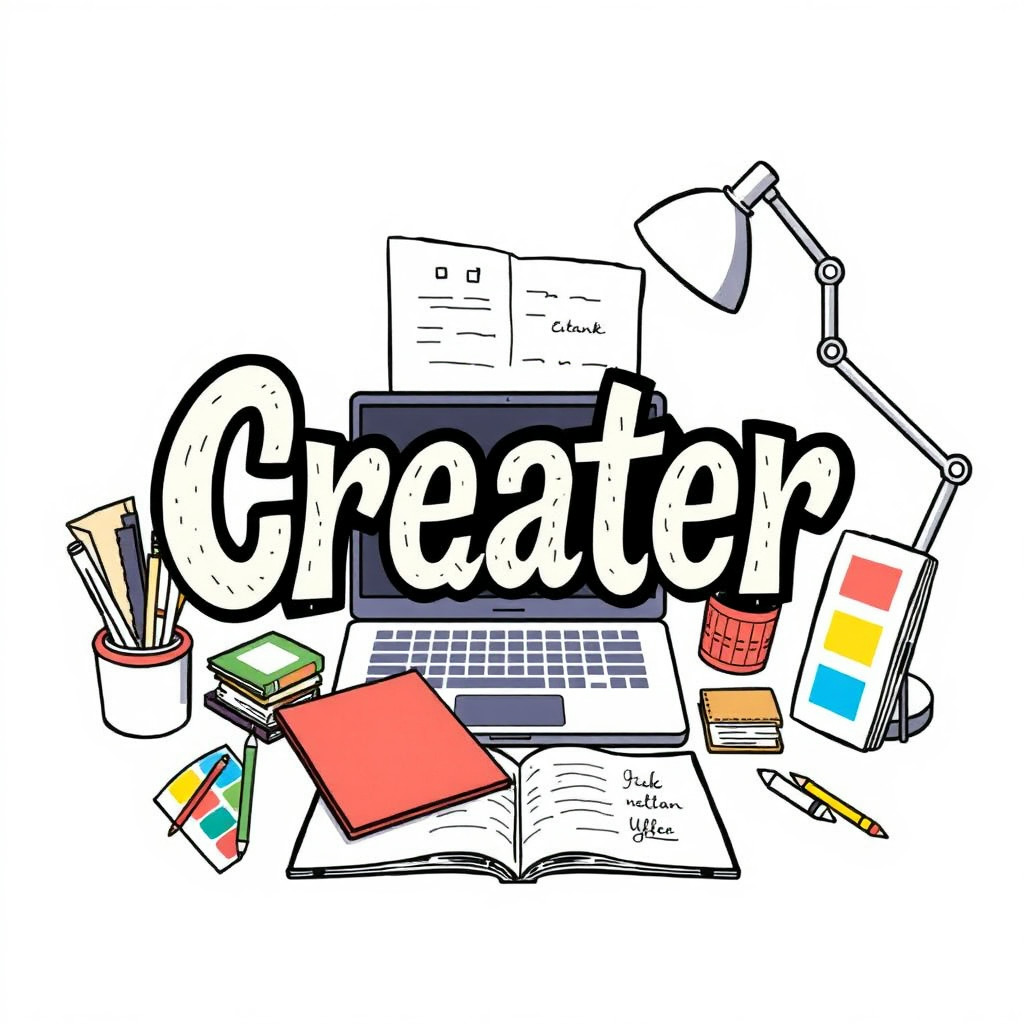
แนวคิดโปสเตอร์และปกที่ใช้ตัวอักษรเป็นจุดเด่นหลัก
Use case
ภาพคำคมและโพสต์โซเชียลที่มีการจัดตัวอักษรอย่างมีอารมณ์
Use case
ทิศทางภาพสำหรับสินค้า อีเวนต์ และแคมเปญ
Visual direction preview
Use the style thumbnail as the creative target
The preview gives users a concrete reference for color, texture, edge detail, and mood before they open the generator. Pair it with the prompt starters below to keep the page useful instead of only decorative.
Generated examples
See the ไทโปกราฟี style in real outputs
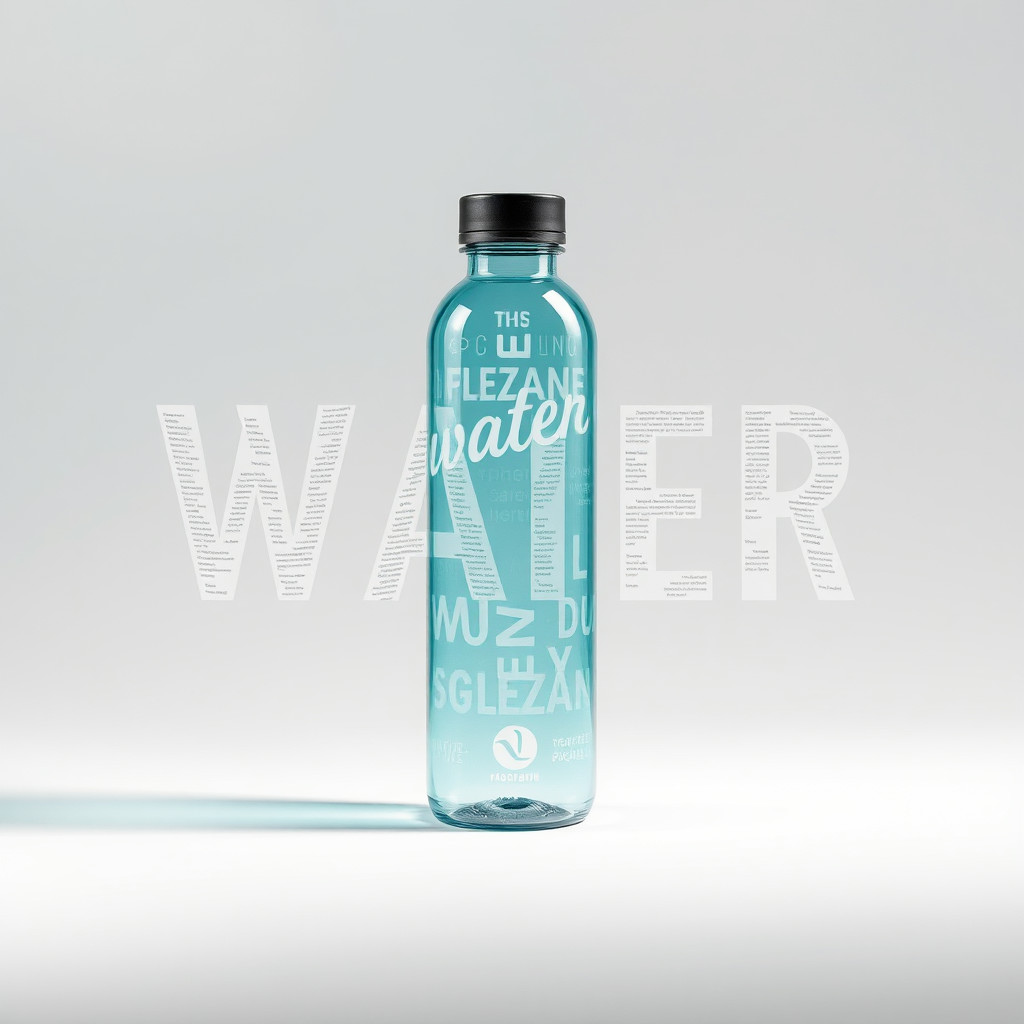
These examples were generated through the Magic Eraser AI Create API with the ไทโปกราฟี style selected.
Prompt workflow
How to get a stronger ไทโปกราฟี result
เริ่มจากคำหรือข้อความสั้น แล้วระบุรูปแบบตัวอักษร ชุดสี พื้นหลัง และองค์ประกอบ
สร้างหลายแบบแล้วเปรียบเทียบรูปทรงตัวอักษร ลำดับชั้น คอนทราสต์ และพื้นที่ว่าง
เลือกองค์ประกอบที่ดีที่สุด แล้วแทนตัวอักษรที่สร้างด้วยข้อความที่ถูกต้องและแก้ไขได้ก่อนเผยแพร่
Prompt starters
- “แนวคิดโปสเตอร์ไทโปกราฟีคำว่า FOCUS ตัวอักษรซานส์เซอริฟสีแดงหนา พื้นหลังขาวสะอาด เงาบาง”
- “เลย์เอาต์ไทโปกราฟีเชิงบรรณาธิการเรื่องเที่ยวฤดูร้อน ตัวอักษรกระดาษซ้อนชั้น บล็อกสีสด”
- “แนวคิดตัวอักษรโครเมียมสำหรับโปสเตอร์ดนตรี พื้นหลังมืด ตัวอักษรสะท้อนแสง แสงดรามาติก”
Style tips
- ใช้ตัวอักษรที่สร้างเป็นองค์ประกอบภาพ ไม่ใช่ข้อความสุดท้ายที่ต้องแม่นยำ
- ใช้คำสั้นและองค์ประกอบเรียบง่ายเพื่อให้ทิศทางชัดเจน
- เพิ่มชื่อ วันที่ ราคา และโลโก้ที่ถูกต้องแยกต่างหากหลังสร้างภาพ
Output planning checklist
- Decide the final placement before prompting: square post, vertical story, product insert, poster, thumbnail, or wide banner.
- Keep one primary subject and one visual mood so the ไทโปกราฟี style has a clear job.
- Describe the background as simple, detailed, bright, dark, studio, outdoor, or textured instead of leaving it open-ended.
- Generate variations first, then edit the selected image for crop, cleanup, and export size.
When to choose this style
Choose ไทโปกราฟี when the image needs a clear creative direction before production: an ad concept, a social visual, a character idea, a packaging mood, or a fast design draft. Choose another style if the final asset must look like a camera photo, preserve exact product color, or include precise typography.
For commercial work, treat the generated image as a starting point. Review details, remove distracting artifacts, add exact text separately, and export the final size from the editor.
FAQ
Can I edit the generated image?
Yes. Generate the image, then continue with cleanup, crop, background, and export tools in Magic Eraser.
Should I include exact text?
Use AI Create for the visual direction. Add exact text later with editable design tools for cleaner spelling and layout.
Is this style selected automatically?
The CTA opens AI Create with the ไทโปกราฟี style parameter, and the app falls back safely if the option changes.