
AI Create style
เครื่องสร้างภาพสติกเกอร์ด้วย AI
สร้างภาพสไตล์สติกเกอร์ที่มีเงาร่างคมชัด รูปทรงสื่ออารมณ์ และพื้นหลังเรียบ เหมาะกับสินค้าครีเอเตอร์ สติกเกอร์ในแอป ปฏิกิริยาบนโซเชียล ป้ายสินค้า และองค์ประกอบที่ต้องอ่านง่ายเมื่อมีขนาดเล็ก

Use case
สติกเกอร์แสดงอารมณ์ ชุดภาพโซเชียล แนวคิดสินค้า และตราชุมชน
Use case
ฉลากสินค้า ป้ายโปรโมชัน และองค์ประกอบแคมเปญที่สนุกสนาน
Use case
มาสคอตหรือวัตถุเรียบง่ายที่ต้องการลักษณะเหมือนภาพตัดขอบคม

Visual direction preview
Use the style thumbnail as the creative target
The preview gives users a concrete reference for color, texture, edge detail, and mood before they open the generator. Pair it with the prompt starters below to keep the page useful instead of only decorative.
Generated examples
See the สติกเกอร์ style in real outputs
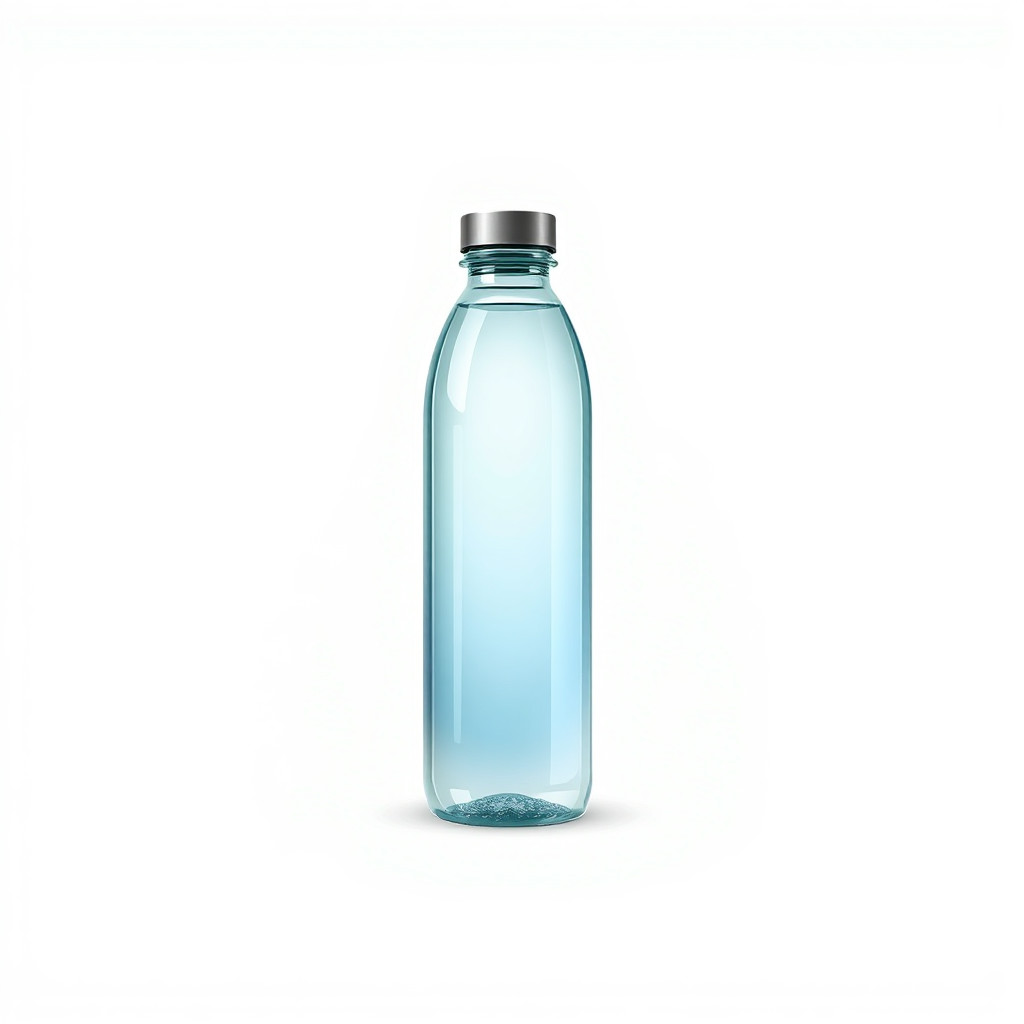
These examples were generated through the Magic Eraser AI Create API with the สติกเกอร์ style selected.
Prompt workflow
How to get a stronger สติกเกอร์ result
อธิบายตัวแบบหนึ่งอย่าง ท่าทางชัดเจน สีเรียบ และขอบสีขาวหากต้องการ
สร้างหลายแบบแล้วเลือกภาพที่ยังชัดเมื่อย่อขนาด
ใช้เครื่องมือลบพื้นหลังหรือเก็บรายละเอียดหากต้องการพื้นหลังโปร่งใสและขอบสะอาด
Prompt starters
- “สติกเกอร์มาสคอตกล้องแบบต้นฉบับถือแปรงประกาย เส้นขอบหนา ขอบขาว สีเรียบ”
- “แก้วกาแฟเย็นสไตล์สติกเกอร์มีใบหน้ายิ้ม เงาสะอาด ชุดสีฤดูร้อน”
- “สติกเกอร์รองเท้าวิ่งสีแดงแบบมินิมอล มีเส้นเคลื่อนไหว ขอบหนา ให้ความรู้สึกพื้นหลังโปร่งใส”
Style tips
- วัตถุหลักชิ้นเดียวดีกว่าฉากที่ซับซ้อน
- ระบุสีหน้าและอารมณ์ของตัวละครให้ชัด
- หลีกเลี่ยงข้อความขนาดเล็กและเพิ่มภายหลัง
Output planning checklist
- Decide the final placement before prompting: square post, vertical story, product insert, poster, thumbnail, or wide banner.
- Keep one primary subject and one visual mood so the สติกเกอร์ style has a clear job.
- Describe the background as simple, detailed, bright, dark, studio, outdoor, or textured instead of leaving it open-ended.
- Generate variations first, then edit the selected image for crop, cleanup, and export size.
When to choose this style
Choose สติกเกอร์ when the image needs a clear creative direction before production: an ad concept, a social visual, a character idea, a packaging mood, or a fast design draft. Choose another style if the final asset must look like a camera photo, preserve exact product color, or include precise typography.
For commercial work, treat the generated image as a starting point. Review details, remove distracting artifacts, add exact text separately, and export the final size from the editor.
FAQ
Can I edit the generated image?
Yes. Generate the image, then continue with cleanup, crop, background, and export tools in Magic Eraser.
Should I include exact text?
Use AI Create for the visual direction. Add exact text later with editable design tools for cleaner spelling and layout.
Is this style selected automatically?
The CTA opens AI Create with the สติกเกอร์ style parameter, and the app falls back safely if the option changes.