
AI Create style
เครื่องสร้างภาพ AI สไตล์ไซคีเดลิก
สร้างภาพ AI สไตล์ไซคีเดลิกด้วยการไล่สีสด ลวดลายพลิ้วไหว มิติเหนือจริง และตัวแบบหลักที่ชัดเจน เหมาะกับโปสเตอร์ งานดนตรี แนวคิดงานบรรณาธิการ และภาพโซเชียล ควรระบุชุดสี องค์ประกอบ แสง และพื้นผิว ไม่ใช่พึ่งเพียงชื่อสไตล์
Use case
โปสเตอร์และภาพงานอีเวนต์ที่ใช้สีอิ่มตัวและจังหวะทางภาพโดดเด่น
Use case
ปกอัลบั้ม แนวคิดบรรณาธิการ และงานครีเอเตอร์ที่ต้องการทิศทางเหนือจริง
Use case
มู้ดบอร์ดสินค้าหรือแคมเปญที่ให้ความสำคัญกับสีเชิงอารมณ์มากกว่าความเหมือนภาพถ่าย

Visual direction preview
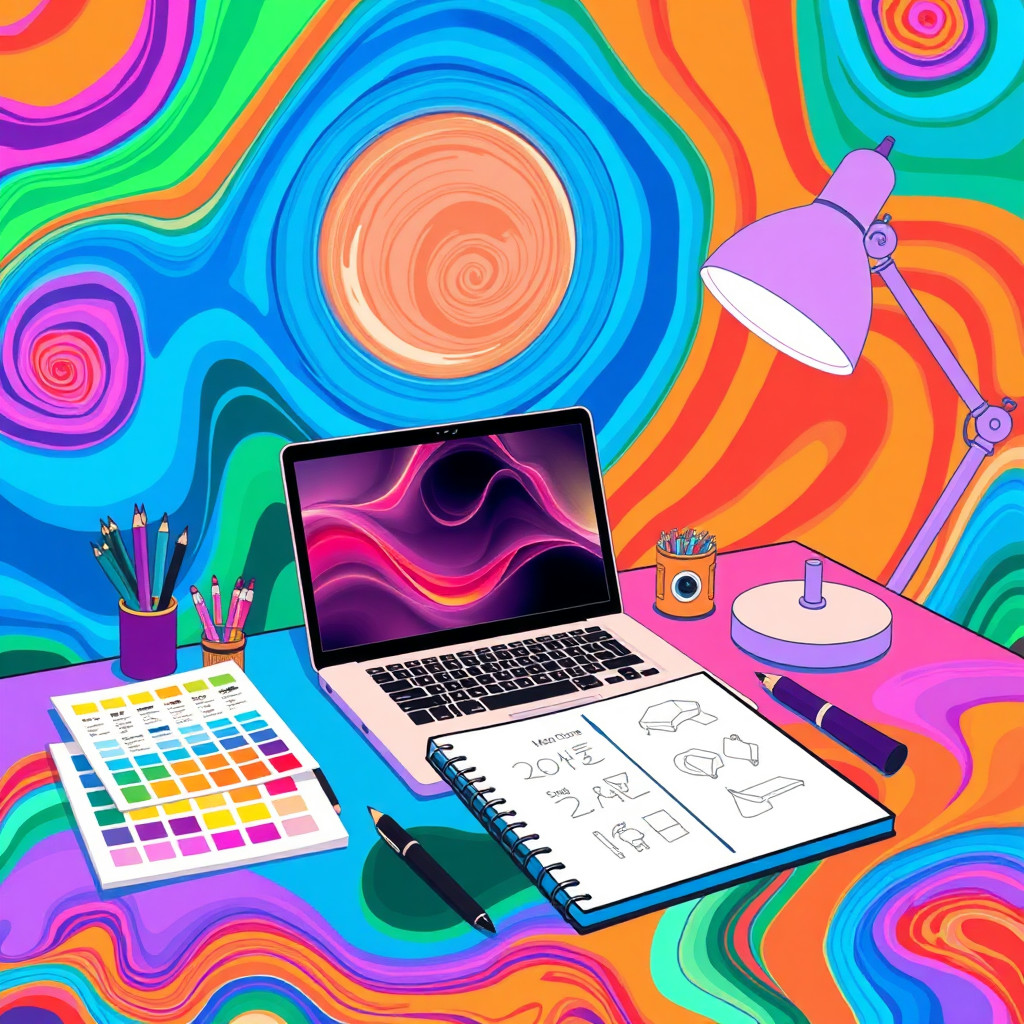
Use the style thumbnail as the creative target
The preview gives users a concrete reference for color, texture, edge detail, and mood before they open the generator. Pair it with the prompt starters below to keep the page useful instead of only decorative.
Generated examples
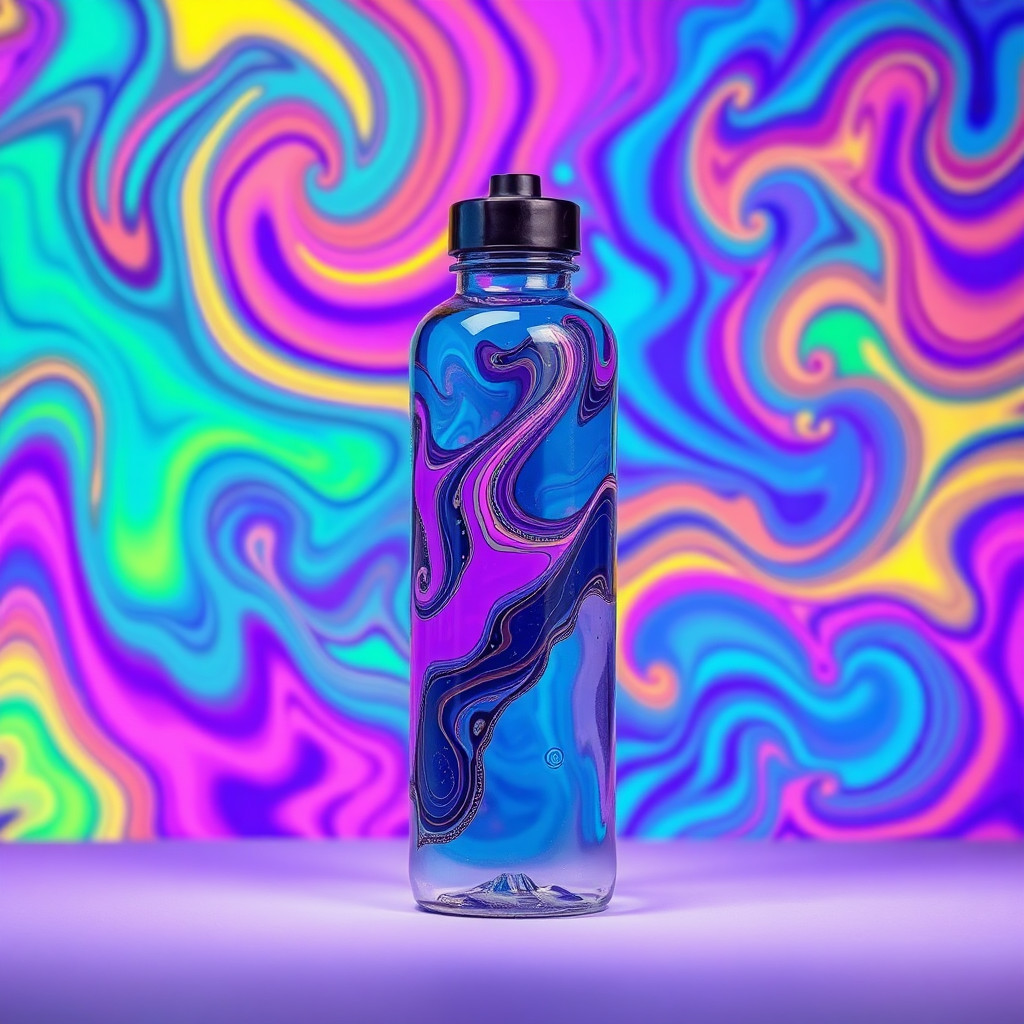
See the ไซคีเดลิก style in real outputs
These examples were generated through the Magic Eraser AI Create API with the ไซคีเดลิก style selected.
Prompt workflow
How to get a stronger ไซคีเดลิก result
เริ่มจากตัวแบบหนึ่งอย่างและฉาก จากนั้นระบุชุดสี ลวดลายพลิ้วไหวหรือเรขาคณิต แสง และรูปแบบปลายทาง
สร้างหลายแบบแล้วเปรียบเทียบความชัดของตัวแบบ สมดุลสี พื้นผิว และพื้นที่ว่าง
เลือกผลงานที่ดีที่สุด ครอปและลบร่องรอยรบกวน ก่อนเพิ่มข้อความหรือโลโก้ที่ถูกต้องแยกต่างหาก
Prompt starters
- “โปสเตอร์คอนเสิร์ตไซคีเดลิก ดอกไม้ต้นฉบับลอยอยู่ คลื่นสีบานเย็นและฟ้าอิ่มตัว พื้นหลังมืด มีพื้นที่สมดุลสำหรับชื่อ”
- “ภาพบุคคลไซคีเดลิกของนักดนตรีต้นฉบับ ริ้วสีเหลว ชุดสีส้มและม่วง แสงขอบเด่น”
- “แนวคิดภาพสินค้าหูฟังแบบไซคีเดลิก ลายลวงตาเรขาคณิต สีเขียวและม่วงสด องค์ประกอบสินค้าสะอาด”
Style tips
- ใช้ตัวแบบหลักเพียงหนึ่งอย่างเพื่อไม่ให้สีและลวดลายเข้มข้นกลบองค์ประกอบ
- ระบุสีและระดับคอนทราสต์ให้ชัดเพื่อควบคุมอารมณ์ได้แม่นยำขึ้น
- ไม่ควรใช้เมื่อจำเป็นต้องรักษาสีสินค้าที่แม่นยำ ความสมจริงเชิงสารคดี หรือตัวอักษรที่สร้างอย่างถูกต้อง
Output planning checklist
- Decide the final placement before prompting: square post, vertical story, product insert, poster, thumbnail, or wide banner.
- Keep one primary subject and one visual mood so the ไซคีเดลิก style has a clear job.
- Describe the background as simple, detailed, bright, dark, studio, outdoor, or textured instead of leaving it open-ended.
- Generate variations first, then edit the selected image for crop, cleanup, and export size.
When to choose this style
Choose ไซคีเดลิก when the image needs a clear creative direction before production: an ad concept, a social visual, a character idea, a packaging mood, or a fast design draft. Choose another style if the final asset must look like a camera photo, preserve exact product color, or include precise typography.
For commercial work, treat the generated image as a starting point. Review details, remove distracting artifacts, add exact text separately, and export the final size from the editor.
FAQ
Can I edit the generated image?
Yes. Generate the image, then continue with cleanup, crop, background, and export tools in Magic Eraser.
Should I include exact text?
Use AI Create for the visual direction. Add exact text later with editable design tools for cleaner spelling and layout.
Is this style selected automatically?
The CTA opens AI Create with the ไซคีเดลิก style parameter, and the app falls back safely if the option changes.