
AI Create style
เครื่องสร้างภาพ AI โมโนโครม
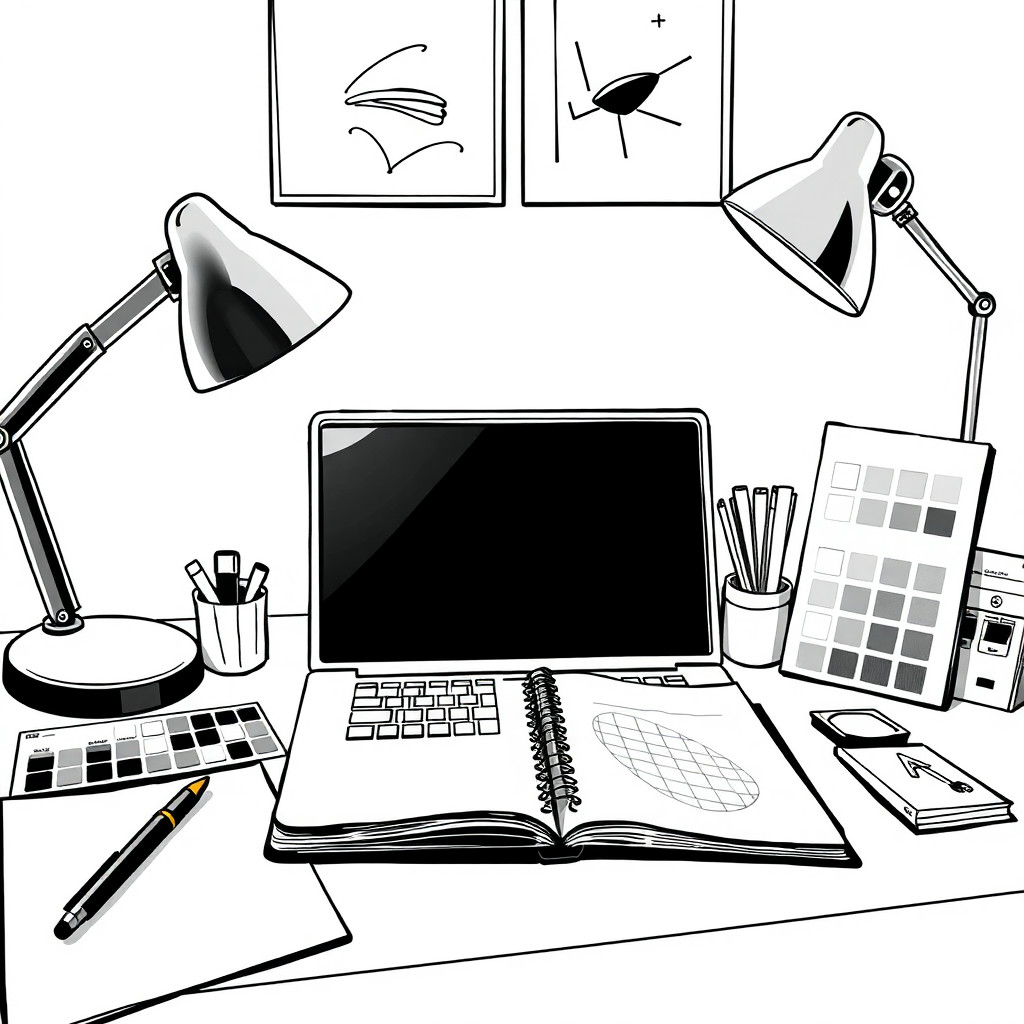
สร้างภาพ AI โมโนโครมที่ควบคุมคอนทราสต์ พื้นผิว และรูปทรงได้ สไตล์นี้เหมาะกับแนวคิดงานบรรณาธิการ ภาพสินค้าที่ประณีต ภาพโปรไฟล์ โปสเตอร์ และเลย์เอาต์ที่ความเรียบของขาวดำเหมาะกว่าสีสัน
Use case
ภาพบุคคลเชิงบรรณาธิการ ภาพย่อคอนทราสต์สูง และภาพแคมเปญที่มีอารมณ์
Use case
แนวคิดสินค้าพรีเมียม โปสเตอร์ และกราฟิกโซเชียลแบบมินิมอล
Use case
คอนเซ็ปต์อาร์ตที่ใช้แสง เงาร่าง และพื้นผิวเป็นองค์ประกอบหลัก
Visual direction preview
Use the style thumbnail as the creative target
The preview gives users a concrete reference for color, texture, edge detail, and mood before they open the generator. Pair it with the prompt starters below to keep the page useful instead of only decorative.
Generated examples
See the โมโนโครม style in real outputs
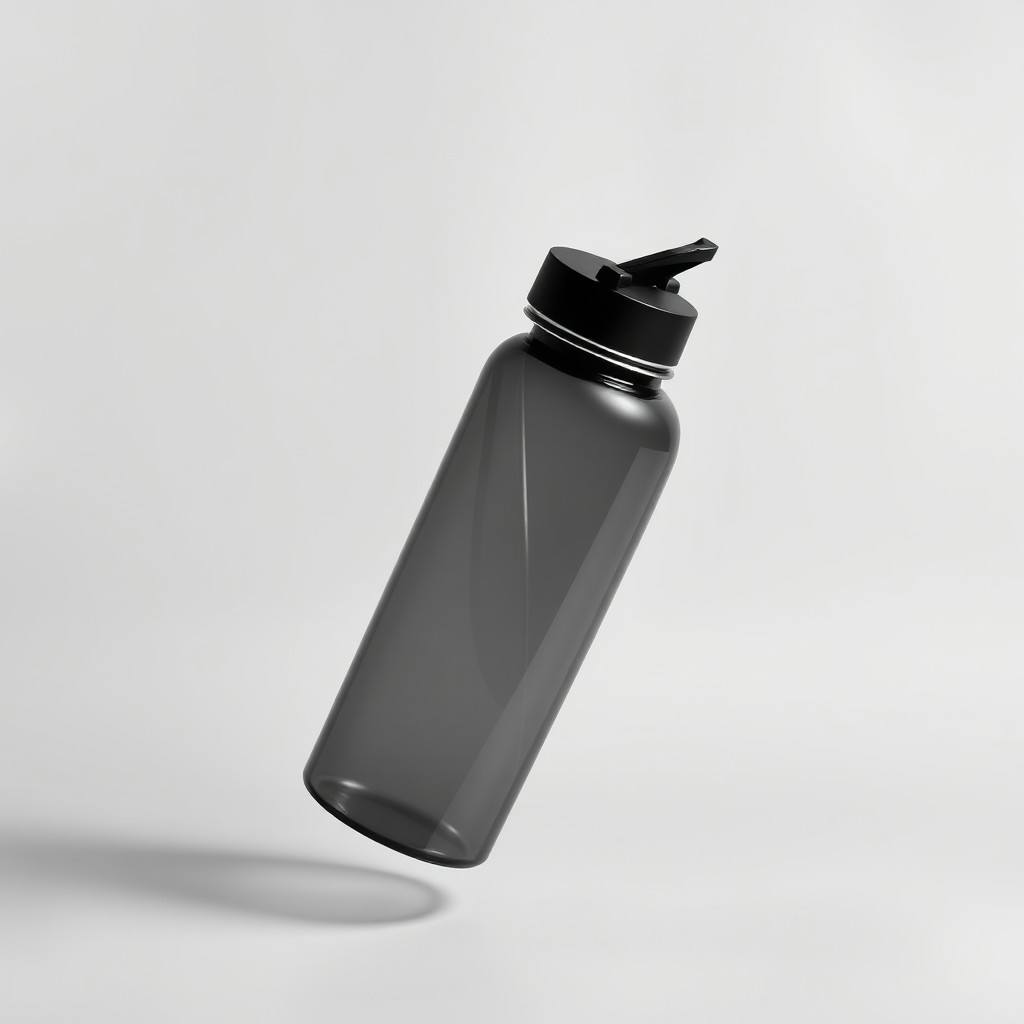
These examples were generated through the Magic Eraser AI Create API with the โมโนโครม style selected.
Prompt workflow
How to get a stronger โมโนโครม result
อธิบายตัวแบบ ทิศทางแสง โทนพื้นหลัง และระดับคอนทราสต์
สร้างหลายตัวเลือกเพื่อเปรียบเทียบรายละเอียดในเงาและความชัดเจน
ใช้เครื่องมือแก้ไขเพื่อครอป เพิ่มความสว่างให้ใบหน้าหรือสินค้า และลบพื้นที่มืดที่รบกวนสายตา
Prompt starters
- “ภาพบุคคลโมโนโครมของนักร้องแจ๊สต้นฉบับใต้สปอตไลต์ดวงเดียว คอนทราสต์สูง เกรนฟิล์ม”
- “แนวคิดภาพสินค้าขาวดำของขวดน้ำหอมผิวด้าน เงานุ่ม พื้นหลังพรีเมียมมินิมอล”
- “โปสเตอร์เมืองโมโนโครมที่มีนักปั่นจักรยานข้ามสะพานในหมอกยามเช้า องค์ประกอบสะอาด”
Style tips
- ระบุไฮคีย์ โลว์คีย์ โทนเทาแบบนุ่ม หรือขาวดำคอนทราสต์สูง
- เมื่อไม่มีสี เงาร่างที่ชัดเจนยิ่งสำคัญ
- หลีกเลี่ยงพื้นหลังรก เว้นแต่ตั้งใจใช้พื้นผิวนั้น
Output planning checklist
- Decide the final placement before prompting: square post, vertical story, product insert, poster, thumbnail, or wide banner.
- Keep one primary subject and one visual mood so the โมโนโครม style has a clear job.
- Describe the background as simple, detailed, bright, dark, studio, outdoor, or textured instead of leaving it open-ended.
- Generate variations first, then edit the selected image for crop, cleanup, and export size.
When to choose this style
Choose โมโนโครม when the image needs a clear creative direction before production: an ad concept, a social visual, a character idea, a packaging mood, or a fast design draft. Choose another style if the final asset must look like a camera photo, preserve exact product color, or include precise typography.
For commercial work, treat the generated image as a starting point. Review details, remove distracting artifacts, add exact text separately, and export the final size from the editor.
FAQ
Can I edit the generated image?
Yes. Generate the image, then continue with cleanup, crop, background, and export tools in Magic Eraser.
Should I include exact text?
Use AI Create for the visual direction. Add exact text later with editable design tools for cleaner spelling and layout.
Is this style selected automatically?
The CTA opens AI Create with the โมโนโครม style parameter, and the app falls back safely if the option changes.