
AI Create style
เครื่องมือสร้างภาพกราฟฟิตี้ด้วย AI
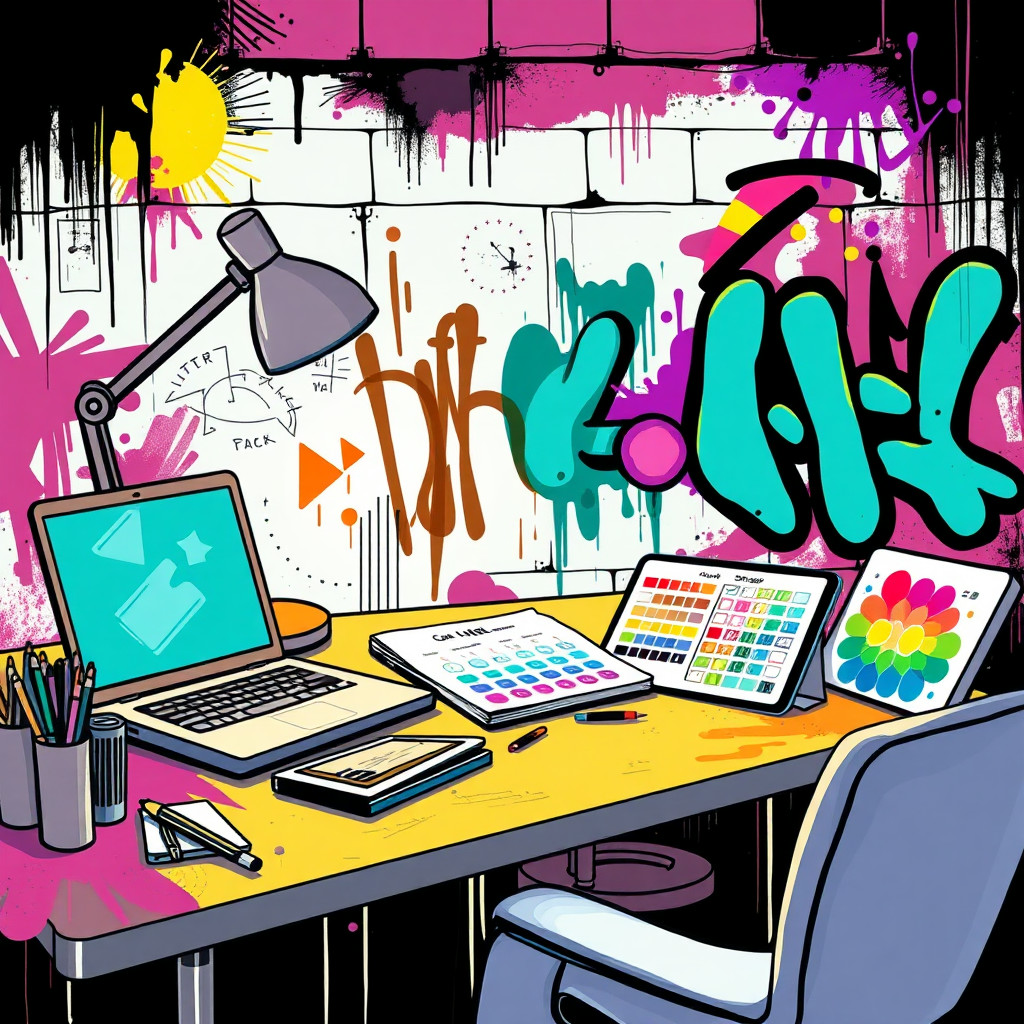
สร้างภาพที่ได้แรงบันดาลใจจากกราฟฟิตี้สำหรับโปสเตอร์เมือง คอนเซปต์อัลบั้ม งานอีเวนต์ และสื่อโซเชียลที่โดดเด่น ระบุรูปทรงตัวอักษรต้นฉบับ พื้นผิวกำแพง สีที่กระเซ็น โทนสี และอารมณ์ แทนการเลียนแบบศิลปินจริงหรือโลโก้ที่ได้รับการคุ้มครอง
Use case
คอนเซปต์แคมเปญดนตรี สตรีทแวร์ กีฬา และวัฒนธรรมวัยรุ่น
Use case
พื้นหลังเมือง โปสเตอร์งาน และกราฟิกโซเชียลที่มีพลังของสีสเปรย์
Use case
มาสคอตหรือวัตถุต้นฉบับในฉากกำแพงริมถนน
Visual direction preview
Use the style thumbnail as the creative target
The preview gives users a concrete reference for color, texture, edge detail, and mood before they open the generator. Pair it with the prompt starters below to keep the page useful instead of only decorative.
Generated examples
See the กราฟฟิตี้ style in real outputs
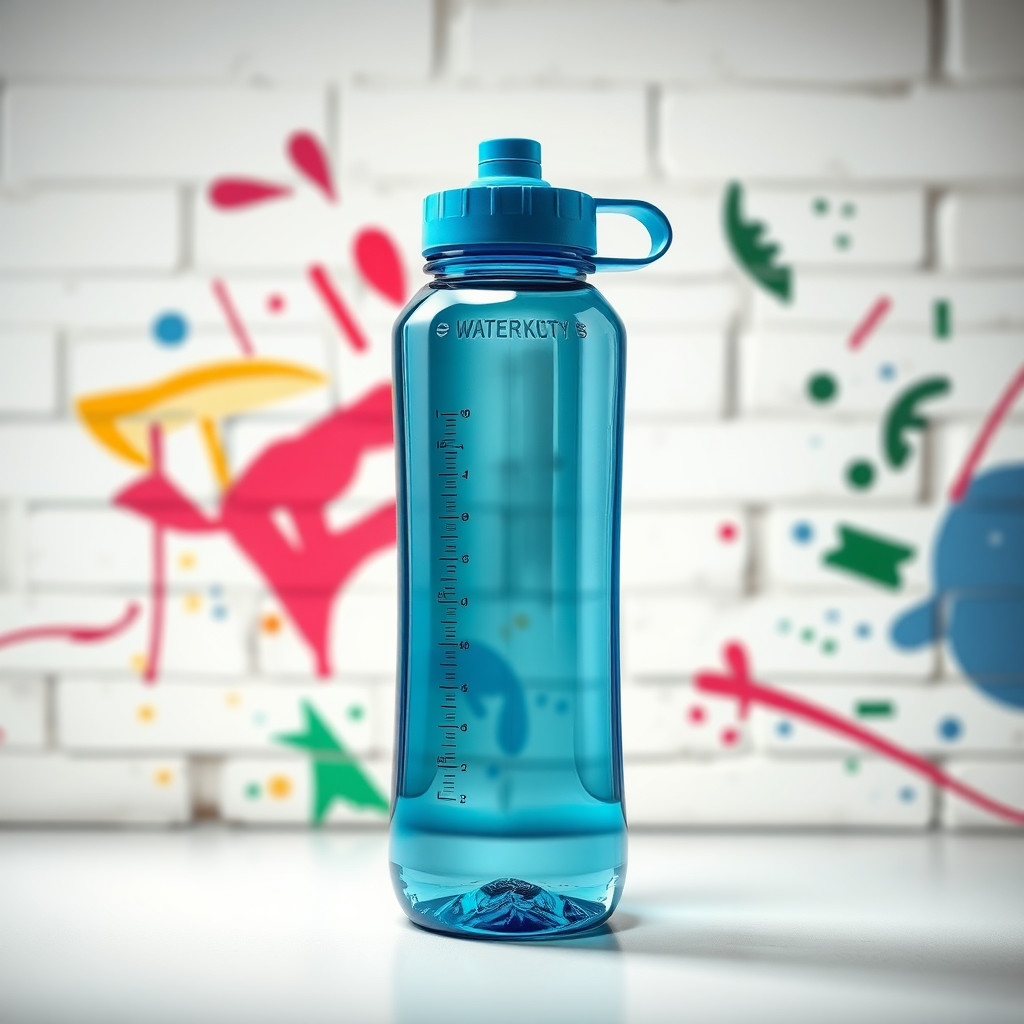
These examples were generated through the Magic Eraser AI Create API with the กราฟฟิตี้ style selected.
Prompt workflow
How to get a stronger กราฟฟิตี้ result
กำหนดกำแพง พื้นผิวสี โทนสี และตัวแบบก่อนเพิ่มการเคลื่อนไหวหรือแสง
สร้างหลายเวอร์ชันเพราะรูปทรงตัวอักษรและความหนาแน่นของพื้นหลังอาจต่างกันมาก
ลบรอยที่รกหรือครอปไปยังบริเวณสีที่ดีที่สุด
Prompt starters
- “พื้นหลังโปสเตอร์กราฟฟิตี้ต้นฉบับบนกำแพงอิฐ สีสเปรย์แดงและฟ้า เว้นกลางสำหรับสินค้า”
- “คอนเซปต์แคมเปญรองเท้าผ้าใบแนวกราฟฟิตี้ สีสาด แสงเมืองยามค่ำคืน เงาร่างเด่น”
- “จิตรกรรมฝาผนังสตรีทอาร์ตหุ่นยนต์ช่างภาพต้นฉบับ สีสเปรย์สดใส กำแพงหยาบ”
Style tips
- ใช้คำต้นฉบับหรือไม่ใส่ข้อความหากต้องการตัวอักษรที่แม่นยำ
- หลีกเลี่ยงโลโก้ที่มีลิขสิทธิ์และชื่อศิลปินจริง
- ขอองค์ประกอบที่อ่านง่ายเมื่อใช้เป็นโฆษณาหรือโปสเตอร์
Output planning checklist
- Decide the final placement before prompting: square post, vertical story, product insert, poster, thumbnail, or wide banner.
- Keep one primary subject and one visual mood so the กราฟฟิตี้ style has a clear job.
- Describe the background as simple, detailed, bright, dark, studio, outdoor, or textured instead of leaving it open-ended.
- Generate variations first, then edit the selected image for crop, cleanup, and export size.
When to choose this style
Choose กราฟฟิตี้ when the image needs a clear creative direction before production: an ad concept, a social visual, a character idea, a packaging mood, or a fast design draft. Choose another style if the final asset must look like a camera photo, preserve exact product color, or include precise typography.
For commercial work, treat the generated image as a starting point. Review details, remove distracting artifacts, add exact text separately, and export the final size from the editor.
FAQ
Can I edit the generated image?
Yes. Generate the image, then continue with cleanup, crop, background, and export tools in Magic Eraser.
Should I include exact text?
Use AI Create for the visual direction. Add exact text later with editable design tools for cleaner spelling and layout.
Is this style selected automatically?
The CTA opens AI Create with the กราฟฟิตี้ style parameter, and the app falls back safely if the option changes.