
AI Create style
เครื่องสร้างภาพวาดดินสอสีด้วย AI
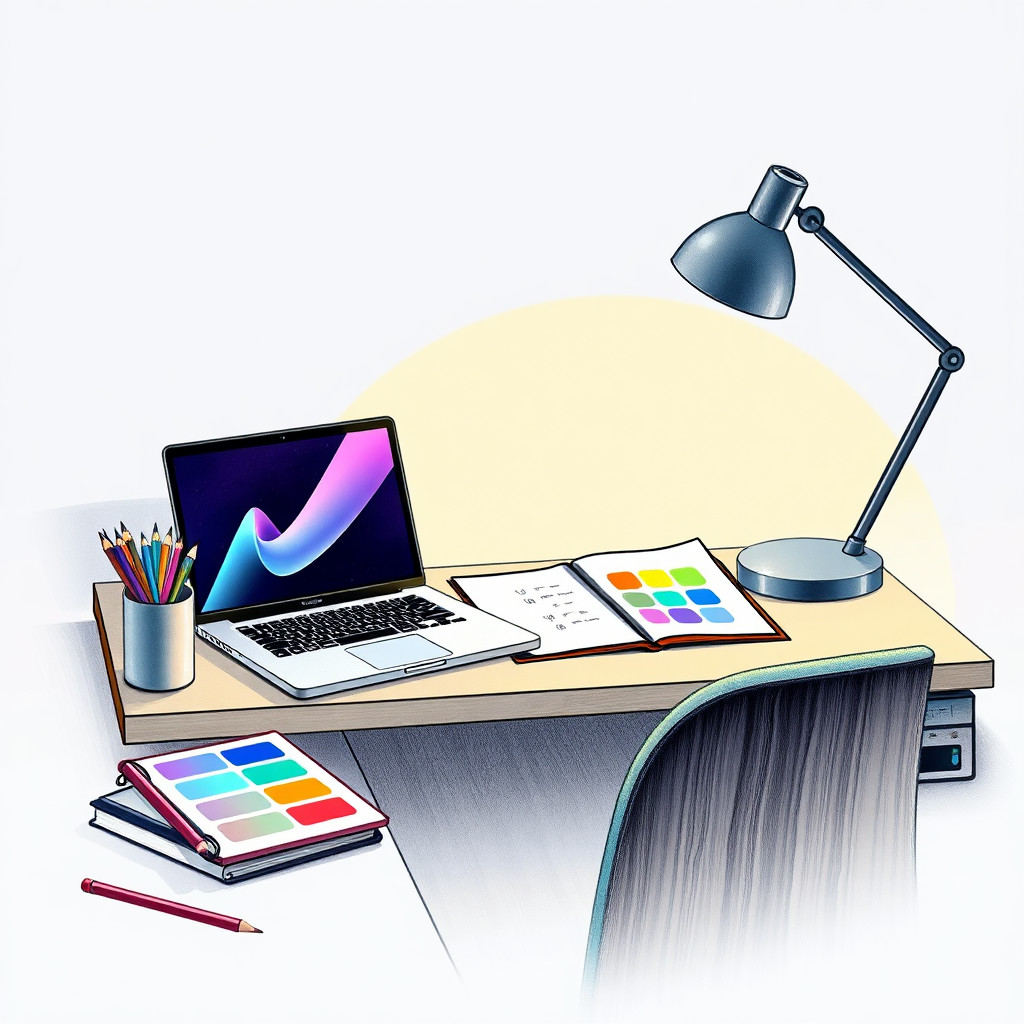
สร้างภาพวาดดินสอสีจากข้อความด้วยพื้นผิวกระดาษที่มองเห็นได้ เงานุ่ม และความอบอุ่นแบบวาดมือ เหมาะกับแนวคิดบรรจุภัณฑ์ ภาพประกอบการศึกษา เนื้อหาสำหรับเด็ก เรื่องราวสินค้าทำมือ และภาพบรรณาธิการที่ให้ความรู้สึกสัมผัสได้
Use case
แคมเปญสินค้าทำมือ การ์ดสูตรอาหาร และสื่อการศึกษา
Use case
เนื้อหาสำหรับเด็ก ไอเดียเครื่องเขียน และกราฟิกไลฟ์สไตล์โทนนุ่ม
Use case
ภาพประกอบสินค้าหรือพฤกษศาสตร์ที่เน้นพื้นผิวมากกว่าความเงางาม
Visual direction preview
Use the style thumbnail as the creative target
The preview gives users a concrete reference for color, texture, edge detail, and mood before they open the generator. Pair it with the prompt starters below to keep the page useful instead of only decorative.
Generated examples
See the ภาพวาดดินสอสี style in real outputs
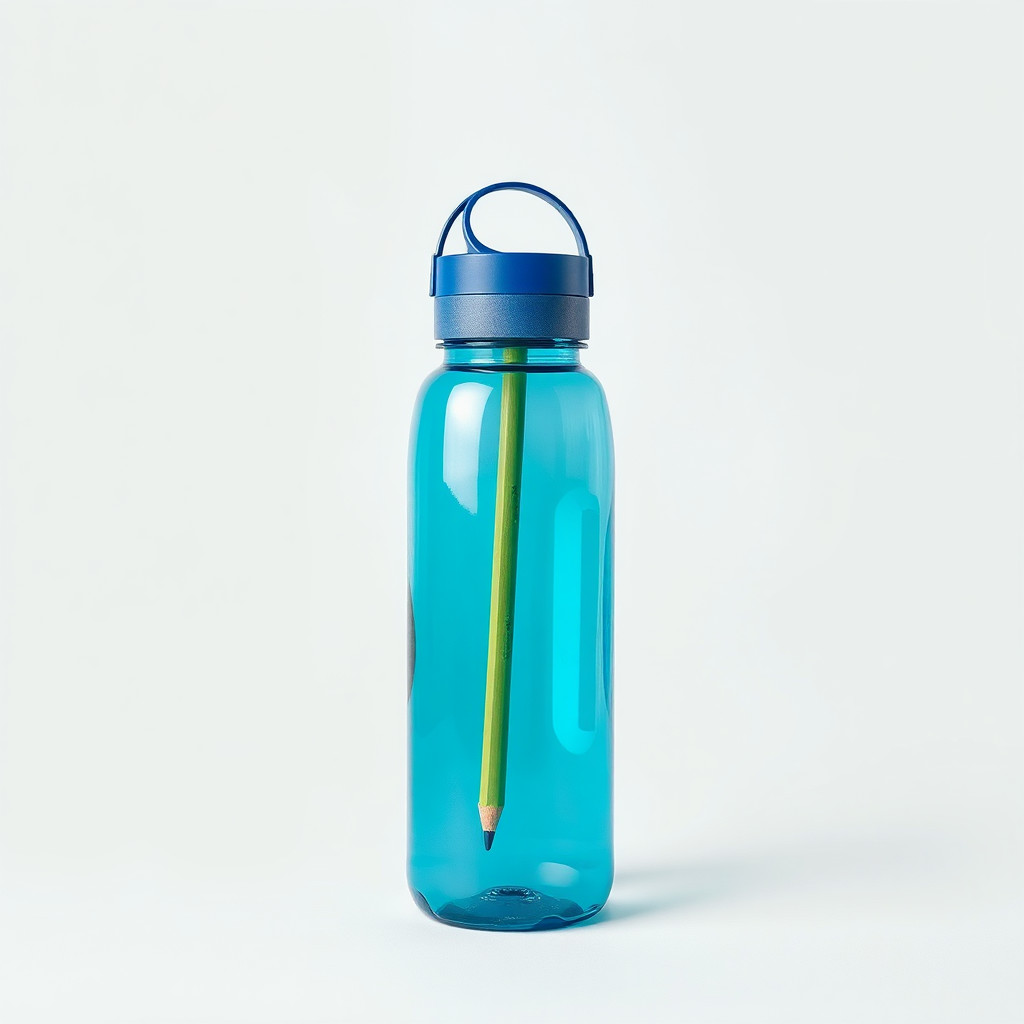
These examples were generated through the Magic Eraser AI Create API with the ภาพวาดดินสอสี style selected.
Prompt workflow
How to get a stronger ภาพวาดดินสอสี result
ระบุพื้นผิวดินสอสี ลายกระดาษ เงานุ่ม และชุดสีที่จำกัด
สร้างหลายแบบเพื่อหาสมดุลระหว่างรายละเอียดแบบร่างกับภาพที่เสร็จสมบูรณ์
เก็บขอบหรือตัดภาพก่อนเพิ่มข้อความ โลโก้ หรือเลย์เอาต์
Prompt starters
- “ภาพดินสอสีสตรอว์เบอร์รีสดบนกระดาษมีพื้นผิว โทนแดงเขียวนุ่ม เงาอ่อน”
- “แนวคิดสินค้าเทียนทำมือกับลาเวนเดอร์ ดินสอสี ลายกระดาษอบอุ่น”
- “ภาพดินสอสีแมวเป็นมิตรนั่งข้างหน้าต่าง เงานุ่ม แสงบ่ายสงบ”
Style tips
- วัตถุธรรมชาติ อาหาร สัตว์เลี้ยง และสินค้าที่เรียบง่ายมักให้ผลลัพธ์ชัดเจน
- ระบุพื้นหลังกระดาษหากต้องการความรู้สึกทำมือ
- หลีกเลี่ยงฉากแน่นที่มีองค์ประกอบเล็กจำนวนมาก
Output planning checklist
- Decide the final placement before prompting: square post, vertical story, product insert, poster, thumbnail, or wide banner.
- Keep one primary subject and one visual mood so the ภาพวาดดินสอสี style has a clear job.
- Describe the background as simple, detailed, bright, dark, studio, outdoor, or textured instead of leaving it open-ended.
- Generate variations first, then edit the selected image for crop, cleanup, and export size.
When to choose this style
Choose ภาพวาดดินสอสี when the image needs a clear creative direction before production: an ad concept, a social visual, a character idea, a packaging mood, or a fast design draft. Choose another style if the final asset must look like a camera photo, preserve exact product color, or include precise typography.
For commercial work, treat the generated image as a starting point. Review details, remove distracting artifacts, add exact text separately, and export the final size from the editor.
FAQ
Can I edit the generated image?
Yes. Generate the image, then continue with cleanup, crop, background, and export tools in Magic Eraser.
Should I include exact text?
Use AI Create for the visual direction. Add exact text later with editable design tools for cleaner spelling and layout.
Is this style selected automatically?
The CTA opens AI Create with the ภาพวาดดินสอสี style parameter, and the app falls back safely if the option changes.