
AI Create style
เครื่องสร้างภาพล้อเลียนด้วย AI
สร้างภาพล้อเลียนด้วย AI จากข้อความ โดยเน้นสีหน้า เส้นขอบชัด และยังคงจดจำตัวแบบได้ เหมาะสำหรับรูปโปรไฟล์ แนวคิดตัวละคร ของขวัญสนุก ๆ และโพสต์โซเชียล ควรอธิบายลักษณะที่ต้องการเน้นด้วยถ้อยคำที่ให้เกียรติ

Use case
รูปโปรไฟล์และภาพบุคคลสร้างสรรค์ที่มีสีหน้าโดดเด่น
Use case
แนวคิดตัวละคร มาสคอต และของที่ระลึกเฉพาะบุคคลแบบสนุก
Use case
ภาพโซเชียลหรือแคมเปญที่ต้องการภาพประกอบอารมณ์ขัน
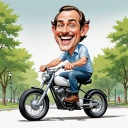
Visual direction preview
Use the style thumbnail as the creative target
The preview gives users a concrete reference for color, texture, edge detail, and mood before they open the generator. Pair it with the prompt starters below to keep the page useful instead of only decorative.
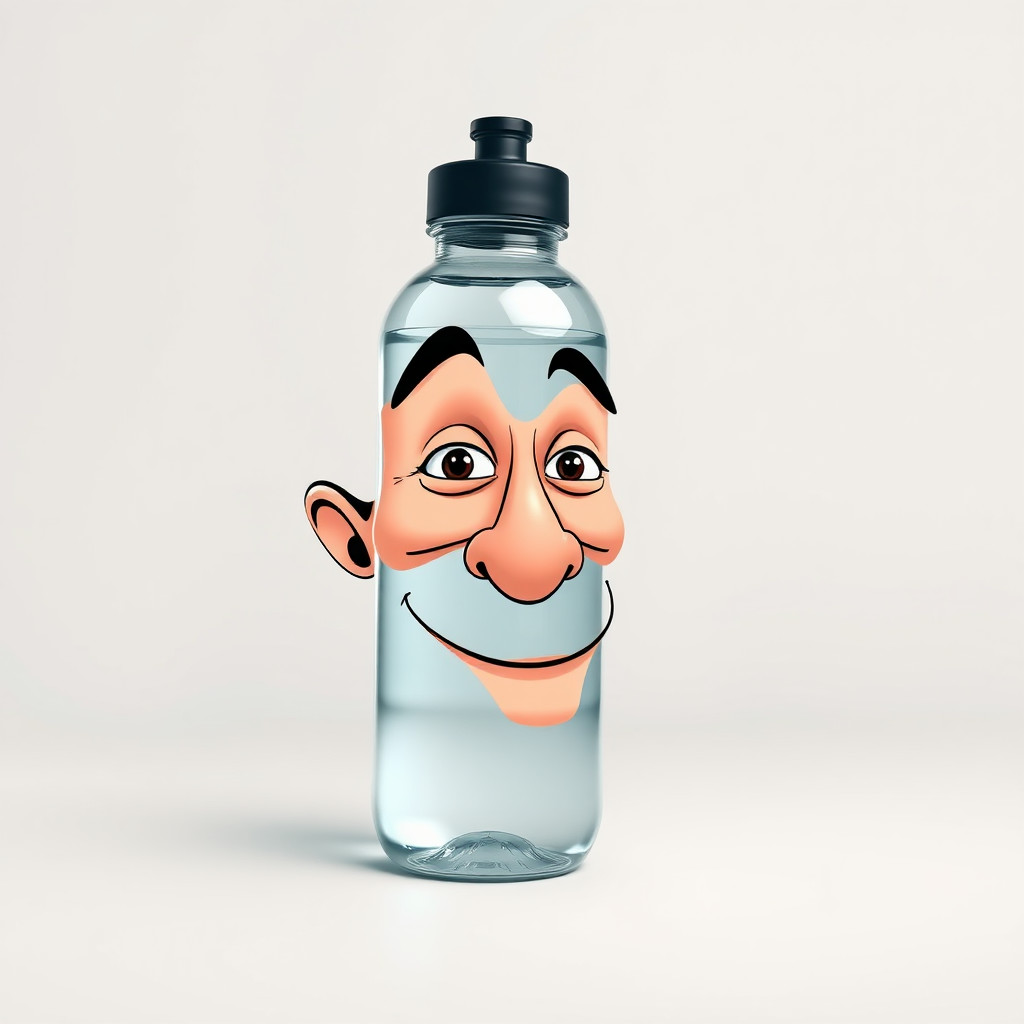
Generated examples
See the ภาพล้อเลียน style in real outputs
These examples were generated through the Magic Eraser AI Create API with the ภาพล้อเลียน style selected.
Prompt workflow
How to get a stronger ภาพล้อเลียน result
อธิบายตัวแบบ สีหน้า ท่าทาง และลักษณะที่ต้องการเน้น
เพิ่มรูปแบบเส้น ชุดสี พื้นหลัง และการจัดเฟรม แล้วสร้างหลายแบบ
เลือกผลงานที่จดจำได้ชัดที่สุด ครอปและลบรายละเอียดรบกวน ก่อนเพิ่มข้อความภายหลัง
Prompt starters
- “ภาพล้อเลียนเชฟต้นฉบับที่เป็นมิตร ยิ้มกว้าง หมวกสูง เส้นหมึกหนา พื้นหลังสว่างเรียบง่าย”
- “ภาพล้อเลียนนักปั่นจักรยานในเมือง ท่าทางมีพลัง ล้อขนาดเกินจริง สีสด”
- “มาสคอตภาพล้อเลียนสำหรับร้านกาแฟ ถ้วยกาแฟร่าเริง เส้นขอบสะอาด องค์ประกอบสติกเกอร์”
Style tips
- เน้นเพียงสองหรือสามลักษณะเพื่อรักษาความคล้าย
- ใช้คำอธิบายที่ให้เกียรติและหลีกเลี่ยงภาพเหมารวมหรือลักษณะอ่อนไหว
- เพิ่มชื่อ คำบรรยาย และโลโก้หลังสร้างภาพ
Output planning checklist
- Decide the final placement before prompting: square post, vertical story, product insert, poster, thumbnail, or wide banner.
- Keep one primary subject and one visual mood so the ภาพล้อเลียน style has a clear job.
- Describe the background as simple, detailed, bright, dark, studio, outdoor, or textured instead of leaving it open-ended.
- Generate variations first, then edit the selected image for crop, cleanup, and export size.
When to choose this style
Choose ภาพล้อเลียน when the image needs a clear creative direction before production: an ad concept, a social visual, a character idea, a packaging mood, or a fast design draft. Choose another style if the final asset must look like a camera photo, preserve exact product color, or include precise typography.
For commercial work, treat the generated image as a starting point. Review details, remove distracting artifacts, add exact text separately, and export the final size from the editor.
FAQ
Can I edit the generated image?
Yes. Generate the image, then continue with cleanup, crop, background, and export tools in Magic Eraser.
Should I include exact text?
Use AI Create for the visual direction. Add exact text later with editable design tools for cleaner spelling and layout.
Is this style selected automatically?
The CTA opens AI Create with the ภาพล้อเลียน style parameter, and the app falls back safely if the option changes.