
AI Create style
คาวาอี้น่ารัก AI Image Generator
สร้างภาพ AI สไตล์คาวาอี้น่ารักจากข้อความ สำหรับสติกเกอร์ แนวคิดตัวละคร โพสต์สดใส เครื่องเขียน และภาพสินค้าสนุก ๆ ระบุตัวแบบหลักหนึ่งอย่าง สีพาสเทล รูปทรงโค้งมน และพื้นหลังเรียบง่ายเพื่อให้ภาพอ่านง่าย
Use case
มาสคอตและตัวละครต้นฉบับสำหรับโปรไฟล์และงานสร้างสรรค์
Use case
แบบร่างสติกเกอร์ การ์ด เครื่องเขียน และแคมเปญโซเชียล
Use case
ฉากสินค้าสนุก ๆ สำหรับของเล่น อาหาร เครื่องประดับ และบรรจุภัณฑ์ของขวัญ

Visual direction preview
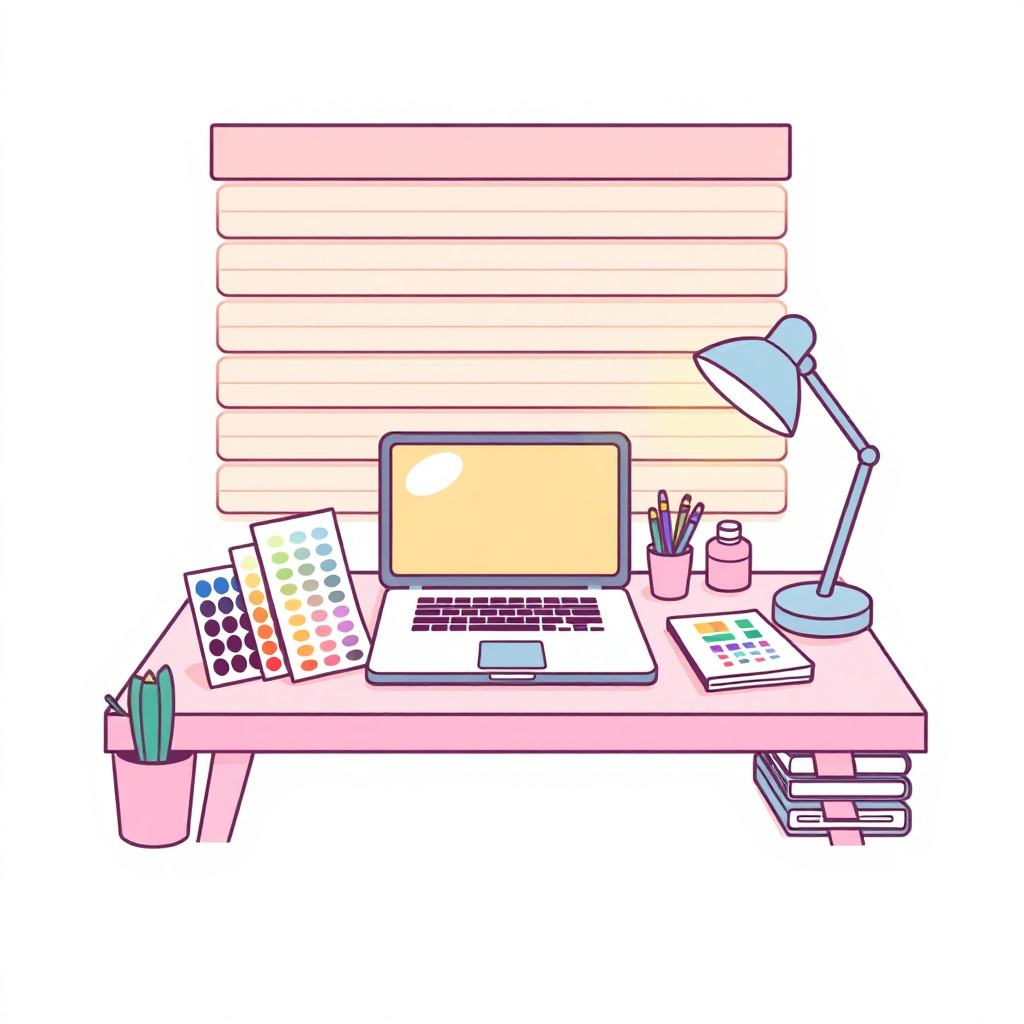
Use the style thumbnail as the creative target
The preview gives users a concrete reference for color, texture, edge detail, and mood before they open the generator. Pair it with the prompt starters below to keep the page useful instead of only decorative.
Generated examples
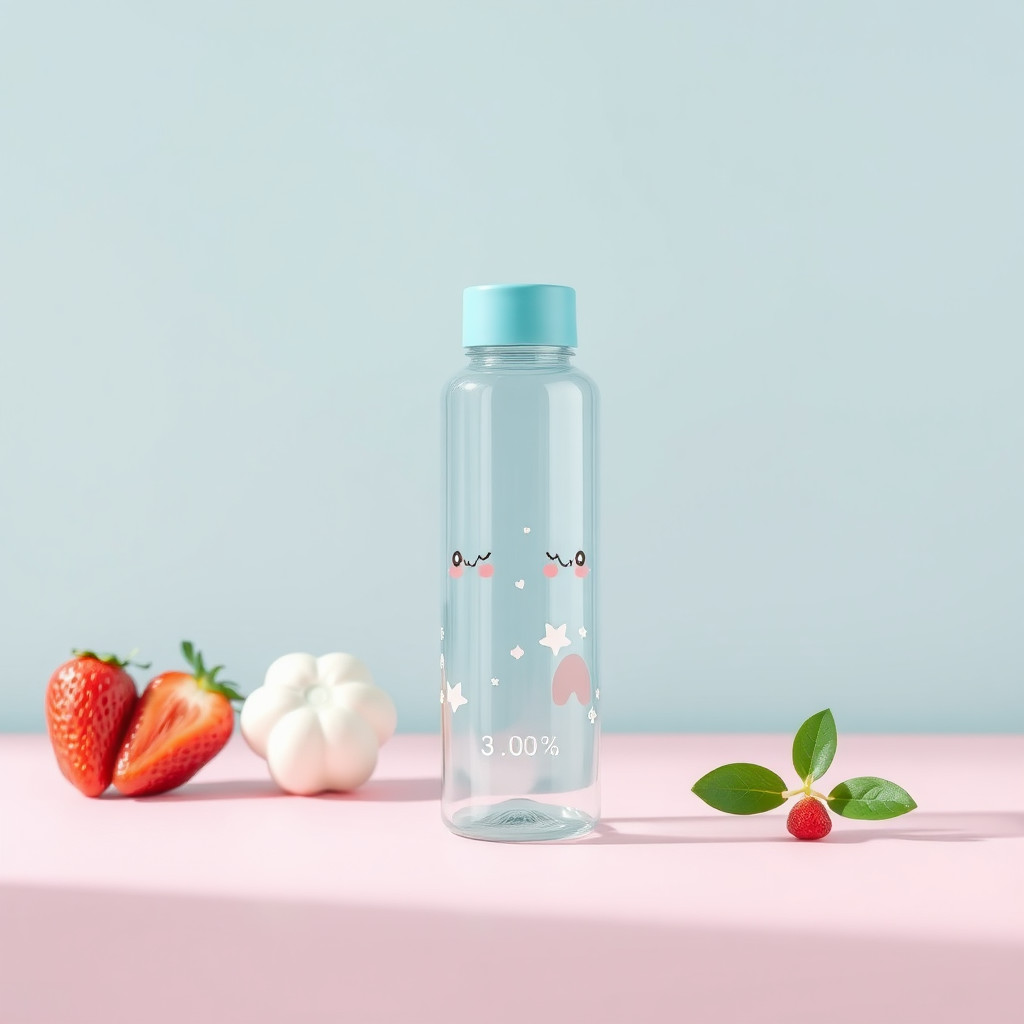
See the คาวาอี้น่ารัก style in real outputs
These examples were generated through the Magic Eraser AI Create API with the คาวาอี้น่ารัก style selected.
Prompt workflow
How to get a stronger คาวาอี้น่ารัก result
อธิบายตัวแบบก่อน แล้วเพิ่มสีหน้า ท่าทาง สีพาสเทล รูปทรง และพื้นหลัง
สร้างหลายแบบแล้วเปรียบเทียบใบหน้า เงาร่าง สี และความชัดเมื่อย่อภาพ
เลือกภาพที่ดีที่สุด ครอป และลบรายละเอียดพื้นหลังที่ไม่ต้องการก่อนส่งออก
Prompt starters
- “มาสคอตแพนด้าแดงคาวาอี้น่ารักกำลังโบกมือ รูปทรงโค้งมน สีชมพูและมิ้นต์พาสเทล พื้นหลังสะอาด”
- “เค้กสตรอว์เบอร์รีคาวาอี้บนโต๊ะคาเฟ่เล็ก ใบหน้าร่าเริง แสงนุ่ม”
- “ชุดเครื่องเขียนคาวาอี้ลายเมฆและดาวยิ้ม สีพาสเทล จัดวางสินค้าเรียบร้อย”
Style tips
- ใช้ตัวแบบหลักหนึ่งอย่างและฉากเรียบง่าย
- ใช้ตัวละครต้นฉบับแทนชื่อคาแรกเตอร์หรือแฟรนไชส์ที่มีลิขสิทธิ์
- เพิ่มข้อความและโลโก้ที่ถูกต้องหลังสร้างภาพ
Output planning checklist
- Decide the final placement before prompting: square post, vertical story, product insert, poster, thumbnail, or wide banner.
- Keep one primary subject and one visual mood so the คาวาอี้น่ารัก style has a clear job.
- Describe the background as simple, detailed, bright, dark, studio, outdoor, or textured instead of leaving it open-ended.
- Generate variations first, then edit the selected image for crop, cleanup, and export size.
When to choose this style
Choose คาวาอี้น่ารัก when the image needs a clear creative direction before production: an ad concept, a social visual, a character idea, a packaging mood, or a fast design draft. Choose another style if the final asset must look like a camera photo, preserve exact product color, or include precise typography.
For commercial work, treat the generated image as a starting point. Review details, remove distracting artifacts, add exact text separately, and export the final size from the editor.
FAQ
Can I edit the generated image?
Yes. Generate the image, then continue with cleanup, crop, background, and export tools in Magic Eraser.
Should I include exact text?
Use AI Create for the visual direction. Add exact text later with editable design tools for cleaner spelling and layout.
Is this style selected automatically?
The CTA opens AI Create with the คาวาอี้น่ารัก style parameter, and the app falls back safely if the option changes.