
AI Filter style
Filtro de foto de grafite com IA
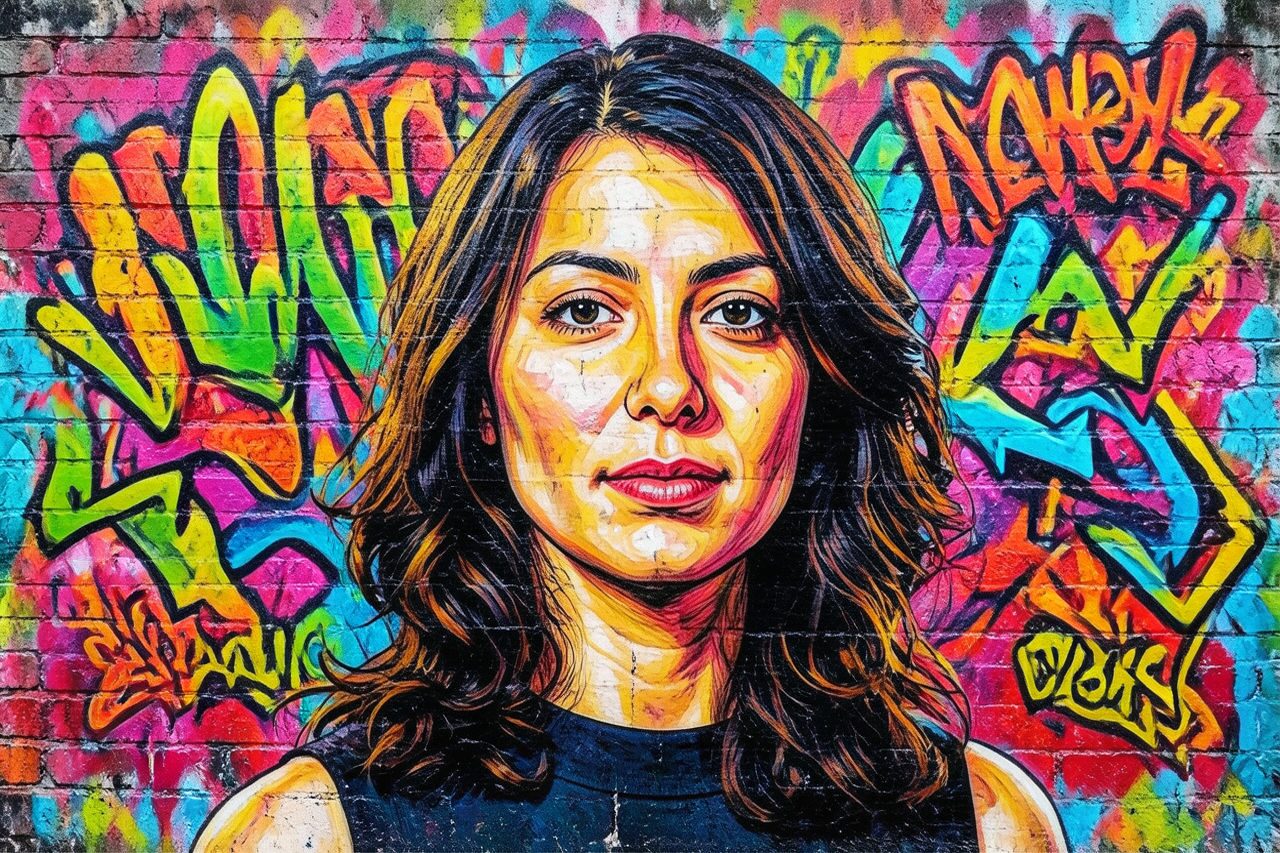
Aplique um filtro de IA estilo grafite para adicionar textura de spray, cores fortes e energia de arte urbana às fotos. Funciona para música, moda, esporte, eventos e criadores; como o resultado é uma interpretação criativa, confira rostos, mãos, textos, logotipos e cores de produtos antes de publicar.

Use case
Posts de streetwear, edições esportivas, artes musicais e promoções de eventos.
Use case
Retratos e conceitos de produto com clima de campanha urbana.
Use case
Conteúdo marcante de antes e depois para redes e miniaturas.
Filter preview
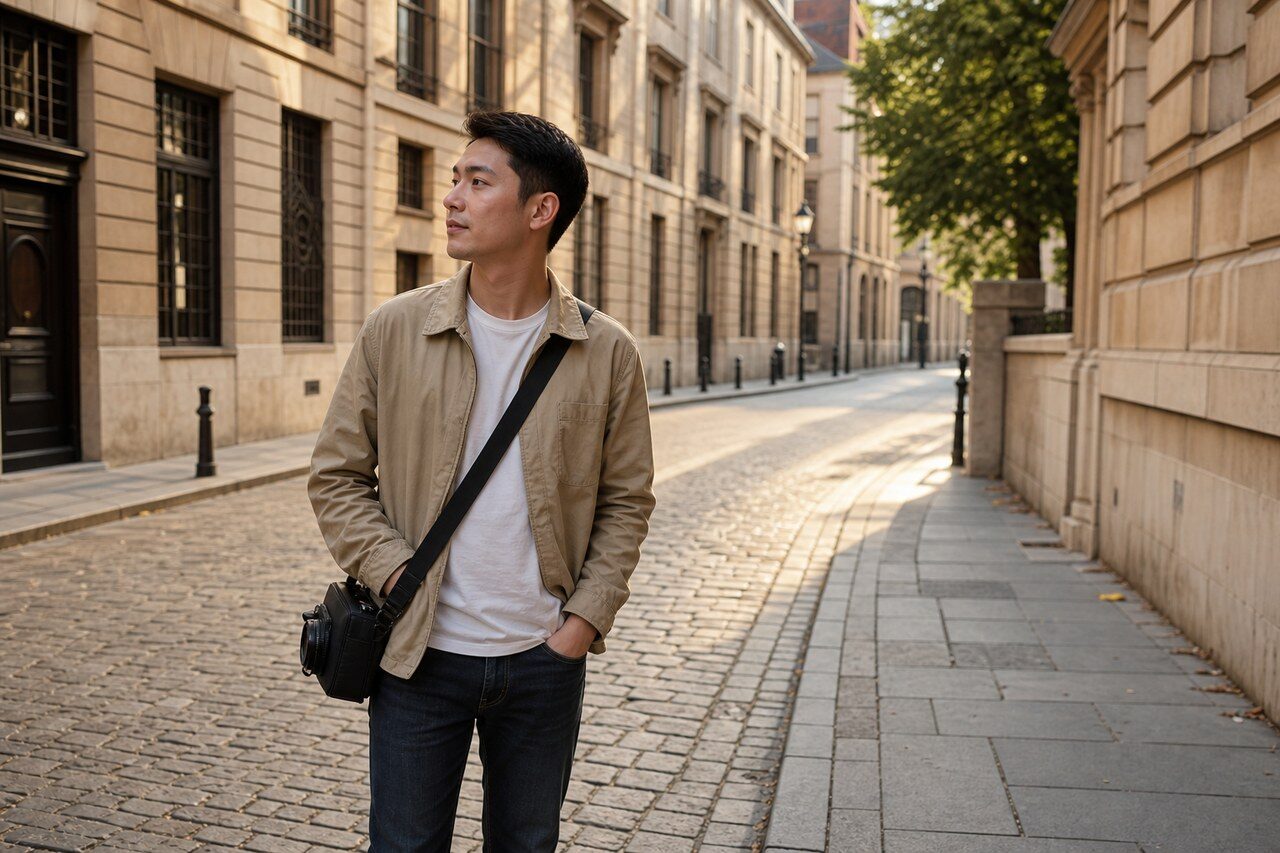
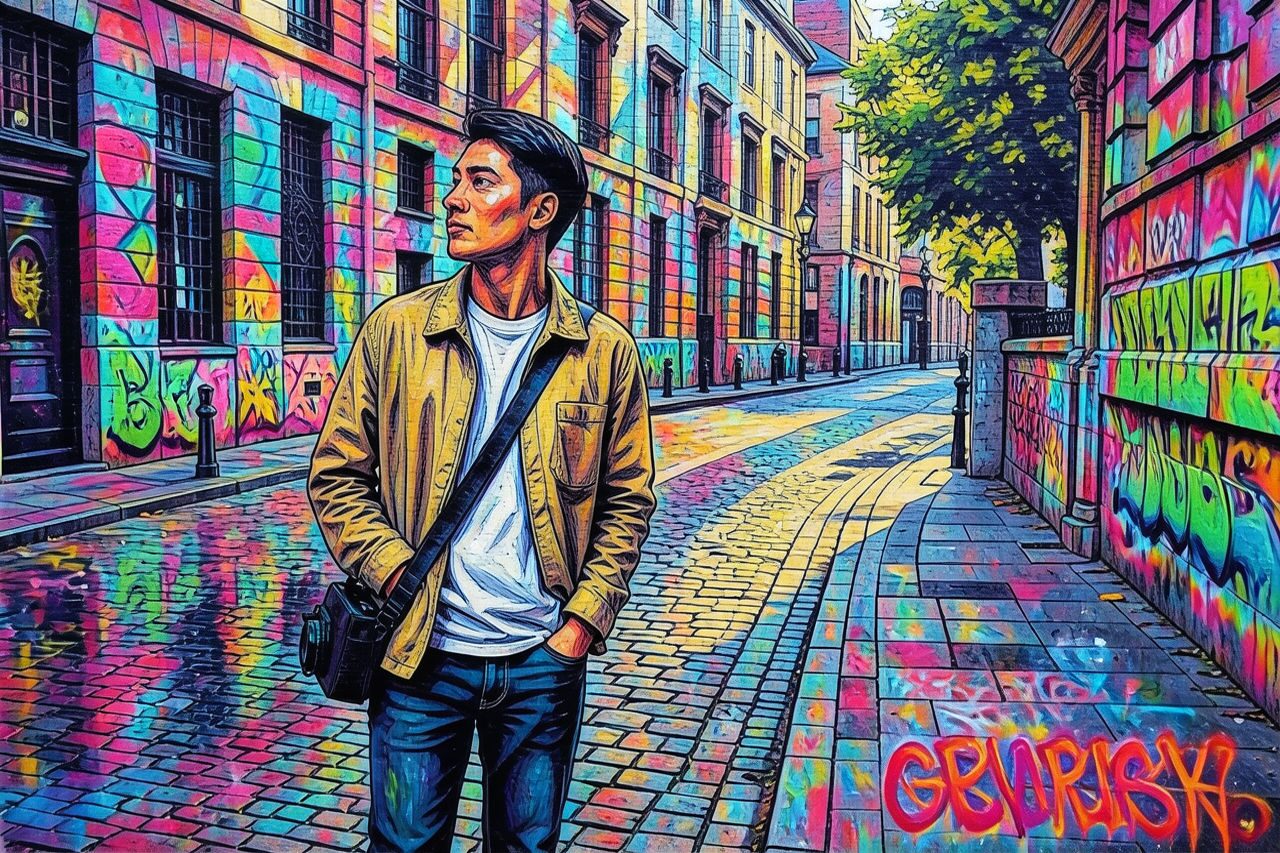
Compare the original photo with the graffiti result
The example uses a generated source photo and the same filter API path as the app, so users can judge the visual treatment before uploading their own image.
More examples
Test the graffiti filter on different photo types
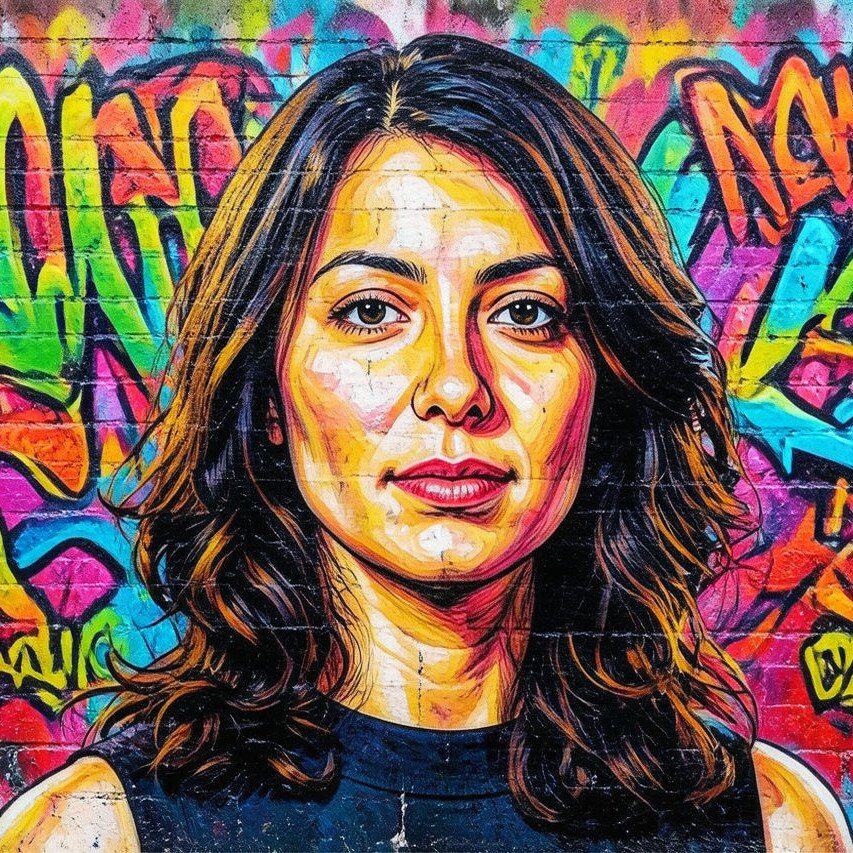
Compare portrait, product, and pet examples before opening the filter. Each result uses the same filter API path as the Magic Eraser app.

Portrait
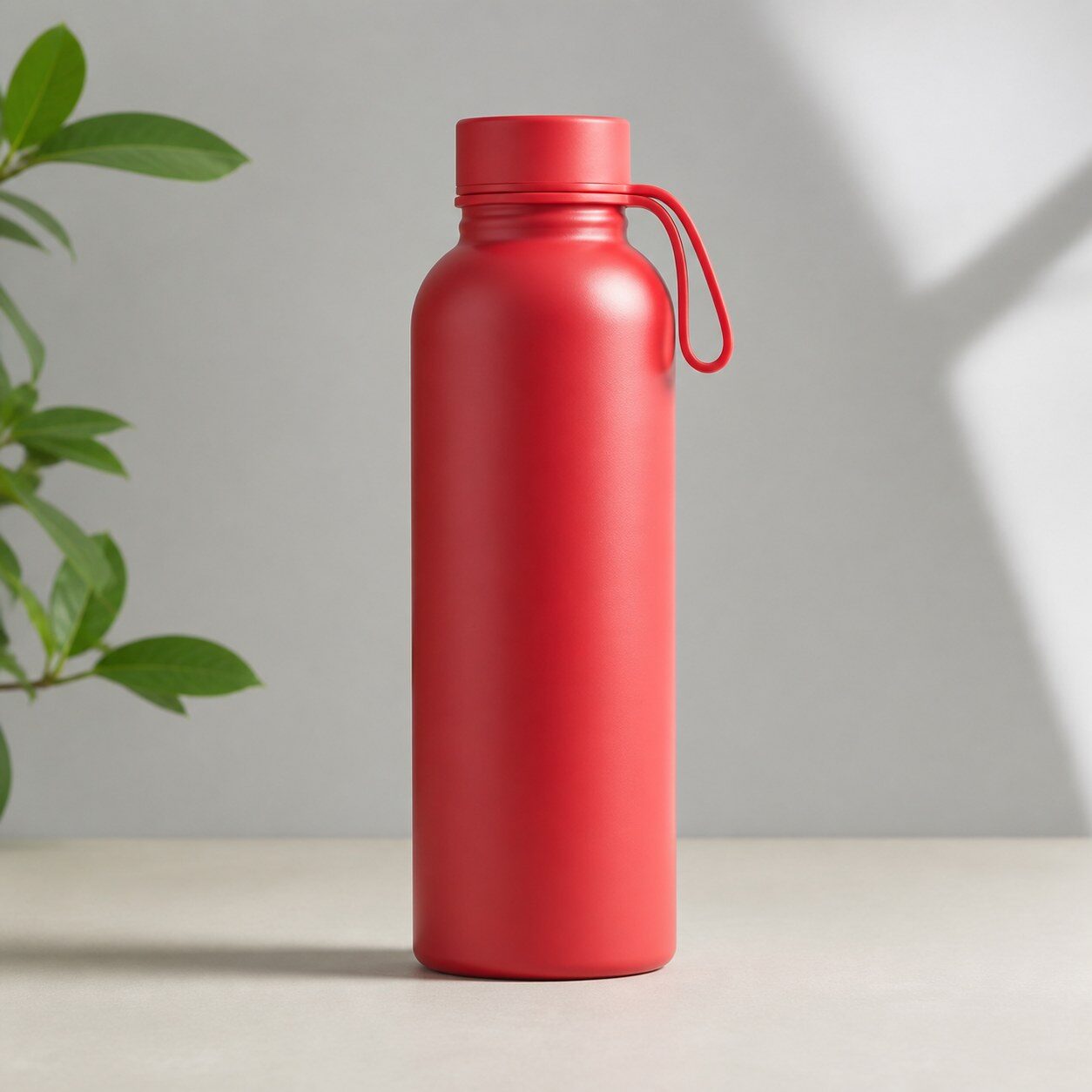
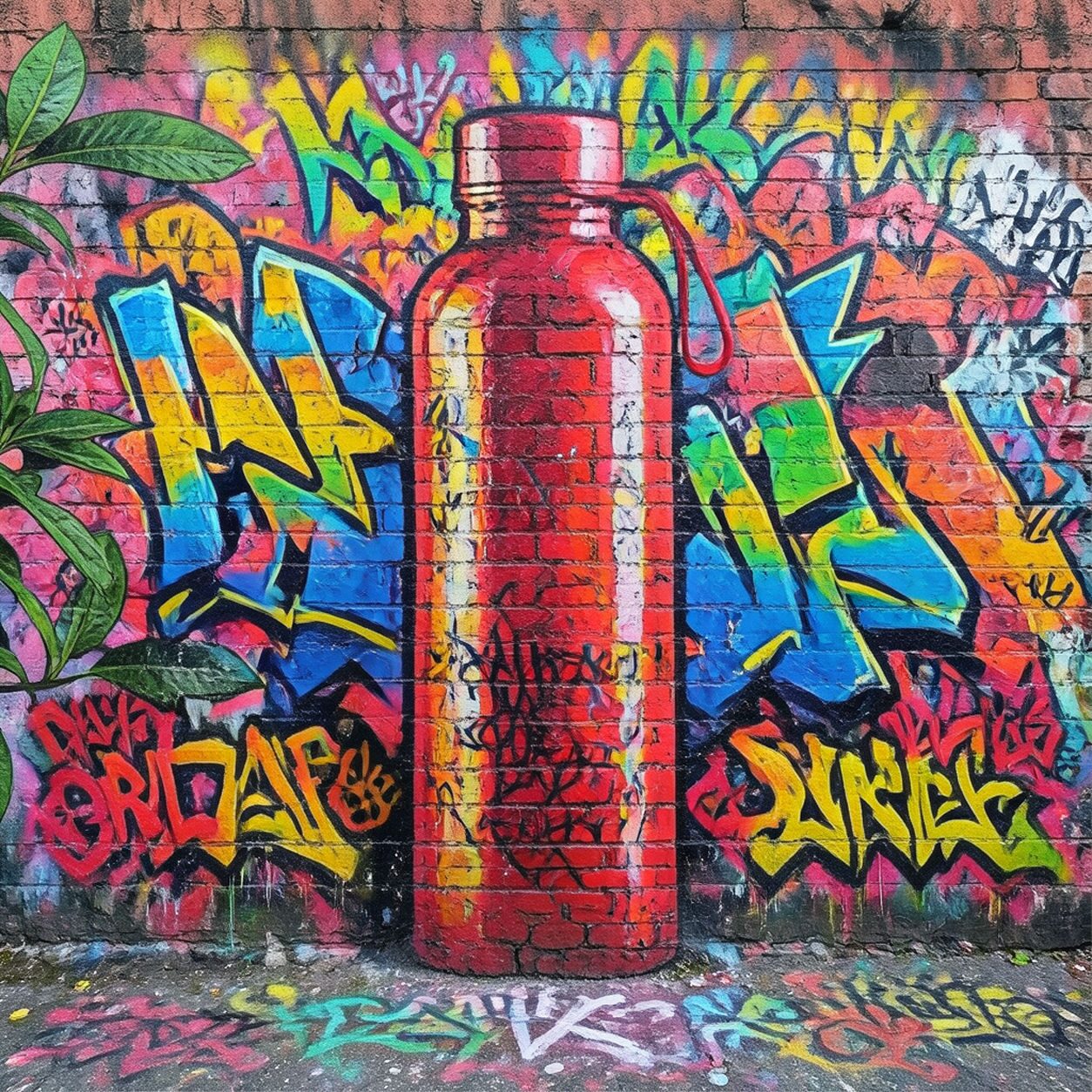
Product

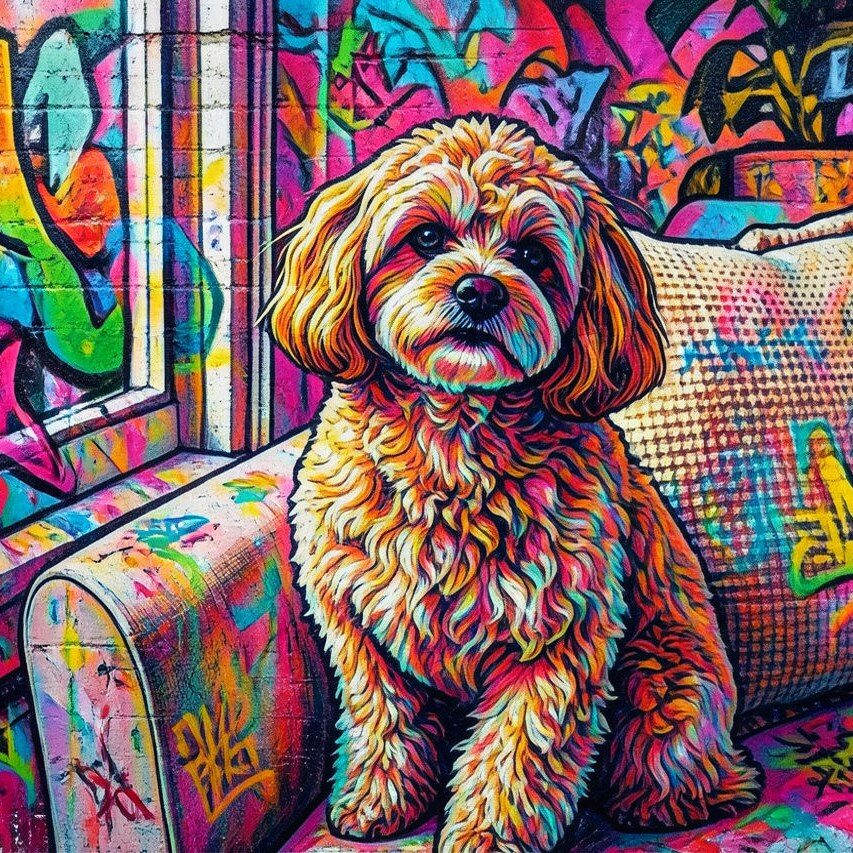
Pet
Photo workflow
How to get a cleaner graffiti filter result
Escolha uma foto nítida com um assunto forte e espaço ao redor da silhueta.
Abra o filtro Grafite, envie a foto e confira rostos, mãos, bordas, textos e logotipos.
Recorte ou remova marcas de tinta que distraiam e adicione textos e marcas exatos separadamente.
Best source photos
- Retratos, tênis, esporte, streetwear e fotos de eventos.
- Imagens com silhueta forte e fundo limpo.
- Fotos criativas que não exigem reprodução exata de cores.
Filter tips
- Fundos simples mantêm o efeito de spray legível.
- Evite grupos cheios e imagens com textos ou logotipos pequenos.
- Use conteúdo original e não copie murais protegidos nem assinaturas de artistas.
Before upload checklist
- Use the largest clean version of the photo, not a compressed screenshot or reposted image.
- Crop loosely before filtering so the AI has enough room around the subject.
- Remove obvious distractions first if they sit directly on the face, product, or main subject.
- Check the result at the size where it will be used: profile image, feed post, story, thumbnail, or banner.
When this filter is a good fit
Choose the graffiti filter when the original photo already has a clear subject and the goal is a recognizable stylized version, not a fully new generated scene. It is strongest for social, creator, profile, event, and campaign images where mood matters more than documentary accuracy.
Use a different workflow when the image needs exact product color, legal documentation, medical accuracy, or unmodified identity details. In those cases, use cleanup, crop, enhancement, or background tools instead of a heavy creative filter.
Free browser tools after filtering
FAQ
What should I upload?
Use a clear photo with one main subject. Strong lighting and simple backgrounds usually make the AI filter easier to control.
Can I keep editing after the filter?
Yes. After applying the filter, use Magic Eraser to crop, clean distractions, refine backgrounds, and export the final image.
Is this filter selected automatically?
The CTA opens AI Filter with the graffiti style parameter, and the app falls back safely if the filter changes.