
AI Create style
Gerador de imagens de arte tlingit com IA
Crie imagens inspiradas na arte tlingit com formas geométricas marcantes, contornos nítidos e paleta limitada. Descreva tema, composição, cores e finalidade, sem reproduzir brasões de clãs, imagens cerimoniais ou obras de artistas tlingit específicos.

Use case
Pôsteres e capas com composições geométricas marcantes.
Use case
Conceitos de animais e natureza com áreas de cor bem definidas.
Use case
Painéis educativos ou editoriais com contexto cultural adequado.

Visual direction preview
Use the style thumbnail as the creative target
The preview gives users a concrete reference for color, texture, edge detail, and mood before they open the generator. Pair it with the prompt starters below to keep the page useful instead of only decorative.
Generated examples
See the arte tlingit style in real outputs
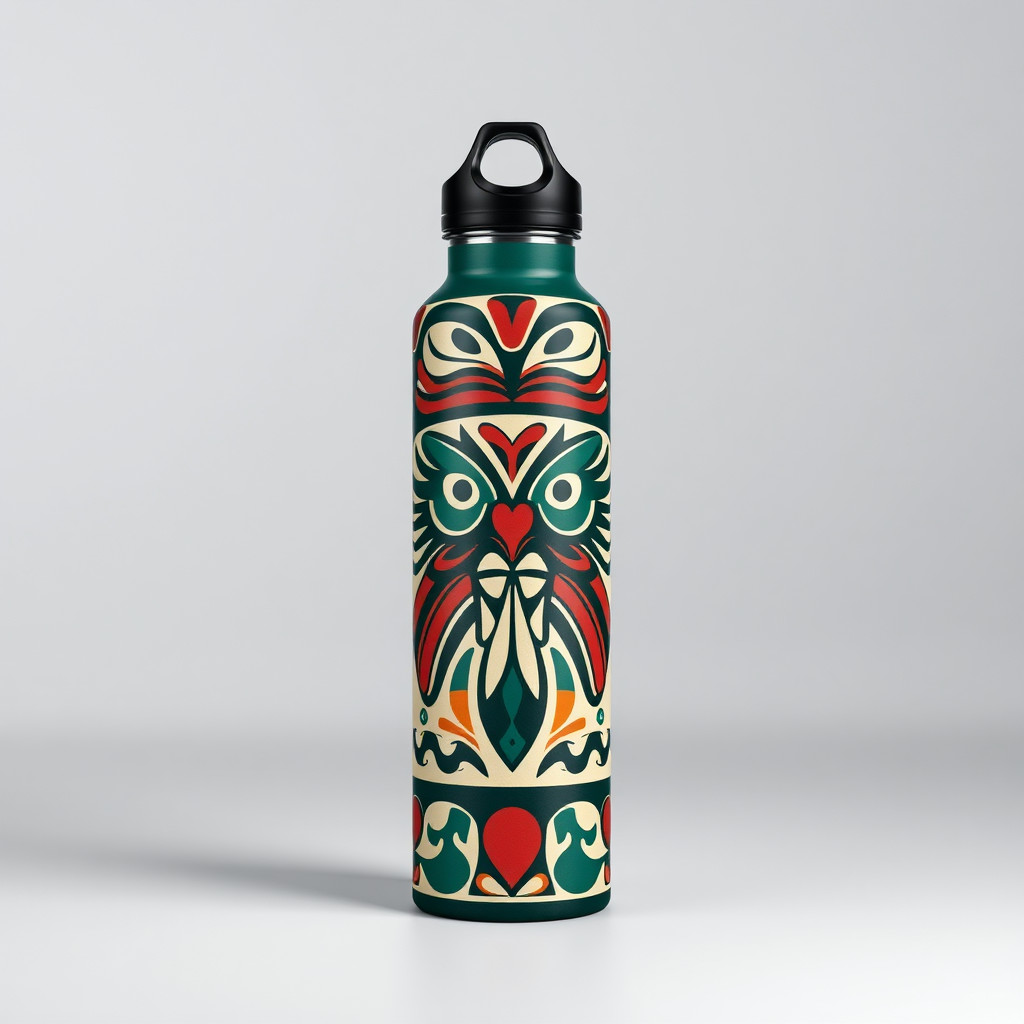
These examples were generated through the Magic Eraser AI Create API with the arte tlingit style selected.
Prompt workflow
How to get a stronger arte tlingit result
Escolha um tema principal e o formato final.
Descreva formas, contornos, paleta e espaço negativo em vez de copiar uma obra específica.
Gere variações, confira os detalhes e edite antes de exportar.
Prompt starters
- “Salmão estilizado com formas geométricas marcantes, vermelho preto e azul, pôster original”
- “Corvo geométrico original, contornos nítidos, fundo creme, composição equilibrada”
- “Cena costeira com animais estilizados e paleta limitada, ilustração editorial original”
Style tips
- Limite a paleta para manter a composição legível.
- Não use brasões de clãs nem imagens sagradas sem permissão.
- Para uso comercial ou cultural, procure a revisão de uma pessoa tlingit qualificada.
Output planning checklist
- Decide the final placement before prompting: square post, vertical story, product insert, poster, thumbnail, or wide banner.
- Keep one primary subject and one visual mood so the arte tlingit style has a clear job.
- Describe the background as simple, detailed, bright, dark, studio, outdoor, or textured instead of leaving it open-ended.
- Generate variations first, then edit the selected image for crop, cleanup, and export size.
When to choose this style
Choose arte tlingit when the image needs a clear creative direction before production: an ad concept, a social visual, a character idea, a packaging mood, or a fast design draft. Choose another style if the final asset must look like a camera photo, preserve exact product color, or include precise typography.
For commercial work, treat the generated image as a starting point. Review details, remove distracting artifacts, add exact text separately, and export the final size from the editor.
FAQ
Can I edit the generated image?
Yes. Generate the image, then continue with cleanup, crop, background, and export tools in Magic Eraser.
Should I include exact text?
Use AI Create for the visual direction. Add exact text later with editable design tools for cleaner spelling and layout.
Is this style selected automatically?
The CTA opens AI Create with the arte tlingit style parameter, and the app falls back safely if the option changes.