
AI Create style
Gerador de imagens pontilhistas com IA
Crie imagens inspiradas no pontilhismo a partir de texto, com pontos de cor separados que se misturam visualmente à distância. Use em retratos, paisagens, pôsteres e conceitos editoriais; descreva o tema, a paleta, a densidade dos pontos e o fundo.

Use case
Retratos artísticos com luz e sombra construídas por pontos coloridos.
Use case
Paisagens e cenas urbanas com mistura óptica luminosa.
Use case
Pôsteres, capas e ilustrações editoriais com textura pictórica evidente.
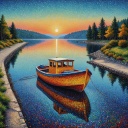
Visual direction preview
Use the style thumbnail as the creative target
The preview gives users a concrete reference for color, texture, edge detail, and mood before they open the generator. Pair it with the prompt starters below to keep the page useful instead of only decorative.
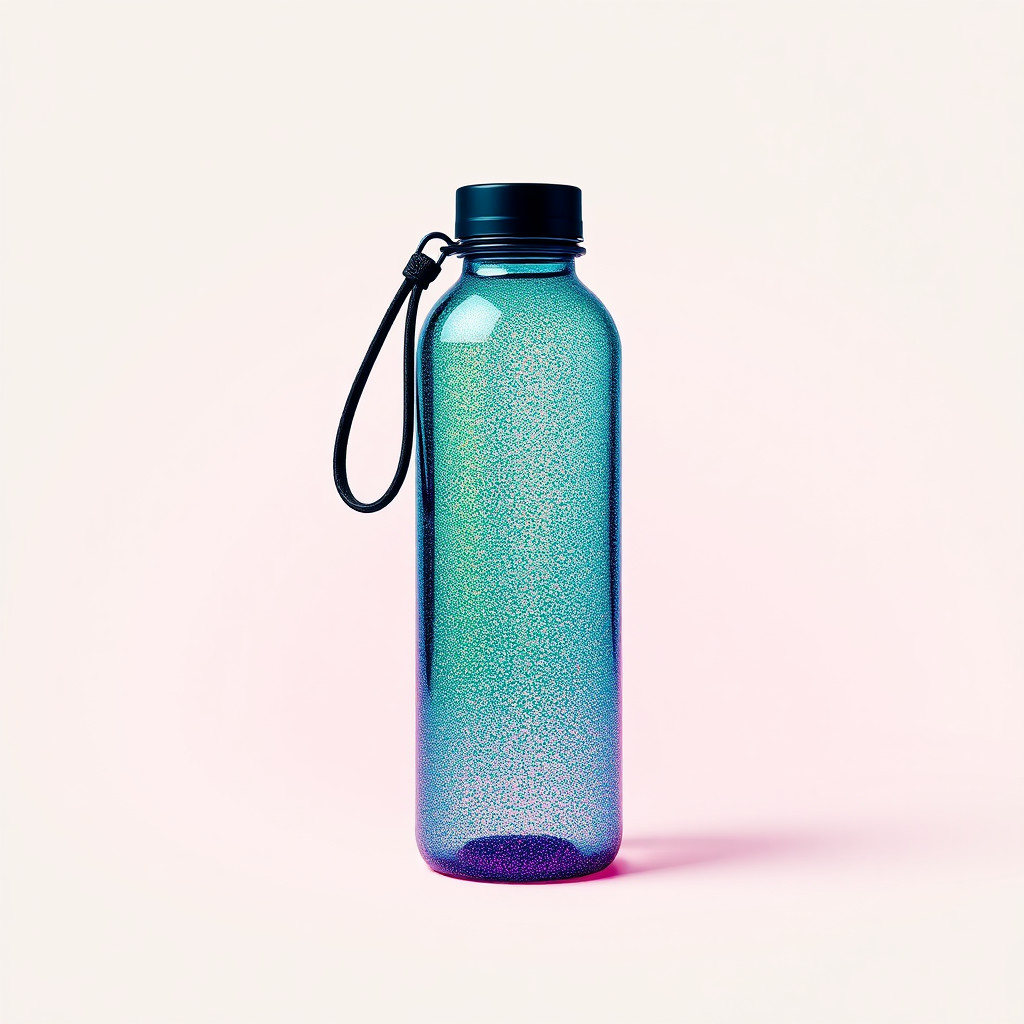
Generated examples
See the pontilhismo style in real outputs
These examples were generated through the Magic Eraser AI Create API with the pontilhismo style selected.
Prompt workflow
How to get a stronger pontilhismo result
Escolha um tema principal e uma composição legível.
Defina duas ou três cores dominantes, tamanho e densidade dos pontos e tipo de fundo.
Gere variações, confira em tamanhos grande e pequeno e limpe detalhes que distraiam.
Prompt starters
- “Retrato pontilhista de uma artista original, pontos azuis e laranja, fundo creme”
- “Paisagem costeira ao pôr do sol, pontilhismo denso, cores complementares”
- “Pôster pontilhista de uma bicicleta vermelha, amplo espaço negativo”
Style tips
- Use formas claras, pois detalhes minúsculos podem se perder entre os pontos.
- Aumente o contraste entre tema e fundo para preservar os contornos.
- Adicione textos exatos e logotipos depois de gerar.
Output planning checklist
- Decide the final placement before prompting: square post, vertical story, product insert, poster, thumbnail, or wide banner.
- Keep one primary subject and one visual mood so the pontilhismo style has a clear job.
- Describe the background as simple, detailed, bright, dark, studio, outdoor, or textured instead of leaving it open-ended.
- Generate variations first, then edit the selected image for crop, cleanup, and export size.
When to choose this style
Choose pontilhismo when the image needs a clear creative direction before production: an ad concept, a social visual, a character idea, a packaging mood, or a fast design draft. Choose another style if the final asset must look like a camera photo, preserve exact product color, or include precise typography.
For commercial work, treat the generated image as a starting point. Review details, remove distracting artifacts, add exact text separately, and export the final size from the editor.
FAQ
Can I edit the generated image?
Yes. Generate the image, then continue with cleanup, crop, background, and export tools in Magic Eraser.
Should I include exact text?
Use AI Create for the visual direction. Add exact text later with editable design tools for cleaner spelling and layout.
Is this style selected automatically?
The CTA opens AI Create with the pontilhismo style parameter, and the app falls back safely if the option changes.