
AI Create style
Gerador de imagens de tinta a álcool com IA
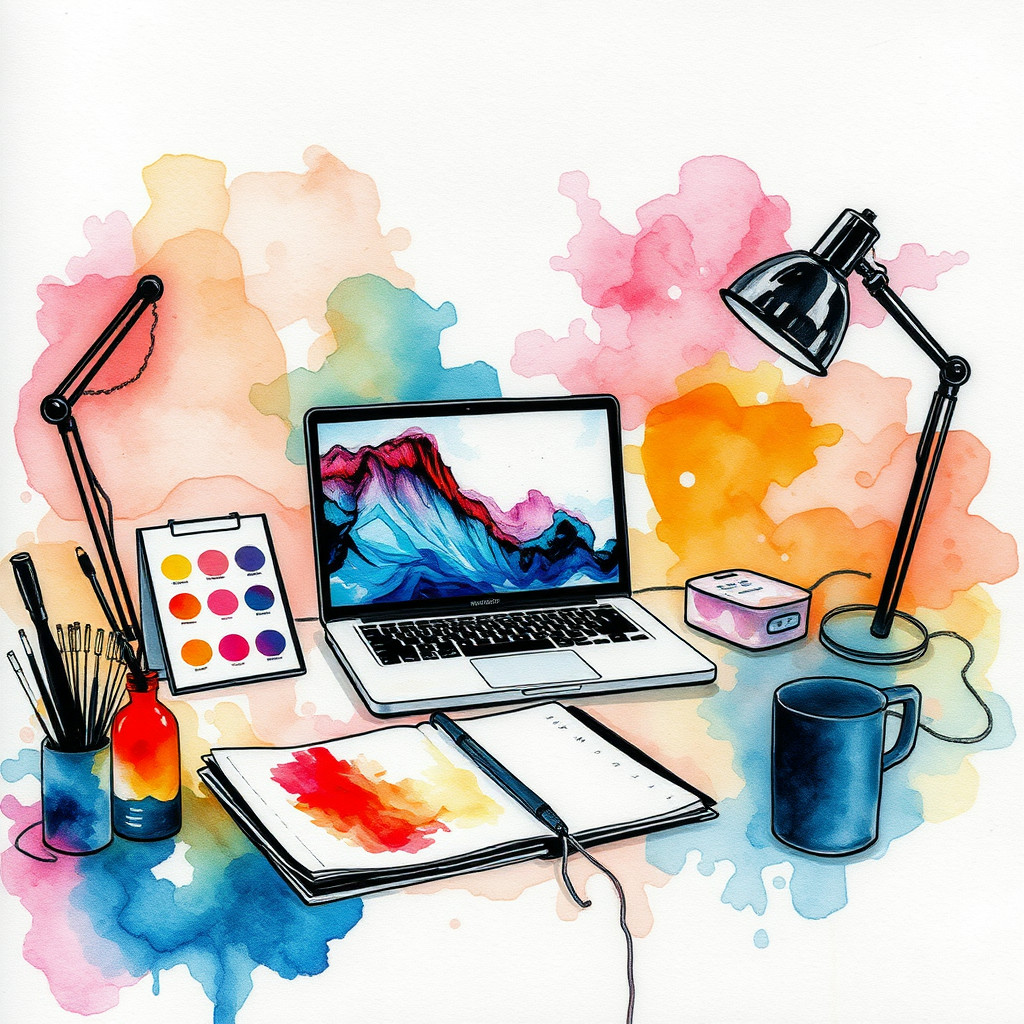
Crie imagens de tinta a álcool a partir de texto, com camadas translúcidas, bordas suaves e fluxos orgânicos de pigmento. Use o estilo em fundos abstratos, cartões, embalagens e artes sociais; defina a paleta, o espaço negativo e os detalhes.
Use case
Fundos abstratos para pôsteres, cartões e capas.
Use case
Conceitos de embalagem, papelaria e marca com cores fluidas.
Use case
Visuais editoriais e sociais com textura líquida.
Visual direction preview
Use the style thumbnail as the creative target
The preview gives users a concrete reference for color, texture, edge detail, and mood before they open the generator. Pair it with the prompt starters below to keep the page useful instead of only decorative.
Generated examples
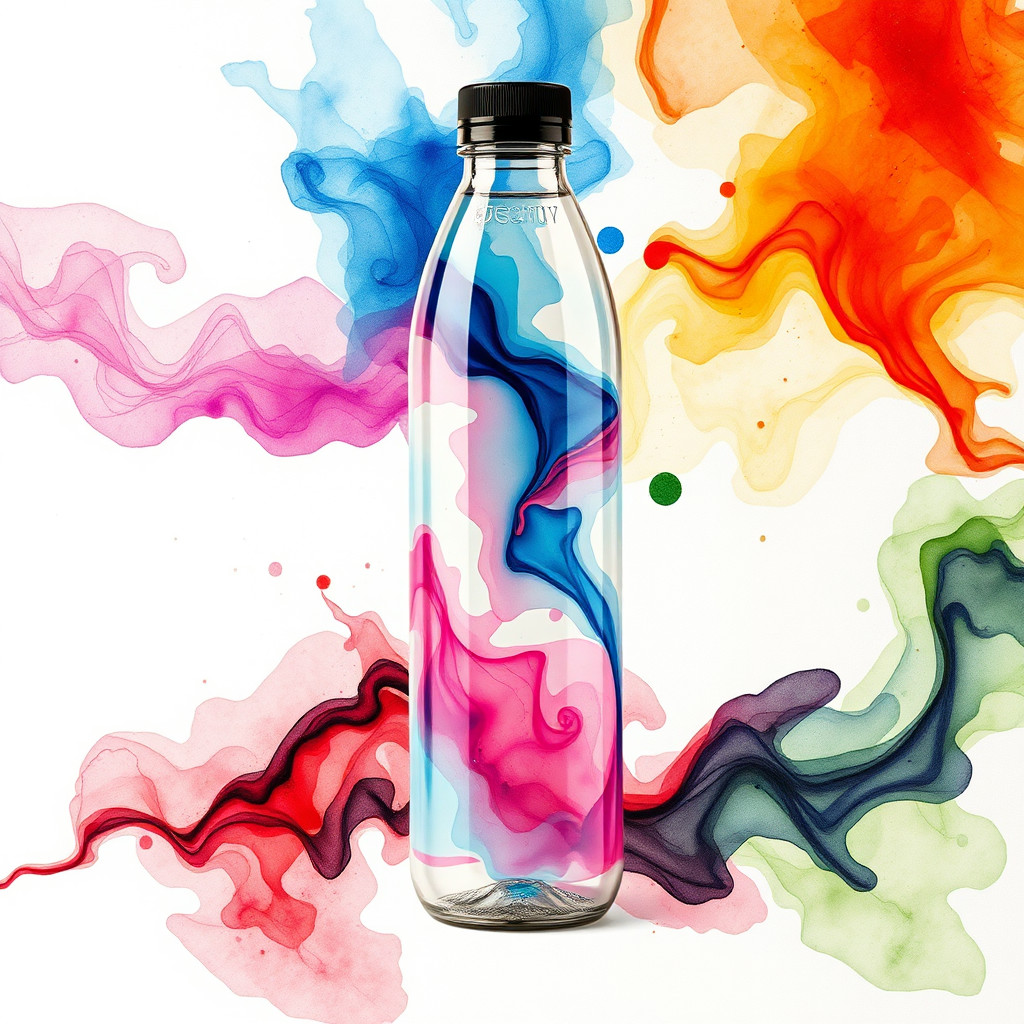
See the tinta a álcool style in real outputs
These examples were generated through the Magic Eraser AI Create API with the tinta a álcool style selected.
Prompt workflow
How to get a stronger tinta a álcool result
Descreva o formato e um tema ou ponto focal.
Defina duas ou três cores, espaço negativo, bordas e direção do fluxo.
Gere variações, escolha a composição mais clara e depois recorte e limpe.
Prompt starters
- “Fundo de tinta a álcool turquesa e dourada, camadas translúcidas, amplo espaço negativo, composição de cartão”
- “Flores abstratas em tinta coral e violeta, bordas suaves, fundo creme”
- “Conceito de embalagem de perfume com fluxos azul-marinho e cobre, composição minimalista”
Style tips
- Limite a paleta para manter as camadas transparentes.
- Peça espaço negativo se for adicionar texto.
- Adicione textos e logotipos exatos depois.
Output planning checklist
- Decide the final placement before prompting: square post, vertical story, product insert, poster, thumbnail, or wide banner.
- Keep one primary subject and one visual mood so the tinta a álcool style has a clear job.
- Describe the background as simple, detailed, bright, dark, studio, outdoor, or textured instead of leaving it open-ended.
- Generate variations first, then edit the selected image for crop, cleanup, and export size.
When to choose this style
Choose tinta a álcool when the image needs a clear creative direction before production: an ad concept, a social visual, a character idea, a packaging mood, or a fast design draft. Choose another style if the final asset must look like a camera photo, preserve exact product color, or include precise typography.
For commercial work, treat the generated image as a starting point. Review details, remove distracting artifacts, add exact text separately, and export the final size from the editor.
FAQ
Can I edit the generated image?
Yes. Generate the image, then continue with cleanup, crop, background, and export tools in Magic Eraser.
Should I include exact text?
Use AI Create for the visual direction. Add exact text later with editable design tools for cleaner spelling and layout.
Is this style selected automatically?
The CTA opens AI Create with the tinta a álcool style parameter, and the app falls back safely if the option changes.