
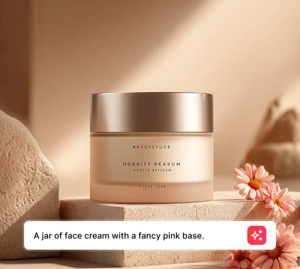
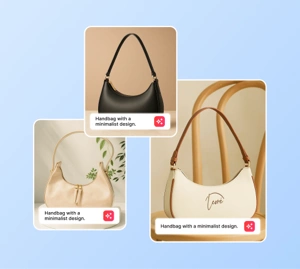
"Generate multiple campaign directions quickly so the team can choose a stronger visual angle before investing in final production."
Performance marketer
Ad creative workflow
Use Magic Eraser's AI image generator to turn prompts into fresh visuals for ads, social media, thumbnails, posters, and product concepts. Choose styles, iterate faster, and generate multiple image ideas in one workflow.
Đi từ ý tưởng thô đến visual nhanh hơn. Chỉ cần nhập prompt, thử một bối cảnh, chọn style và tạo nhiều phương án hình ảnh cho ads, thumbnail, poster hoặc social creative mà không cần chờ production hoàn chỉnh.
Start your free trial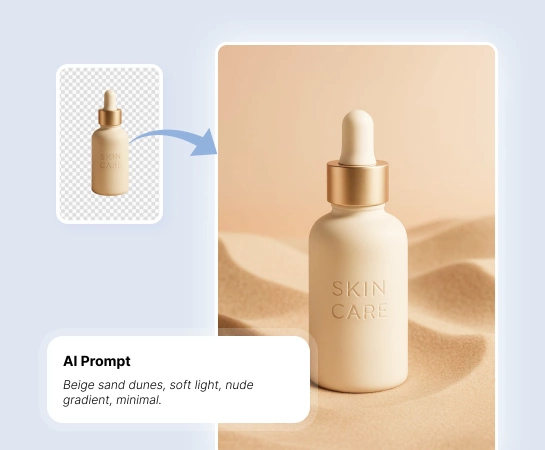
When teams need more creative options in less time, AI Create helps marketers, creators, and sellers explore visual directions before full production. It is a practical way to test ideas, moods, and campaign angles with less cost and less waiting.
Start your free trial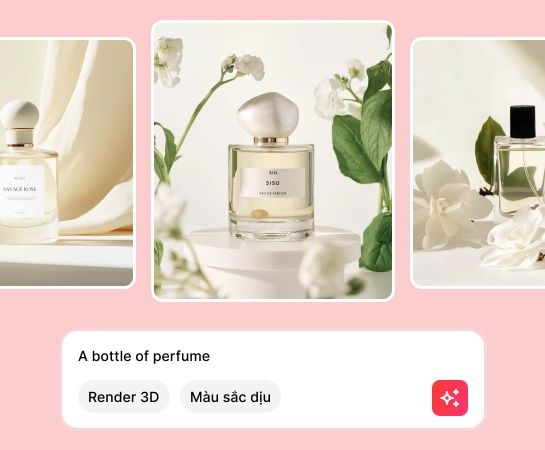
From ad creatives, thumbnails, posters, and mockups to social visuals and concept art, AI Create helps you generate new images from text prompts and shift the visual direction quickly with style presets.
Start your free trial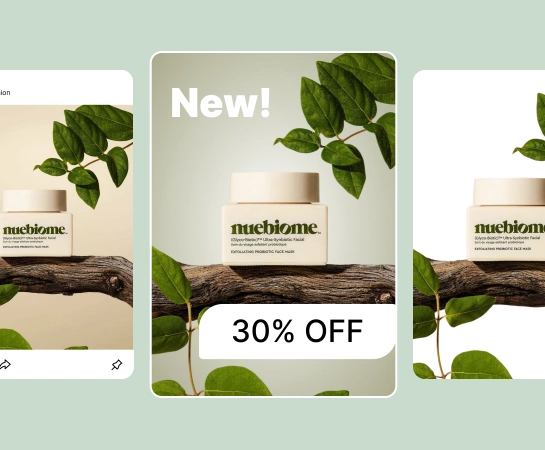
Generation is usually the first step, not the last. Once you have a strong image, you can move into design, remove the background, expand the canvas, or refine the asset for landing pages, marketplaces, ads, and social content. This creates a faster path from rough idea to production-ready visual.
Start your free trial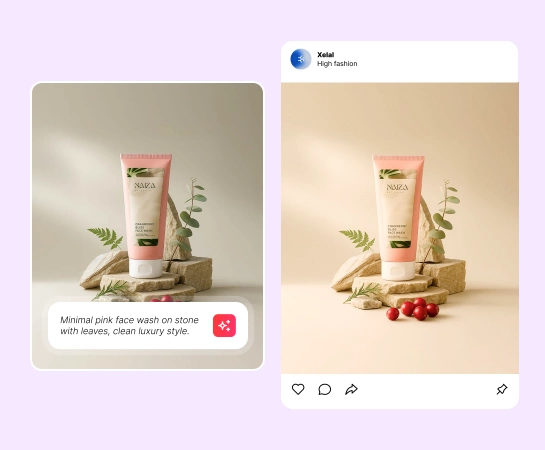
Mô tả chủ thể, bối cảnh, ánh sáng và mood bạn muốn tạo. Prompt càng rõ, kết quả càng dễ bám đúng ý tưởng.
Chọn style preset, độ phân giải và các tuỳ chọn nâng cao để định hướng visual trước khi generate.
Tạo nhiều ảnh từ cùng một prompt để so sánh bố cục, style và hướng thể hiện nhanh hơn.
Tải ảnh AI bạn thích nhất về hoặc đưa sang các công cụ khác trong Magic Eraser để tiếp tục chỉnh sửa.
Khám phá các tính năng chỉnh ảnh chính hiện có trong Magic Eraser Web, từ cleanup và enhancement đến generation và design.

Tạo hình ảnh hoàn toàn mới từ prompt cho concept, campaign và nội dung sáng tạo.

Đổi look and feel nhanh hơn với các style có sẵn để thử nhiều hướng sáng tạo.

Đưa ảnh AI sang flow thiết kế nhẹ để thêm text và dựng layout nhanh.

Tách nền khỏi ảnh AI khi bạn cần bố cục sạch hơn hoặc asset nền trong suốt.

Mở rộng cảnh để hợp với layout ngang, ads hoặc presentation.

Tăng độ rõ và độ polish cho asset cuối sau bước generate.

Thay thế hoặc regenerate một vùng cụ thể khi chỉ một phần ảnh cần xử lý khác đi.

Dọn nốt chi tiết thừa sau khi generate nếu bạn muốn visual gọn hơn.
These examples reflect common ways creators, marketers, and sellers use AI image generation to create visuals faster.
"Generate multiple campaign directions quickly so the team can choose a stronger visual angle before investing in final production."
"Create thumbnails, posters, and social visuals from short prompts instead of starting every idea from scratch."
"Explore product-scene concepts and mockups faster to test merchandising ideas before full photo production."
"Use AI Create as a fast reference engine for mood, composition, and visual style when shaping a new campaign direction."
Bạn nhập prompt, chọn style hoặc cài đặt phù hợp rồi để AI Create tạo ra nhiều kết quả hình ảnh từ mô tả đó. Sau đó bạn có thể tải ảnh đẹp nhất về hoặc chỉnh tiếp trong các công cụ khác của Magic Eraser.
Có. AI Create phù hợp để tạo ý tưởng cho ads, thumbnail, poster, social content, mockup, product scene và các visual concept ban đầu cho campaign.
Có. Bạn có thể điều hướng kết quả bằng prompt, chọn style preset, thay đổi cài đặt generate và lặp lại nhiều lần để tiến gần hơn tới visual mong muốn.
Có. Ảnh AI có thể được đưa sang các công cụ khác như Remove Background, AI Expand, AI Fill hoặc Design tùy theo bước tiếp theo trong workflow của bạn.
Flow cơ bản rất gọn: viết prompt, chọn style, generate nhiều kết quả, xem lại output rồi tải xuống hoặc tiếp tục tinh chỉnh ảnh đã chọn.